
Optimize Your Resume for ATS: 3 UX-Friendly Tips

Sarah Mitchell
January 19, 2026
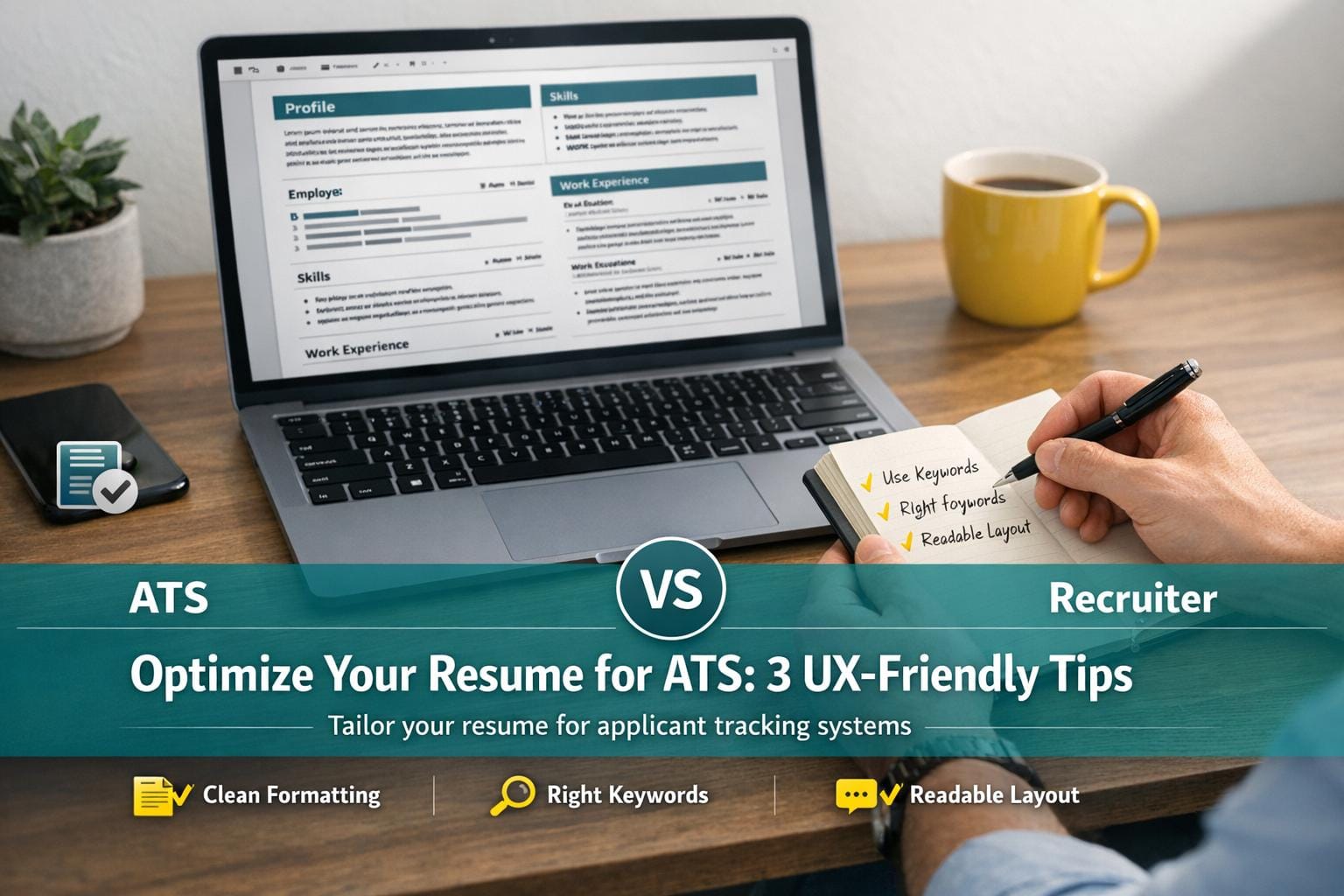
Crafting a resume that stands out to both hiring managers and Applicant Tracking Systems (ATS) is a modern job seeker’s biggest challenge. For most, the job search process can feel like shouting into a void - where applications are submitted but responses are rare. The culprit? Overly designed or poorly formatted resumes that don’t align with how ATS software works.
In this article, we’ll break down the critical steps to creating an ATS-friendly resume, reveal why two versions of your resume are essential, and highlight common mistakes you must avoid. Whether you’re a recent graduate or a professional in career transition, these actionable tips will simplify the process and improve your chances of landing interviews.
The Importance of an ATS-Compatible Resume
Before diving into specific tips, let’s define why an ATS-friendly resume matters. Applicant Tracking Systems are automated software tools used by companies to manage job applications. They scan resumes, parsing information to determine how well candidates match job descriptions.
Think of ATS as a gatekeeper - it doesn’t decide whether you’ll get hired but plays a critical role in determining whether a recruiter will even see your resume. For job seekers, this means tailoring your resume to be ATS-readable is non-negotiable.
Why You Need Two Versions of Your Resume
The key takeaway here is that you need two versions of your resume:
- ATS-Optimized Version: This version is simple, single-column, and devoid of design elements that could confuse the system.
- Human-Friendly Version: A visually appealing version with multiple columns and a polished layout that’s easier for recruiters to skim.
Use the ATS-friendly version when submitting applications via online hiring platforms like Workday or Greenhouse. Save the human-friendly version for sharing directly with hiring managers or networking contacts.
Making Your Resume ATS-Compatible: Key Formatting Tips
Here’s how to format your resume for ATS success:
1. Avoid Columns and Overly Designed Layouts
While clean, two-column designs might look modern and professional, ATS software often struggles to read them correctly. Instead of parsing content left to right, the software can mix up sections, turning your carefully written experience into jumbled nonsense. Stick to a single-column format for ATS.
2. Say No to Charts, Graphs, and Graphics
Skills represented as bar charts or proficiency graphs might seem creative, but they’re entirely unreadable by ATS. For example, if you rank yourself as 75% proficient in a skill, the system won’t understand what that means. Avoid visuals altogether and stick to clear text.
3. Use Standard Section Titles
ATS software scans resumes for specific section headers like "Work Experience", "Skills", or "Education." Avoid overly creative titles such as "My Journey" or "Accomplishments That Changed the World." Use literal, standard headings to ensure the software categorizes your information correctly.
4. Stick to Simple Fonts and Formatting
Choose standard fonts like Arial, Calibri, or Times New Roman. Avoid text boxes, images, watermarks, logos, or any decorative elements that could confuse the system. The simpler, the better.
5. Don’t Limit Yourself to One Page
The myth of the one-page resume persists, but it’s often detrimental. Trying to cram all your experience onto a single page frequently results in tiny fonts or crowded layouts. It’s better to provide detailed, easy-to-read information - even if that means spilling over into two or three pages.
How to Tailor Your Resume for Every Job
Creating one generic resume and sending it to dozens of job postings might save time, but it rarely leads to interviews. Instead, tailoring your resume for each role you apply to dramatically increases your chances of getting noticed.
Here’s how you can tweak your resume for specific job postings:
1. Customize the Job Title
If the position is for "Senior UX Researcher", make sure that title appears prominently at the top of your resume. Slight adjustments like this immediately signal to ATS and recruiters that you are aligned with the role.
2. Update the About Me Section
Summarize your most relevant skills and experience in this section. For example, if the job description emphasizes healthcare experience, highlight that prominently. Remove unrelated industries or skills to maintain focus.
3. Reorder and Refine Bullet Points
Put the most relevant accomplishments or skills first. If possible, incorporate keywords from the job description directly into your bullet points. This improves both ATS matching and human readability.
4. Add Context to Company Summaries
Include a brief description of the company and your role there. Even if the company is widely known, providing context - such as the size of the team or specific projects - adds valuable detail.
Mistakes to Avoid When Creating Your Resume
Even with the best intentions, certain missteps can sabotage your chances. Here are three critical mistakes to steer clear of:
1. Keyword Stuffing
Stuffing your resume with keywords in an unnatural way - or hiding keywords in white text - is a guaranteed red flag. Not only can ATS systems flag this as suspicious, but recruiters will also see this as an attempt to game the system.
2. Using Overly Small Fonts or Crowded Pages
Trying to fit everything into one page often leads to cramped layouts that are hard to read. Instead, use a larger font size (11 or 12 points) and enough white space to make your resume comfortable to skim.
3. Submitting the Same Resume for Every Job
Failing to tailor your resume makes it less likely to align with the specific job description. Invest time in personalizing your resume for each role to highlight relevant skills and projects.
Key Takeaways
For a quick recap, here are the most important points to remember when optimizing your resume for ATS and recruiters:
- Create Two Versions: Use an ATS-optimized single-column resume for online applications and a human-friendly version for networking.
- Avoid Columns and Graphics: Stick to text-based formats that ATS software can easily parse.
- Use Standard Section Titles: Be literal - use headings like "Work Experience" and "Skills" to ensure ATS systems find relevant information.
- Tailor for Each Job: Customize your job title, summary, and bullet points to reflect keywords and priorities in the job description.
- Don’t Limit to One Page: Provide detailed information and prioritize readability over brevity.
- Avoid Keyword Stuffing: Use keywords naturally; don’t resort to tricks like hiding text in white font.
- Focus on Clarity: Use standard fonts, adequate spacing, and clean formatting to make your resume easy to read.
Final Thoughts
Creating a resume that appeals to both ATS systems and human recruiters doesn’t have to be overwhelming. By understanding how ATS software works and making deliberate formatting choices, you can ensure that your resume makes it past the initial screening. More importantly, tailoring your resume for each job you apply to will set you apart from other candidates who rely on generic submissions.
Take the time to implement these strategies, and you’ll not only improve your resume’s visibility but also boost your confidence in the job search process. The goal isn’t just to create a document - it’s to open doors to opportunities that align with your skills and aspirations. Happy job hunting!
Source: "3 ways to optimize your resume for the ATS and get more UX job interviews" - Sarah Doody, YouTube, Mar 31, 2025 - https://www.youtube.com/watch?v=yS6KiHf1XPk