
What is an ATS Resume? (2026)(And Why 99% Get Rejected)

Sarah Mitchell
December 8, 2025
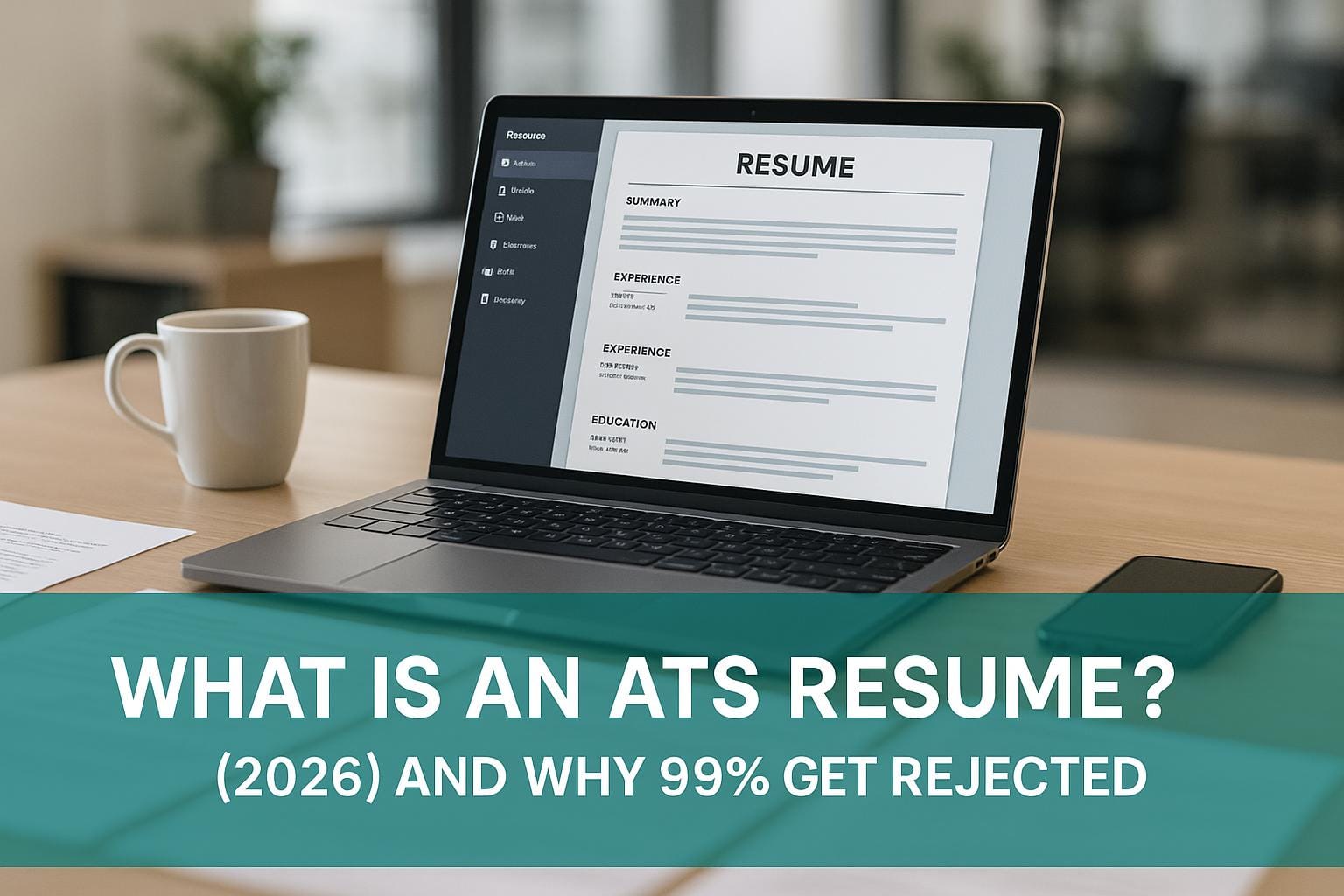
When you apply for a job online, your resume often faces an ATS (Applicant Tracking System) before reaching a recruiter. These systems filter applications based on keywords and formatting. The problem? 98% of resumes fail ATS screening, often due to formatting errors or missing keywords. Even qualified candidates are overlooked because their resumes aren't tailored for these systems.
Key Takeaways:
- ATS filters out most resumes: Complex layouts, graphics, or wrong keywords can cause rejection.
- What ATS looks for: Exact matches to job-specific keywords and straightforward formatting.
-
How to fix it:
- Use simple, single-column layouts with standard fonts.
- Match keywords from the job description.
- Save your resume as a .docx file for better compatibility.
Struggling to get past ATS? A few tweaks to your resume can make all the difference.
The ATS Platforms Employers Actually Use (And What Each One Struggles With)
"ATS" isn't one piece of software it's a category, and different platforms parse resumes differently. Knowing which systems are common helps explain why the same resume performs inconsistently across applications.
- Workday: Used heavily by large enterprises. Tends to struggle with resumes that use text boxes or non-standard bullet characters stick to plain bullets (•) rather than custom symbols.
- Taleo (Oracle): One of the oldest ATS platforms still in wide use, known for being strict about file format .docx generally parses more reliably than PDF here.
- iCIMS: Common at mid-size and enterprise companies. Handles standard formatting well but can misfile information placed in headers or footers, same as most systems.
- Greenhouse: Popular with tech and startup employers. Generally more forgiving with PDFs than older systems, but still penalizes multi-column layouts.
- Lever: Also common in tech hiring. Parses clean single-column resumes reliably; less tested with heavier design elements.
- SmartRecruiters / SAP SuccessFactors: Used by a mix of company sizes; both rely on standard section headings to categorize experience correctly.
You generally won't know which ATS a given employer uses — but the safe defaults (single column, standard headings, .docx or text-based PDF) work across all of them, which is why "build once, format safely" beats guessing per-application.
Your Resume Is Getting REJECTED by ATS (Here’s How to FIX IT) + FREE TEMPLATE INSIDE!
How ATS Systems Work
ATS software evaluates resumes by extracting data, identifying keyword matches, and assigning a score to determine how well a candidate fits the job. These steps work in sequence, and your resume must pass through each stage to move forward in the hiring process.
The 3 Stages: Parsing, Matching, and Ranking
ATS systems break down resume evaluation into three main stages:
Parsing
When you upload your resume, the ATS scans it to pull out key details like your name, contact info, work history, education, skills, and certifications. It relies on standard section headings like "Experience" or "Education" to organize this information. However, if your resume uses unusual formatting, complex layouts, or includes tables or columns, the system might misread or even skip important details.
Matching
After parsing, the ATS compares the extracted data to the job description. It searches for specific keywords, job titles, required skills, and qualifications. The system often looks for exact matches, so if a job posting mentions "project management" but your resume says "managed projects", the ATS might not make the connection. Even minor differences in phrasing can lower your match score.
Ranking
Once matching is complete, the ATS assigns a score based on how well your resume aligns with the job requirements. Resumes with higher scores are prioritized, while those with lower scores may never be reviewed by a recruiter. According to Jobscan, aiming for a match rate of 75% or higher can significantly improve your chances of being noticed.
Each stage acts as a filter, and failing at any point could prevent your resume from reaching a human recruiter. Understanding this process is crucial for making your resume ATS-friendly.
How Keywords Affect Your ATS Score
Keywords play a critical role in ATS evaluation. The software scans your resume for specific terms, skills, and qualifications mentioned in the job description. Since ATS systems focus on exact matches rather than contextual understanding, using the precise language from the job posting is essential. For example, if the job description specifies "data analysis", writing "analyzing data" instead might lower your score.
Tailoring your resume to include the exact keywords from each job posting can greatly enhance your ATS ranking and help your application stand out.
Formatting Problems That Break ATS Parsing
ATS software is designed to work best with simple, text-based resumes. Complex designs can confuse the system, leading to errors or missed information. Here are some common formatting issues to avoid:
- Tables and Columns: Multi-column layouts can mix up sections like work experience and education, making it harder for the ATS to interpret.
- Graphics and Images: Elements like headshots, logos, or infographics are ignored by the ATS, so any information within them will be lost.
- Fonts and Formatting: Unusual fonts, text boxes, and headers can disrupt parsing. Stick to standard fonts like Arial, Calibri, or Times New Roman for better compatibility.
- File Type: While PDFs are visually appealing, some ATS systems struggle to parse them correctly. Saving your resume as a .docx file (Microsoft Word) is generally a safer option unless the job posting specifies otherwise.
Consider this lesson from Majid, a maritime law lecturer in the UK:
"Machines couldn't read my old resume properly, so the feedback was horrible" – Majid, maritime law lecturer in the UK
Majid’s experience highlights how visually complex resumes, despite looking professional, can fail to pass ATS screening. Using standard headings and a straightforward layout ensures that your resume is accurately read and ranked.
The bottom line: ATS systems value simplicity and clarity. A clean, well-organized resume increases the likelihood that your qualifications will be properly recognized, giving you a better chance to advance in the hiring process.
3 Reasons Your Resume Fails ATS Screening
If your resume isn't making it past ATS (Applicant Tracking System) screening, you might be falling into one of these common traps. Fortunately, addressing these issues can improve your chances of getting noticed.
Complex Formats and Graphics
ATS software is built to process plain text, not intricate designs. Elements like tables, columns, text boxes, or graphics can confuse the system. For example, a multi-column layout can jumble your work history, and any text embedded in images is completely skipped. To avoid this, stick to ATS-friendly formatting and use standard fonts. Keep it simple so the ATS can read your resume accurately.
Inconsistent Formatting
Consistency is key when it comes to ATS readability. Systems look for predictable patterns to sort through your information. Using mixed fonts, varying text sizes, or unconventional section headings can throw off the system. Stick to clear, standard headings like "Experience", "Education", and "Skills", and use one professional font throughout your resume to ensure everything is easy to process.
Ignoring Basic ATS Requirements
Meeting basic technical requirements is non-negotiable for ATS compatibility. Save your resume in a .docx format and use clear, straightforward section headings. Avoid using unusual fonts that might not display correctly - opt for widely recognized fonts that are screen-friendly. These small adjustments can make a big difference in how your resume is interpreted by the system.
sbb-itb-564272e
How to Build an ATS-Compliant Resume
Creating a resume that works well with ATS software doesn't have to be complicated. By following a few straightforward formatting rules, you can make sure your resume is both machine-friendly and easy for human recruiters to read. Here’s how to structure your resume for accurate parsing and maximum impact.
Best Layout and Formatting Practices
To ensure your resume gets through ATS systems without a hitch, focus on these key formatting tips:
- Choose a chronological or hybrid format: These layouts are easier for ATS software to process. Start with your most recent job and list previous roles in reverse order.
- Stick to a single-column design: Multi-column resumes can confuse ATS software, leading to errors in how your information is read.
- Pick screen-friendly fonts like Arial or Calibri: These fonts are widely supported and ensure your resume looks clean and professional across different systems. Keep font sizes consistent throughout.
- Avoid using headers and footers: Important details like your contact information or keywords should always be in the main body of the document, as ATS platforms often ignore content in headers or footers.
- Stick to standard section headings: Use headings like "Experience", "Education", "Skills", "Certifications", and "Professional Summary." These are universally recognized by ATS software and help ensure your information is categorized correctly.
- Save your resume as a .docx file: Unless the job posting specifically asks for a PDF, .docx files are more reliably processed by most ATS systems.
- Set line spacing to 1.15 or 1.5: This makes your resume easier to read and helps the ATS distinguish between sections.
- Use subtle colors sparingly: If you want to add a touch of color to section headers or your name, opt for dark, professional tones like navy blue or gray. Avoid bright colors or intricate designs, as they may not convert well when the resume is processed.
scale.jobs vs Competitors: Human-Powered vs Automated Tools
Once you've nailed the basics of applicant tracking systems (ATS), the next step is choosing a service that not only checks the technical boxes but also catches the eye of recruiters. When it comes to beating ATS filters, you generally have two choices: automated resume tools or human-driven services. Many job seekers start with automated platforms like Rezi, Jobscan, or Resume.io because they’re fast and budget-friendly. But while these tools can help your resume pass an ATS scan, they often miss the mark when it comes to engaging human recruiters.
Why Automated Tools Like Rezi, Jobscan, and Resume.io Don’t Go Far Enough
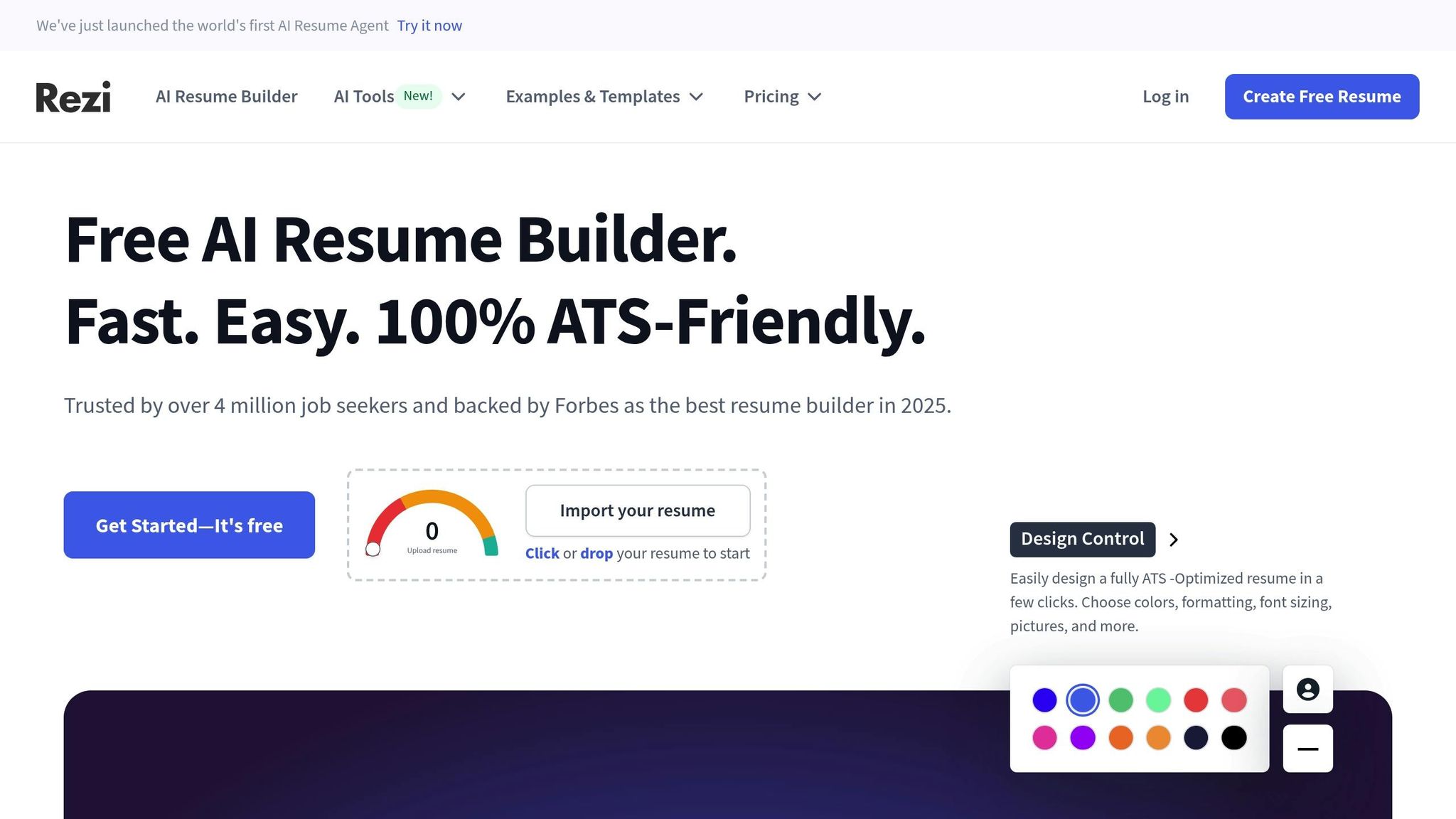
Automated platforms rely on algorithms that focus on keywords and formatting. For instance, Rezi offers ATS-friendly templates and keyword suggestions, Jobscan matches your resume against job descriptions to generate a match score, and Resume.io provides clean templates with basic optimization.
However, these tools often rely on generic templates and keyword stuffing, with little guidance on how to integrate terms naturally. They also lack the ability to understand context - like distinguishing between a "Team Lead" role at a startup versus a large corporation. Plus, their subscription fees can add up over time.
That’s where scale.jobs sets itself apart, offering a human-centered approach for more tailored and effective results.
How scale.jobs Stands Out
scale.jobs takes a completely different route by putting human expertise at the core of its service. Instead of relying solely on algorithms, you get personalized support from professionals who understand both ATS requirements and what makes an application resonate with recruiters.
Here’s what sets scale.jobs apart:
- Custom resumes crafted by experts: A dedicated virtual assistant creates a unique, ATS-compliant resume and cover letter from scratch, tailored to your needs.
- Fast turnaround: Get your documents ready within 24 hours to act on opportunities quickly.
- End-to-end application management: Your assistant handles everything, including filling out forms on various job portals.
- Complete transparency: Stay updated with real-time WhatsApp notifications, time-stamped screenshots, and a detailed dashboard.
- Flexible pricing: Instead of ongoing subscriptions, scale.jobs offers one-time bundles - Basic ($199 for 250 applications), Standard ($299 for 500 applications), and Premium ($399 for 1,000 applications). Any unused credits are refunded, so you only pay for what you use.
- Additional tools: Access free resources like an ATS-compliant resume builder and a job application tracker. For those who prefer a DIY approach, you can add the AI Assistant Pro for unlimited AI-generated resumes and cover letters at a competitive rate.
Feature Comparison: scale.jobs vs Competitors
| Feature | scale.jobs | Rezi | Jobscan | Resume.io | Resumegenius.com |
|---|---|---|---|---|---|
| Human review & customization | ✓ Trained VAs create custom resumes for each job | ✗ Template-based | ✗ Automated only | ✗ Template-based | ✗ Template-based |
| Application submission | ✓ VAs submit applications to any portal | ✗ DIY only | ✗ DIY only | ✗ DIY only | ✗ DIY only |
| ATS compliance guarantee | ✓ Human-verified for each application | ✓ Template-based | ✓ Score-based | ✓ Template-based | ✓ Template-based |
| Proof of work | ✓ Real-time WhatsApp updates, screenshots, dashboard | ✗ None | ✗ None | ✗ None | ✗ None |
| Pricing model | One-time bundles ($199–$1,099) | Subscription model | Subscription model | Subscription model | Subscription model |
| Refund policy | ✓ Unused credits refunded | ✗ No refunds | ✗ No refunds | ✗ No refunds | ✗ Limited refunds |
| Turnaround time | 24-hour turnaround per application | Instant (DIY) | Instant (DIY) | Instant (DIY) | Instant (DIY) |
| Support | Dedicated WhatsApp chat | Email support | Email support | Email support | Email support |
This comparison highlights how scale.jobs combines ATS know-how with a personal touch, breaking through algorithmic barriers and delivering applications that resonate with recruiters. While automated tools stick to basic templates and keyword suggestions, scale.jobs offers a full-service, human-powered solution - handling everything from custom resume creation to application submission with complete transparency. For job seekers serious about standing out to both ATS systems and recruiters, scale.jobs delivers results that automated tools simply can’t match.
Conclusion: Get Past ATS and Land More Interviews
Navigating Applicant Tracking Systems (ATS) successfully requires a resume that appeals to both the algorithms and the recruiters behind them. Often, the difference between being overlooked and landing an interview boils down to a few essential tweaks.
Key Points for Beating ATS Filters
To get past ATS filters, focus on three main areas:
- Formatting and consistency: Stick to standard fonts, simple section headers, and avoid using tables or graphics that can confuse ATS parsing. Save your resume as a .docx file whenever possible. Keep date formats uniform, spell out acronyms the first time you use them, and ensure consistent spacing throughout the document.
- Keyword optimization: Use job-specific keywords naturally throughout your resume. Highlight them in sections like your professional summary and work experience, weaving them seamlessly into descriptions of your actual achievements instead of just listing them.
- Quantified achievements: Numbers catch attention. Instead of saying "Managed social media accounts", go for something like, "Increased Instagram following from 2,500 to 18,000 in six months, boosting engagement by 47%." Metrics like percentages, dollar amounts, time saved, or team sizes showcase your impact in ways both ATS and recruiters value.
By refining these aspects, you’re setting your resume up to stand out and get noticed.
Why Professional Resume Support Can Help
Once you’ve covered the basics of ATS compliance, professional help can take your resume to the next level. From formatting mistakes to overlooked keywords, having an expert fine-tune your resume can make a huge difference.
Creating an ATS-friendly resume that also appeals to human recruiters isn’t easy - and it’s time-consuming, especially when you’re applying to multiple positions. That’s where professional services can step in and simplify the process.
scale.jobs combines ATS expertise with personalized support. Instead of relying on cookie-cutter templates, they offer a dedicated virtual assistant who crafts a tailored resumes and cover letters for every job application. They even handle tedious tasks like filling out online application forms. You’ll get real-time WhatsApp updates with time-stamped screenshots showing when and where your applications were submitted. Plus, you can track everything in one place with their dashboard.
FAQs
How can I make my resume ATS-friendly while keeping it attractive to hiring managers?
To craft a resume that works well with ATS systems while still catching the eye of human recruiters, focus on incorporating keywords from the job description and sticking to a simple, clean layout like a chronological or hybrid format. Steer clear of graphics, tables, or headers that might confuse ATS software, and save the file in a .docx format to ensure compatibility.
At the same time, make your resume appealing to human readers by using a professional design, concise bullet points, and action-driven language. This approach helps your resume navigate ATS filters successfully while making a solid impression on hiring managers.
What are the top formatting mistakes that make resumes fail ATS scans?
Many resumes don’t make it past ATS scans because of formatting issues that render them unreadable by the system. Here are some common pitfalls to avoid:
- Including tables, columns, headers, footers, or graphics that ATS software often can’t interpret correctly.
- Using non-standard fonts or layouts that are overly intricate, which may confuse the system.
- Submitting your resume in formats like PDFs instead of ATS-friendly options such as .docx files.
To boost your chances, opt for a straightforward layout, stick with standard fonts like Arial or Times New Roman, and save your resume in a format that works seamlessly with ATS software.
Why do I need to customize my resume for each job to pass ATS screening?
Customizing your resume for every job application is a game-changer, especially when dealing with Applicant Tracking Systems (ATS). These systems scan resumes for specific keywords and criteria set by employers, which means if your resume doesn’t align with the job description, it might not even make it to a recruiter’s desk.
Here’s why tailoring your resume matters:
- Incorporate relevant keywords: Use terms and phrases from the job posting to demonstrate that you’re a strong match for the role.
- Showcase critical skills: Highlight the qualifications and experiences that directly address what the employer is seeking.
- Stick to ATS-friendly formatting: Avoid overly complex designs or graphics to ensure the system can read your resume correctly.
By fine-tuning your resume to fit each role, you significantly improve your chances of getting past ATS filters and landing an interview.