
Work-From-Anywhere Setup: Hardware Checklist

Sarah Mitchell
December 13, 2025
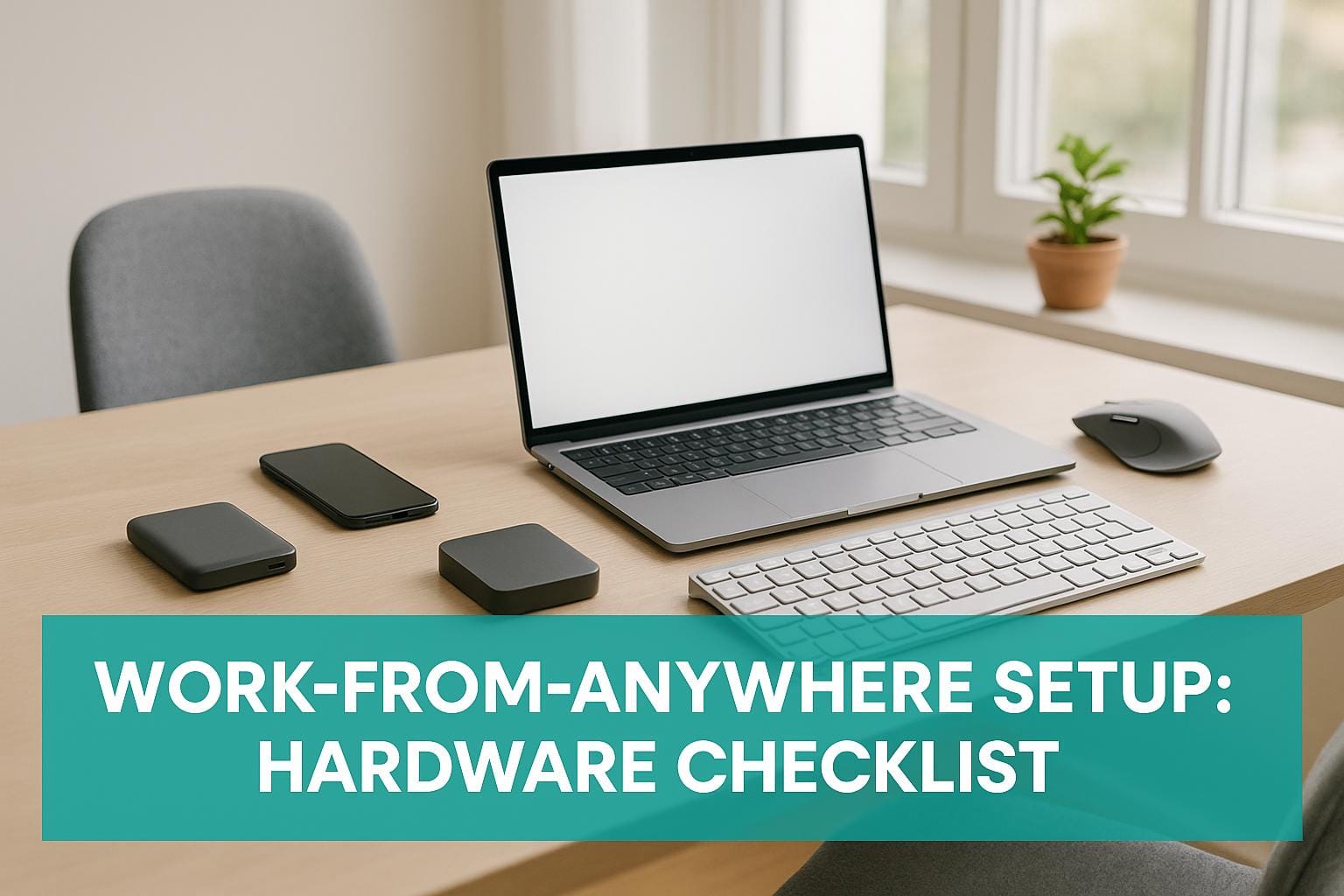
When working remotely, having the right hardware can make a big difference in your productivity. A reliable laptop, strong internet connection, and ergonomic tools are key. Here’s a quick summary of what you need:
- Laptop: Lightweight, durable, with a mid-range processor, enough RAM, and long battery life.
- Internet: A Wi-Fi 6 router for speed and reliability, or a mobile hotspot for on-the-go connectivity.
- Peripherals: Ergonomic keyboard, mouse, and external monitor to reduce strain.
- Power: Surge-protected power strips, USB-C chargers, and travel adapters for flexibility.
- Workspace Tools: Adjustable laptop stands, cable organizers, and portable desks for comfort and organization.
Whether you're at home, a café, or traveling, these tools ensure your setup supports your work style. Below, find detailed advice on selecting the best options for your needs.

Remote Work Hardware Checklist: Essential vs Optional Equipment
My Work Remote Anywhere Gear Setup: The Most Productive EDC Tech Gear
Core Computing Devices
Your laptop is the cornerstone of your remote work setup. A dependable computing device not only boosts productivity but also accommodates diverse work scenarios, making it a key part of your overall hardware lineup.
Laptops: What to Look For
When selecting a laptop, focus on a mid-range processor with a solid track record, enough RAM for multitasking, and a battery life that holds up under scrutiny from independent reviews. A lightweight, compact design with a durable build and a screen size that suits your needs is also essential.
A mid-range processor is perfect for handling tasks like video calls, web browsing, and light editing. However, if your work involves more demanding software, you might need a higher-performance option. RAM is equally important - while basic tasks can run on modest configurations, multitasking or using resource-heavy applications will require more memory. Battery life is another critical factor; check trusted reviews to ensure your laptop can last an entire workday without needing a charge.
Portability and durability matter, too. A lightweight laptop with a sturdy build is better suited for daily use and travel. If you’re often on the go, you might also consider tablets or 2-in-1 devices for added versatility.
Tablets and 2-in-1 Devices
Tablets make great secondary devices for tasks like reading, note-taking, or managing emails. Meanwhile, 2-in-1 devices combine the best of both worlds, functioning as a laptop when docked and switching to a touch-friendly mode for presentations or casual use. While these devices are versatile, traditional laptops are typically the go-to option for tasks that demand more processing power.
Connectivity and Networking Hardware
Your computing devices might be the core of your setup, but reliable connectivity hardware ensures everything runs smoothly.
A dependable internet connection is non-negotiable when working remotely. Whether you're at home or in a café, the right networking tools keep you connected and productive. This is especially important when exploring remote opportunities in different cities. Here’s a closer look at the essentials.
Wi-Fi Routers and Signal Boosters
Your router plays a huge role in determining the speed and reliability of your internet. If you're in the market for one, aim for models that support Wi-Fi 6 (802.11ax) or at least Wi-Fi 5 (802.11ac). These standards are designed to handle multiple devices efficiently, which is critical if you're managing video calls, file uploads, and other data-heavy tasks at the same time. Dual-band or tri-band routers are ideal for balancing these demands.
If your workspace is far from the router or you’re dealing with obstacles like thick walls, consider a signal booster or a mesh network system. Mesh systems use multiple nodes placed throughout your home, creating a unified network that eliminates dead zones. This is particularly useful in larger homes or multi-story setups where a single router might not cut it.
Mobile Hotspots
When Wi-Fi isn’t an option or proves unreliable, a mobile hotspot can save the day. These portable devices use cellular data to create a Wi-Fi network, ensuring you stay connected during travel or even power outages. While most smartphones can act as hotspots, dedicated devices offer better battery life and stronger signals.
Before relying on a hotspot, check your data plan to avoid throttling that could interrupt video calls or slow down file transfers. If you’re frequently on the move, an unlimited data plan with a high-speed cap is worth considering.
For a more integrated setup, expanding your device connectivity with hubs is another key consideration.
USB Hubs and Adapters
Modern laptops often fall short when it comes to connectivity options. A USB-C hub or docking station can bridge the gap, providing additional ports like HDMI, USB-A, Ethernet, and even SD card slots. Many hubs also support power delivery, which means they can charge your laptop while connected.
When selecting a hub, check the power delivery rating. Most laptops can run on hubs with at least 60W, but heavier workstations may require 85W or more. If you’re working on tasks like video editing or large file uploads, consider hubs with Ethernet ports for a more stable and faster connection compared to Wi-Fi.
These tools ensure your remote setup stays connected and efficient, no matter where you’re working.
sbb-itb-564272e
Peripherals and Ergonomic Equipment
To complement reliable devices and strong connectivity, ergonomic peripherals play a vital role in ensuring comfort and maintaining productivity over long hours of desk work. The right tools can help minimize fatigue and keep you focused.
Keyboards, Mice, and External Monitors
Investing in ergonomic keyboards and mice can make a world of difference in reducing wrist and hand strain. Pair these with external monitors to promote better posture and prevent unnecessary eye and neck strain during extended work sessions.
Audio and Video Equipment
For virtual meetings, external audio and video equipment can significantly improve your experience. Clear microphones and high-quality cameras ensure you’re seen and heard without interruptions, making communication smoother.
Laptop Stands and Monitor Mounts
Adjustable laptop stands or monitor mounts are essential for proper screen alignment. By positioning your screen at eye level, you can reduce the risk of neck and shoulder discomfort, helping you stay comfortable and focused throughout the day.
Power and Workspace Accessories
Staying productive often hinges on having the right tools, and that goes beyond just your computer or internet connection. Power solutions and organizational tools are just as important to keep your work flowing smoothly, especially when you're working long hours or switching between locations. Here's a closer look at some must-have accessories that can help you stay efficient and organized.
Power Strips, Chargers, and Travel Adapters
A surge-protected power strip with at least six outlets and built-in USB ports is a great way to power multiple devices without cluttering your workspace. For faster and more versatile charging, opt for USB-C Power Delivery chargers with 65W or higher output - these are ideal for laptops and can handle other devices too. If you're frequently on the move, a universal travel adapter with built-in surge protection is a smart investment. It keeps your electronics safe and ensures you can stay powered up no matter where your work takes you.
Printers and Document Tools
Even in a digital world, there are times when physical documents are unavoidable - think contracts, invoices, or shipping labels. A compact all-in-one printer that can print, scan, and copy is a versatile addition to your setup. For handling sensitive paperwork, a cross-cut shredder is essential. Look for one that can handle at least eight sheets at a time to avoid frequent jams and interruptions.
Desk Organizers and Portable Workstations
A tidy workspace isn’t just about aesthetics - it can boost your efficiency. Simple tools like cable clips or a cable management box can keep cords from tangling and make your desk feel less chaotic. A desk drawer organizer with compartments for small items like pens, sticky notes, and paper clips ensures everything you need is within arm’s reach. For those who work in different environments, a portable laptop desk with adjustable height and angle is a game-changer. These fold flat for easy transport and work just as well on a couch or patio table as they do on a traditional desk.
Summary: Building Your Hardware Setup
Start with the basics: a dependable computer, a stable internet connection, and essential peripherals like a keyboard and mouse. Once you’ve got those covered, you can think about adding ergonomic upgrades, such as a laptop stand or an external monitor, to improve your workspace. Focus first on everyday necessities like a surge-protected power strip and a reliable charger. Optional items, like portable desks or extra printers, can be added later if needed.
Here’s a quick breakdown of essential and optional hardware to help streamline your remote work setup:
Hardware Comparison Table
| Hardware Category | Essential Items | Optional Items |
|---|---|---|
| Computing | Reliable laptop or desktop | Tablets or convertible devices |
| Connectivity | Wi‑Fi router | Mobile hotspots, signal boosters |
| Peripherals | Keyboard, mouse, primary monitor | Additional monitors, webcam, audio gear |
| Power & Workspace | Surge-protected power strip, charger | Portable desks, cable organizers |
FAQs
What should I look for in a laptop for remote work?
When selecting a laptop for remote work, focus on a fast processor like an Intel i5/i7 or AMD Ryzen 5/7 to handle tasks efficiently. Pair that with at least 8GB of RAM to ensure smooth multitasking. For connectivity, opt for a laptop with reliable Wi-Fi, preferably Wi-Fi 6, to maintain a stable internet connection.
A high-resolution display (Full HD or better) is crucial for clear visuals, while good battery life keeps you powered through long workdays. A lightweight design adds portability, making it easier to work from anywhere.
Don’t overlook practical features like sufficient ports (USB-C, USB-A, HDMI) for connecting peripherals and a built-in webcam and microphone for virtual meetings. These essentials make remote work more efficient and hassle-free.
What are the best ways to improve internet connectivity for remote work?
To improve your internet connection for remote work, try switching to a wired Ethernet connection - it’s often more stable and faster than Wi-Fi. If your router is old, consider upgrading to one that supports the latest Wi-Fi standards for better performance. Reduce network congestion by limiting how many devices are connected during your work hours. For stronger Wi-Fi signals, position your router in a central, elevated spot without any obstructions. These straightforward adjustments can make your remote work experience much smoother and more dependable.
What are the must-have ergonomic tools for a comfortable and productive remote work setup?
For a home office that keeps you both comfortable and productive, focus on ergonomic must-haves. Start with an adjustable chair that offers lumbar support to protect your back. Pair it with a desk that's the right height for you and position your monitor at eye level to avoid neck strain. A well-designed keyboard and mouse can help reduce wrist and hand discomfort, and adding a footrest can improve your posture even further. Don’t overlook lighting - an adjustable desk lamp can make a big difference in reducing eye strain during those long work sessions.