
Administrative Assistant Resume Examples, Templates & Writing Guide

Written by: Scale.jobs EditorialLast updated: May 1, 2026
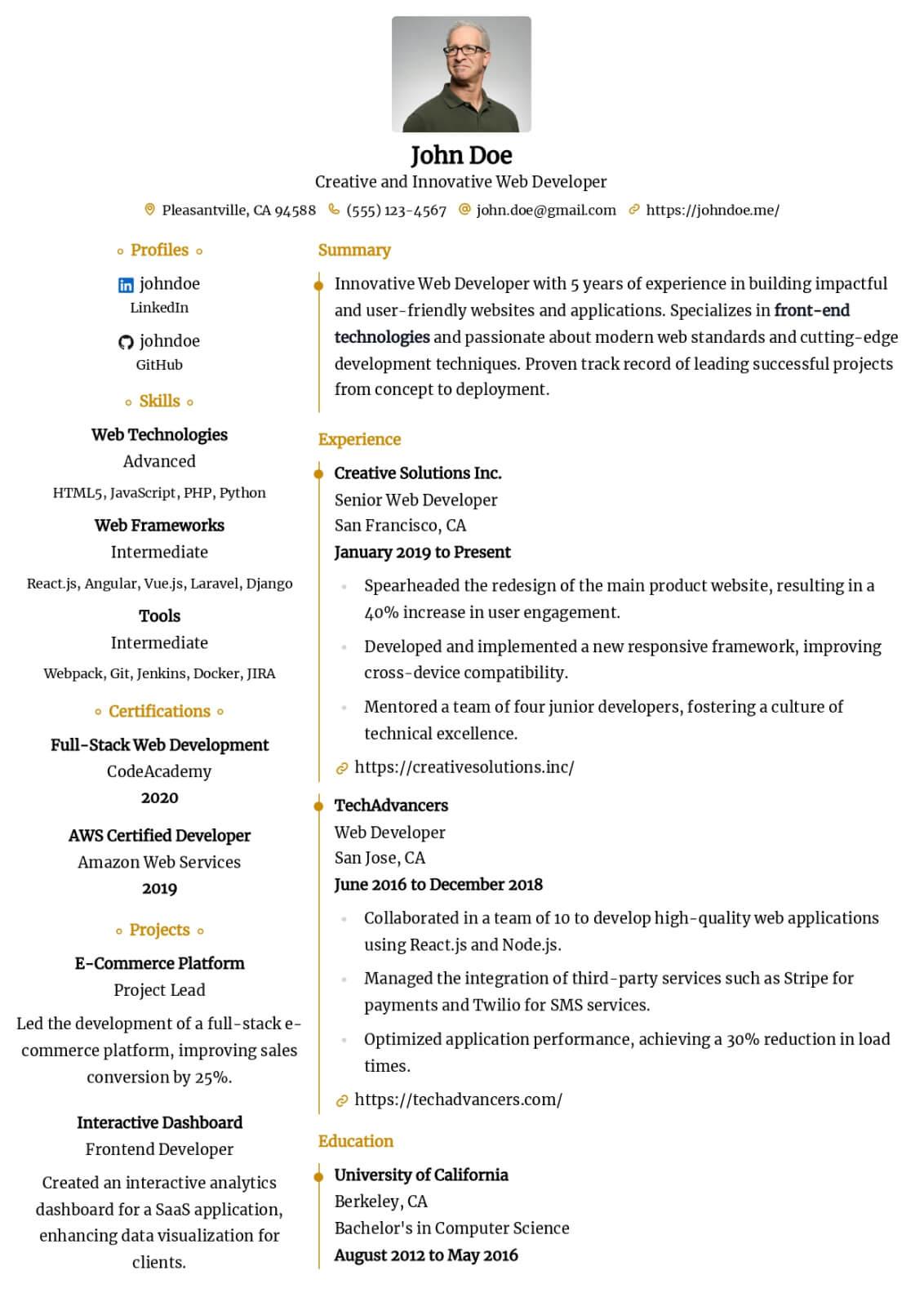







Introduction
Create a compelling administrative assistant resume that highlights your multitasking abilities, office management proficiency, and the organizational impact you deliver across departments.
This guide walks you through every major section of a administrative assistant resume, with practical tips you can apply today.
- How to position yourself as a results-driven administrative assistant who delivers measurable value
- Key technical and interpersonal skills hiring managers prioritize for administrative assistant candidates
- Strategies for quantifying office coordination and correspondence management achievements on your resume
- Proven methods for presenting professional impact using specific numbers and outcomes
- Techniques for optimizing your resume layout and keyword density for modern ATS platforms
- How to tailor each section of your resume to match specific administrative assistant job descriptions
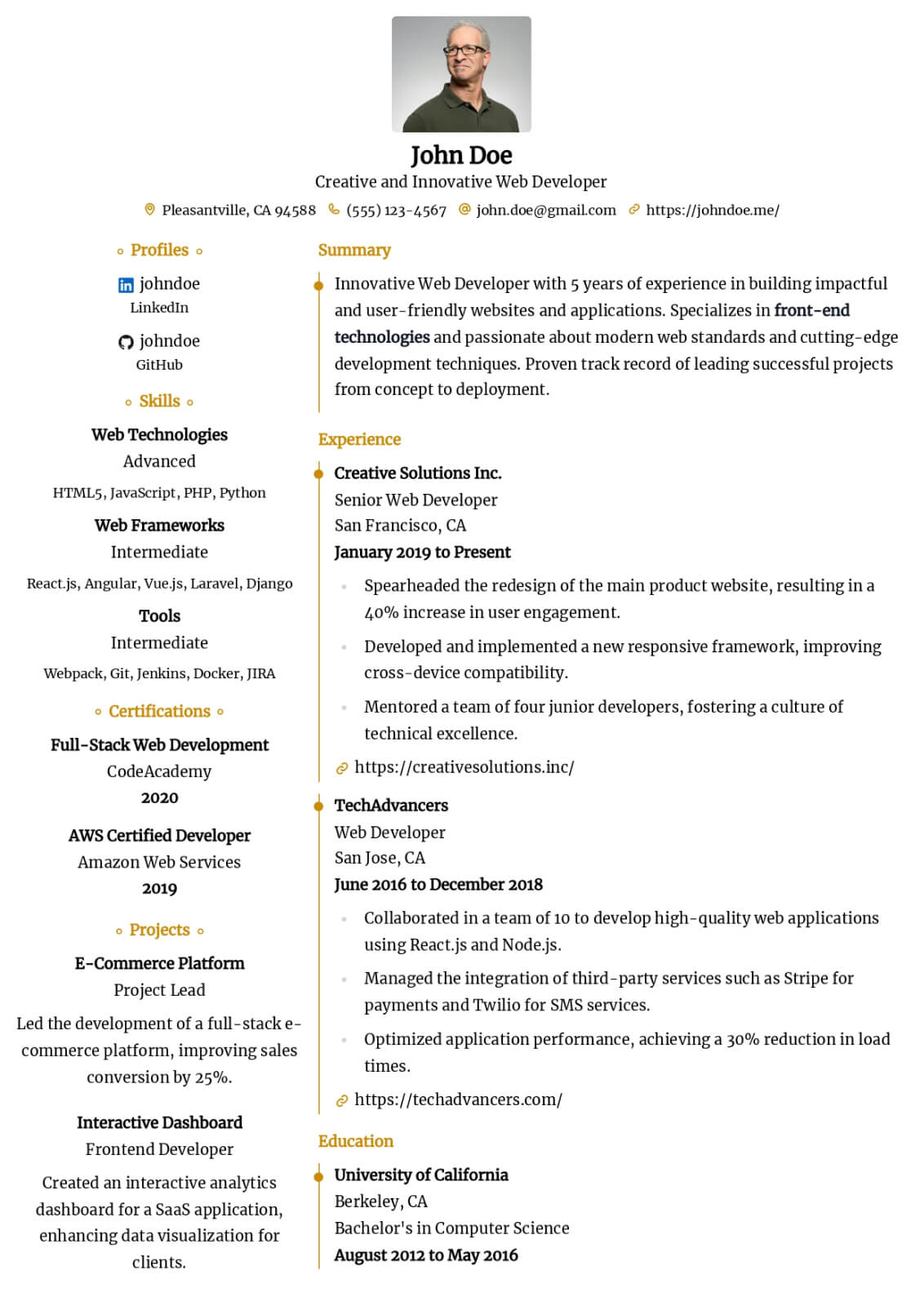
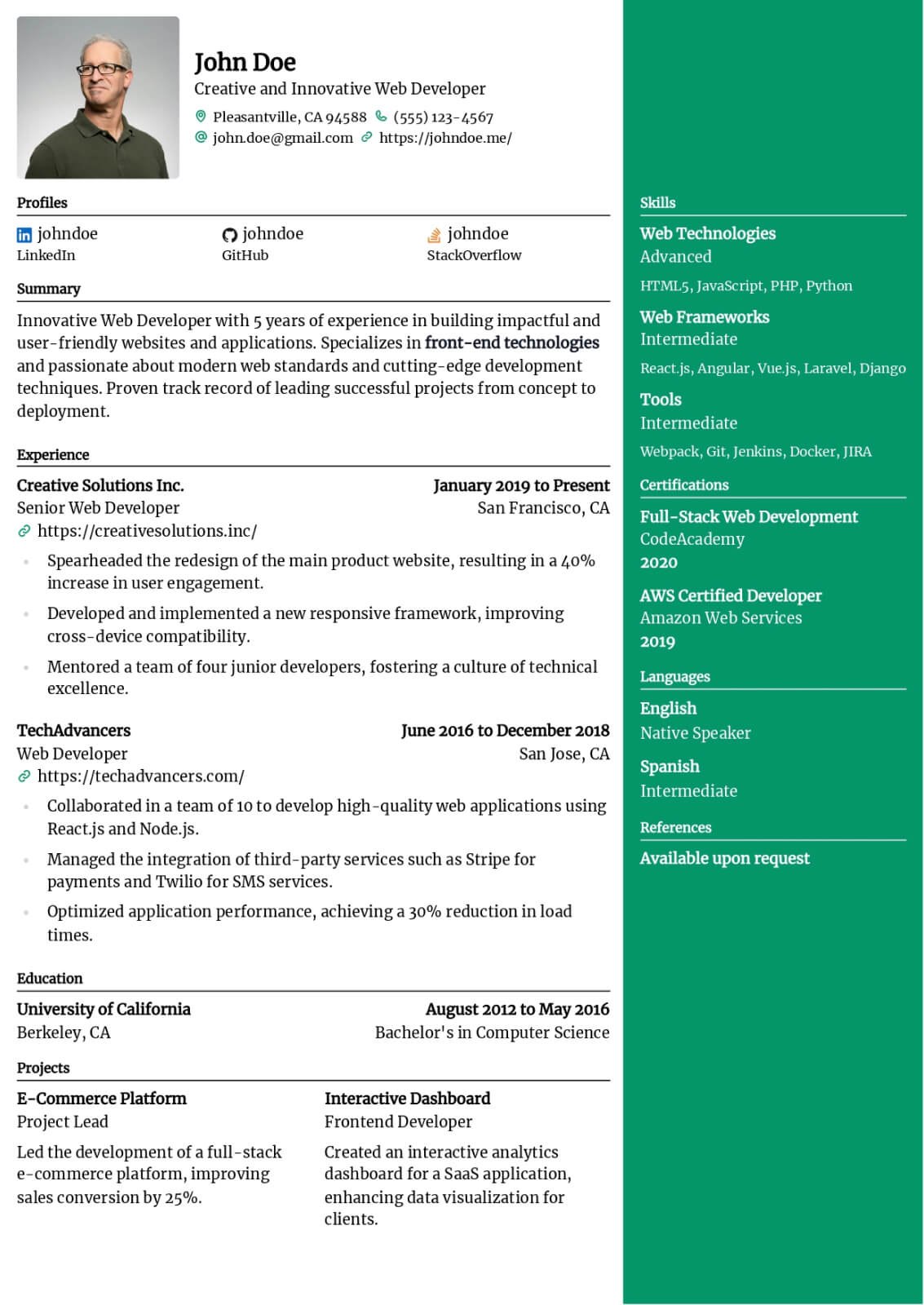
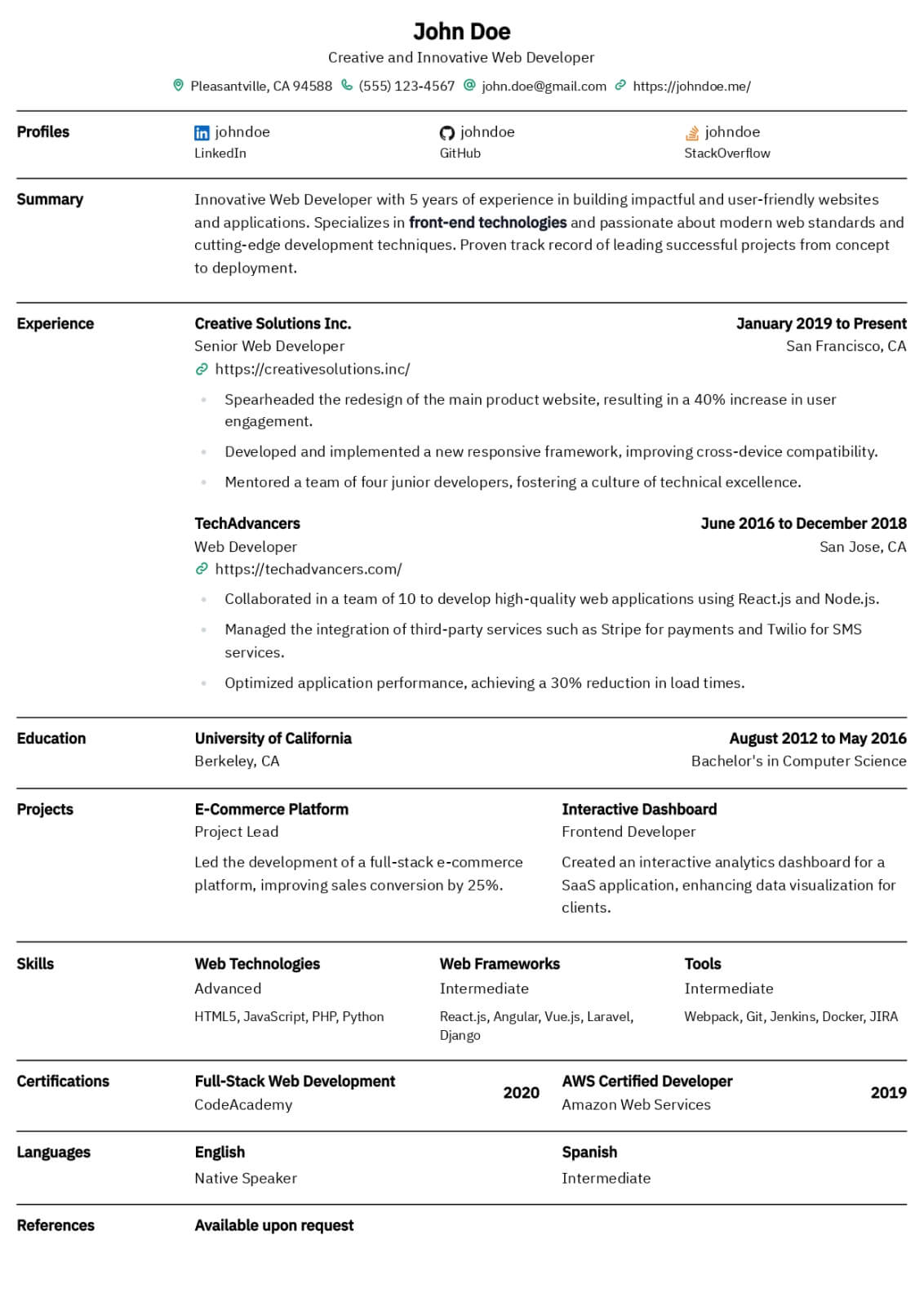
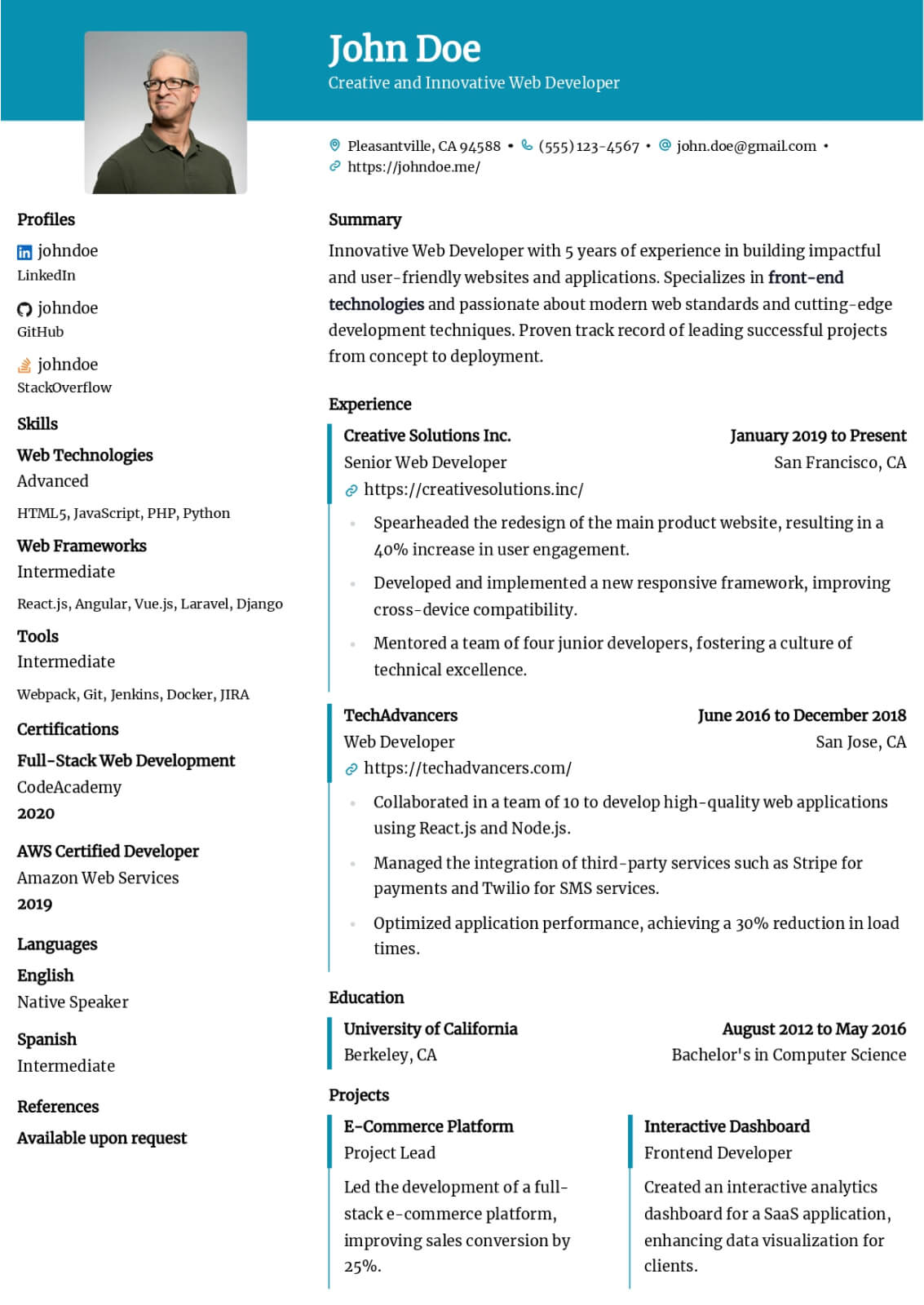
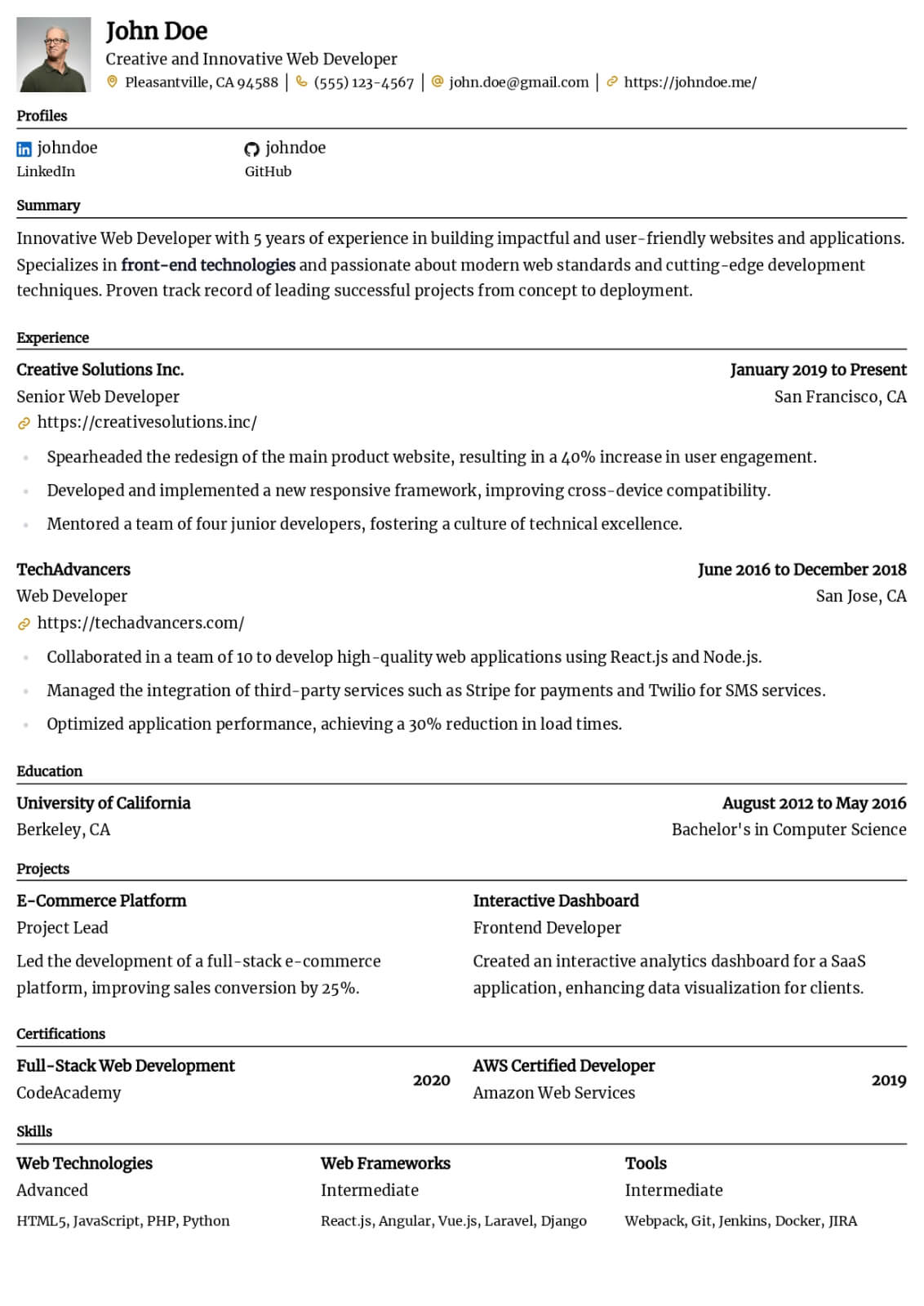
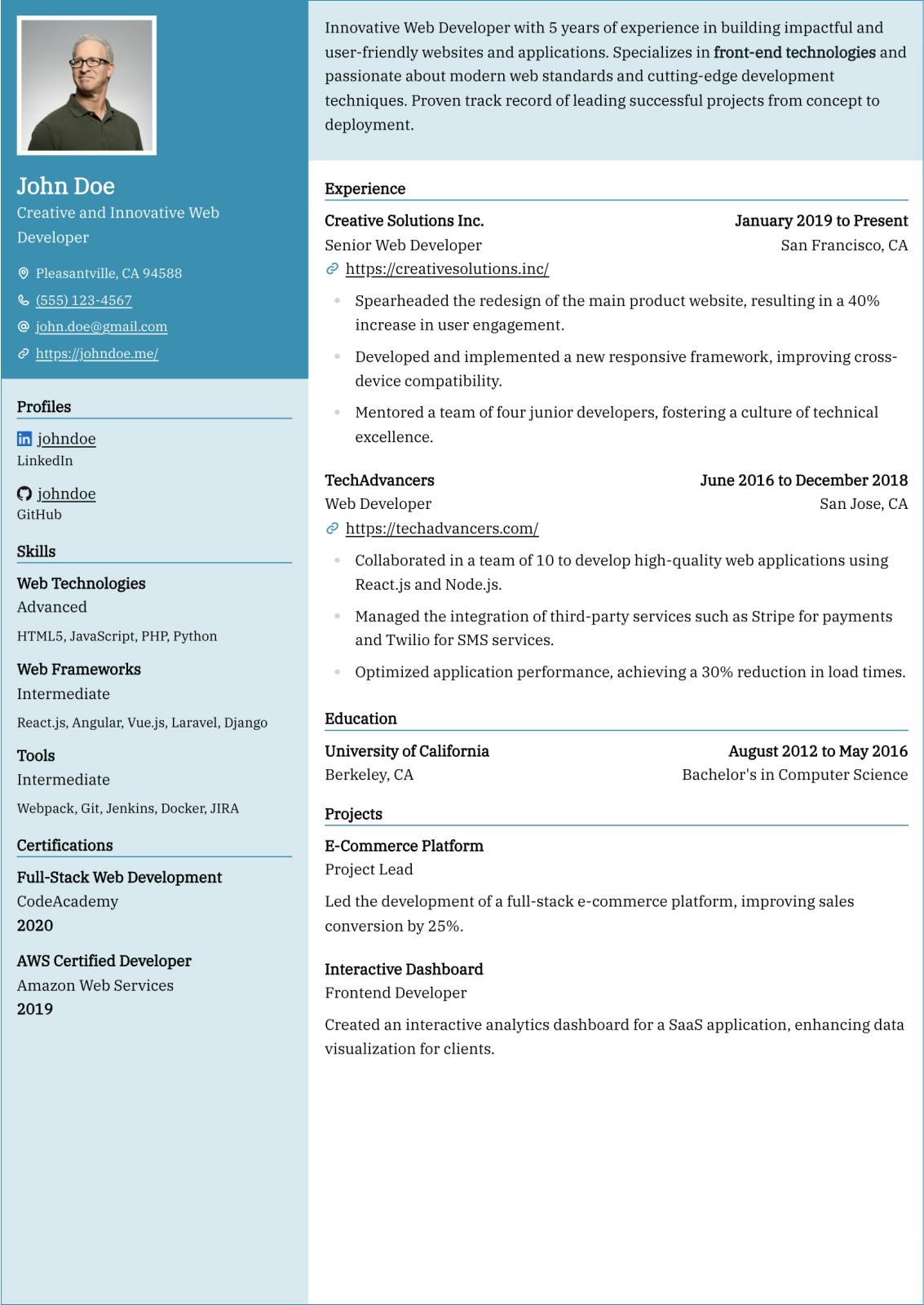
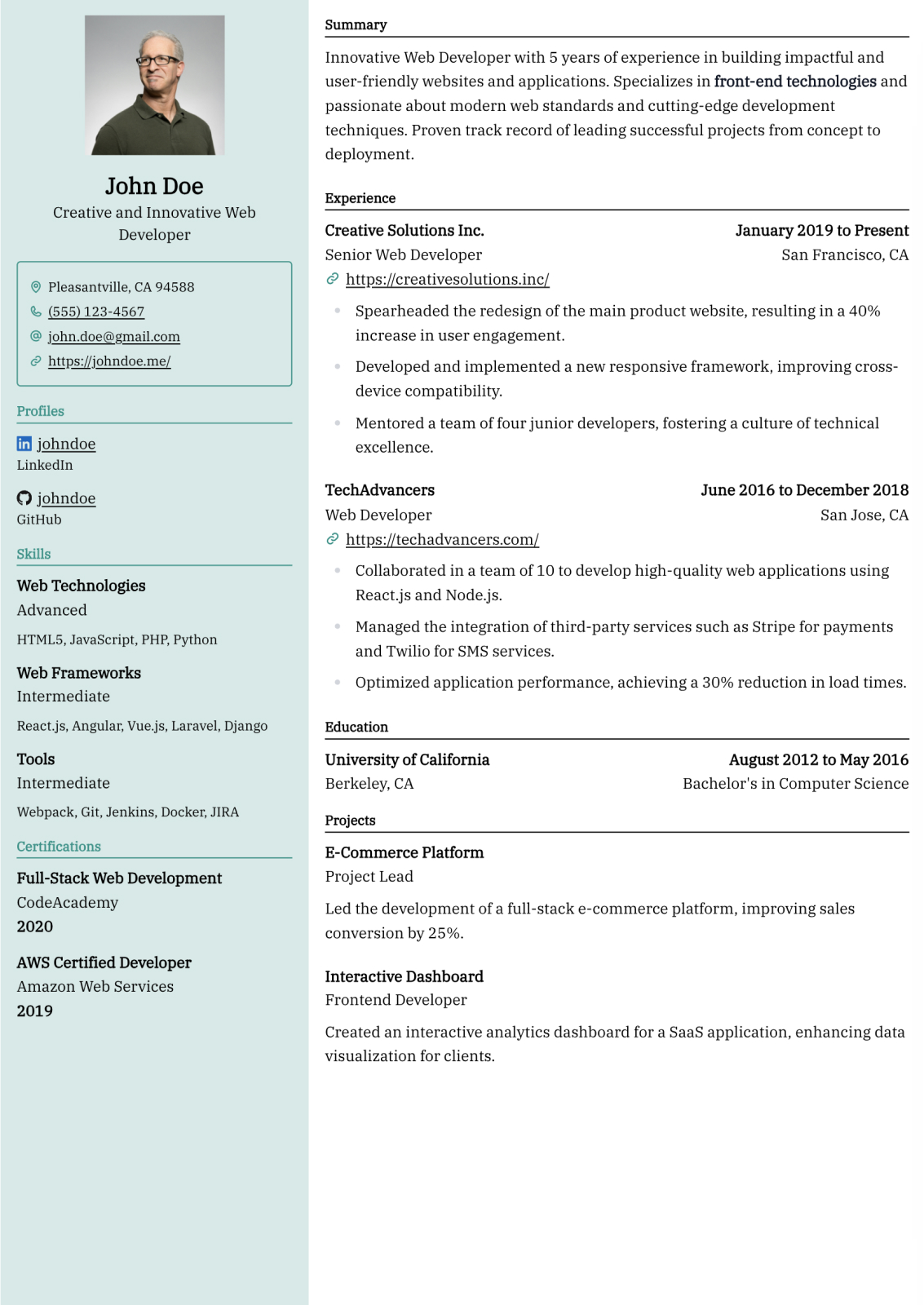
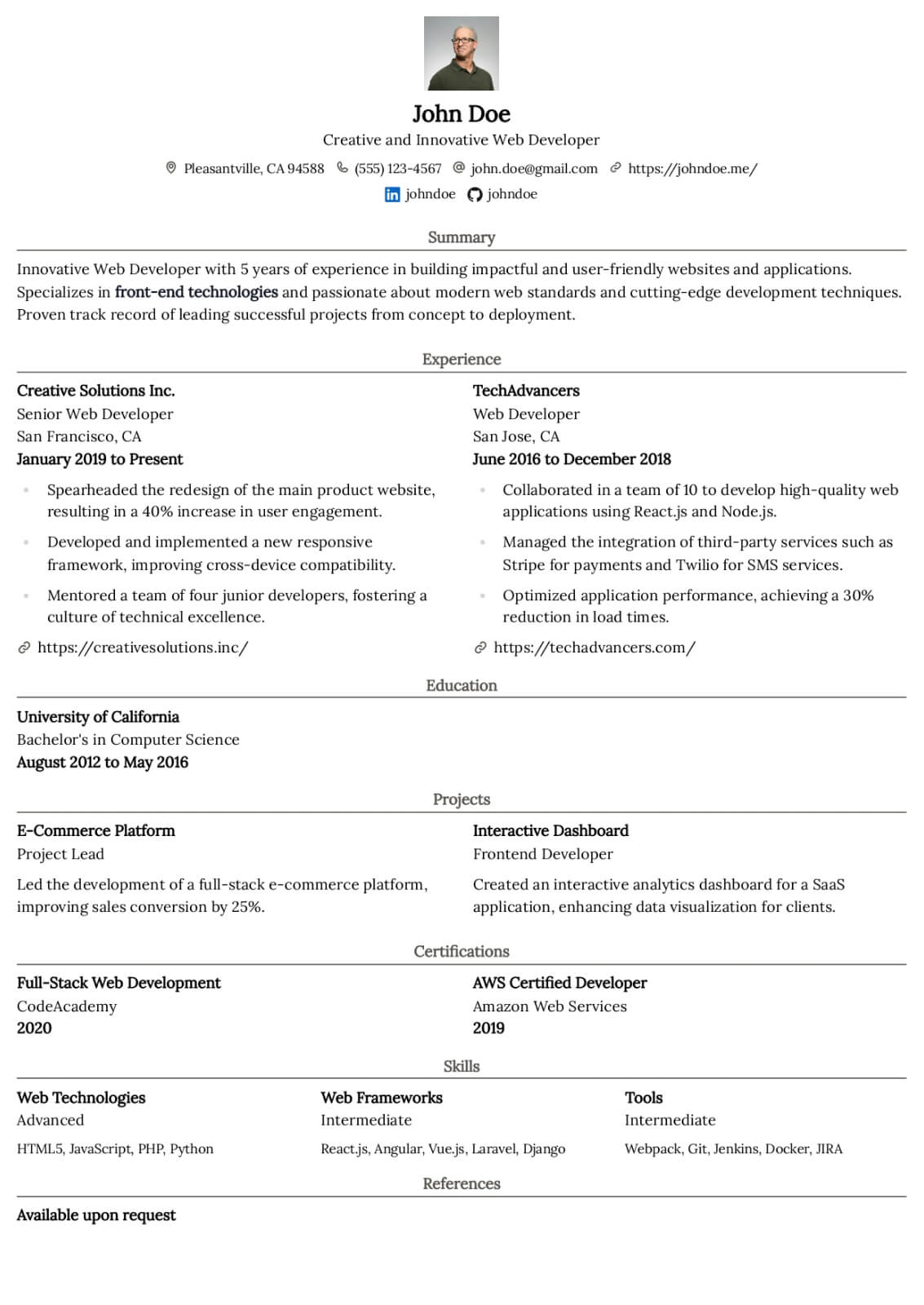
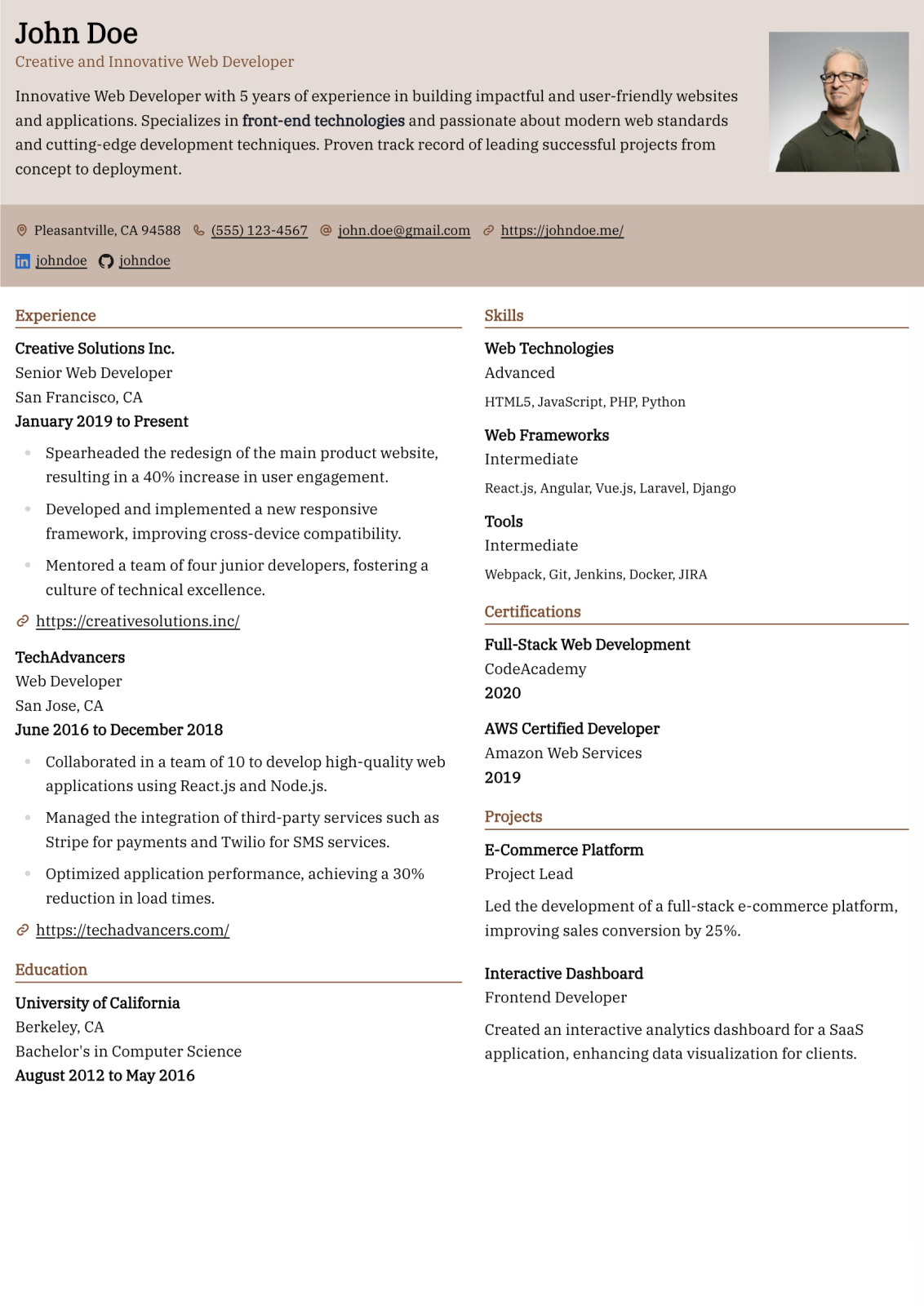
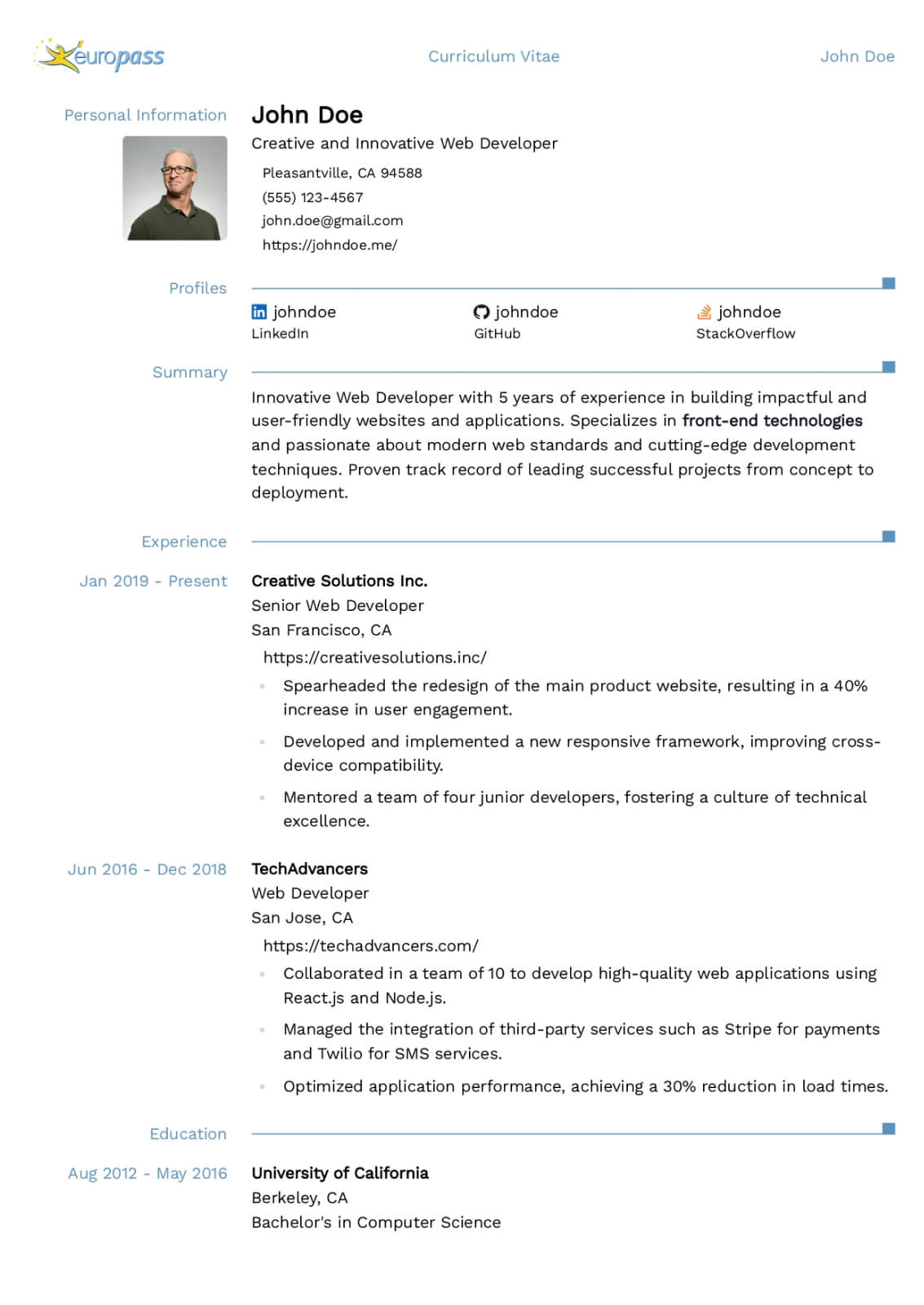
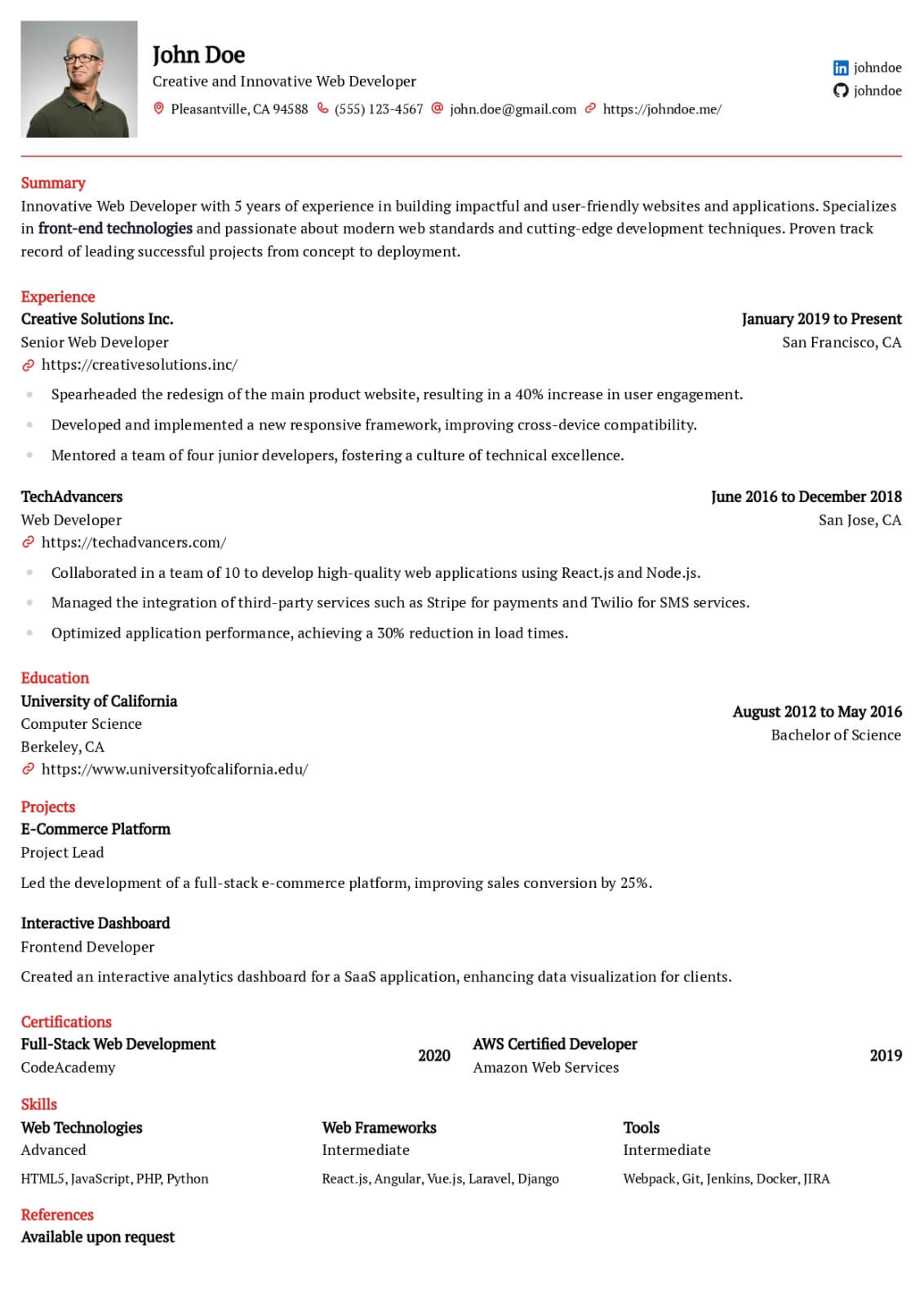
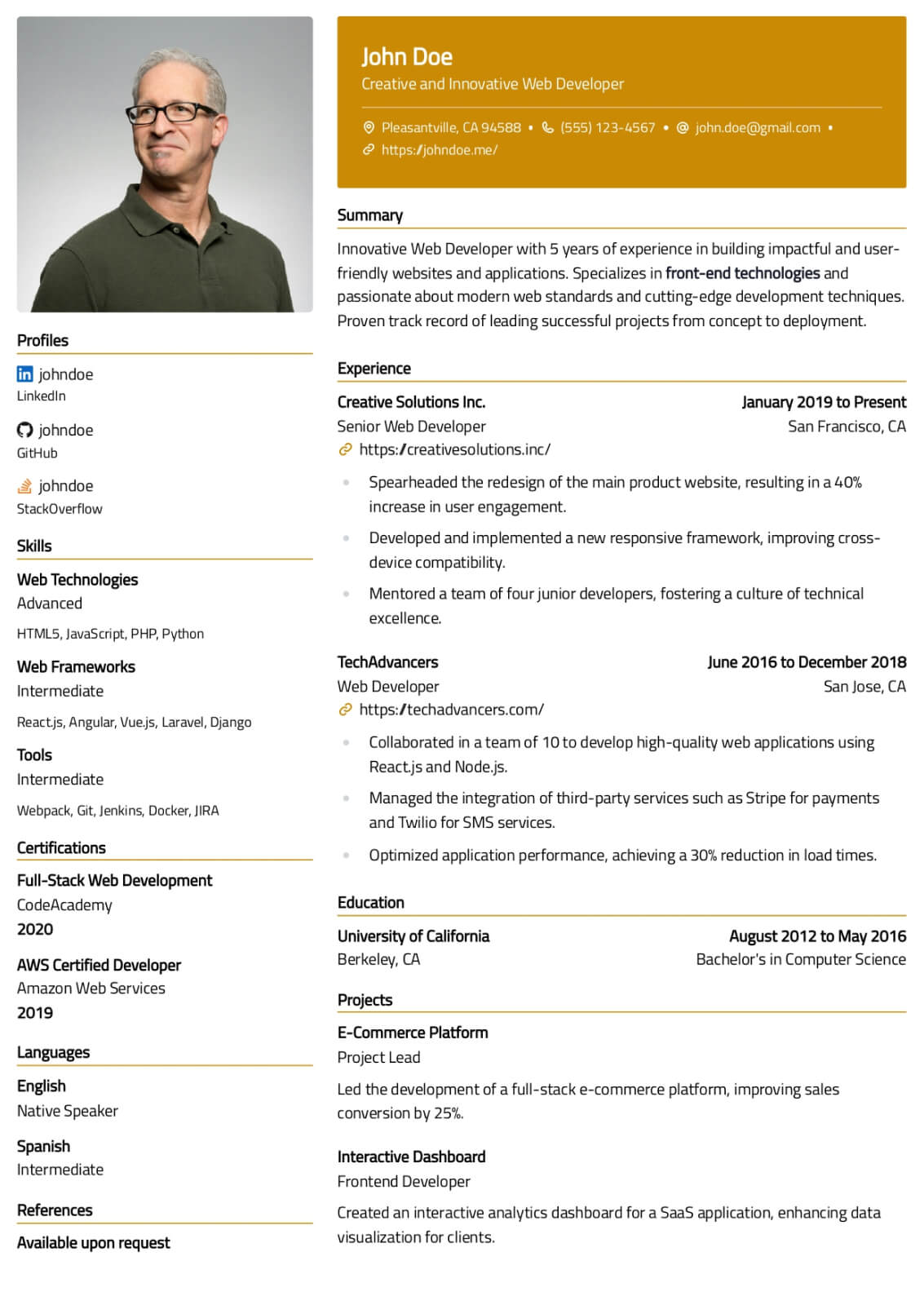
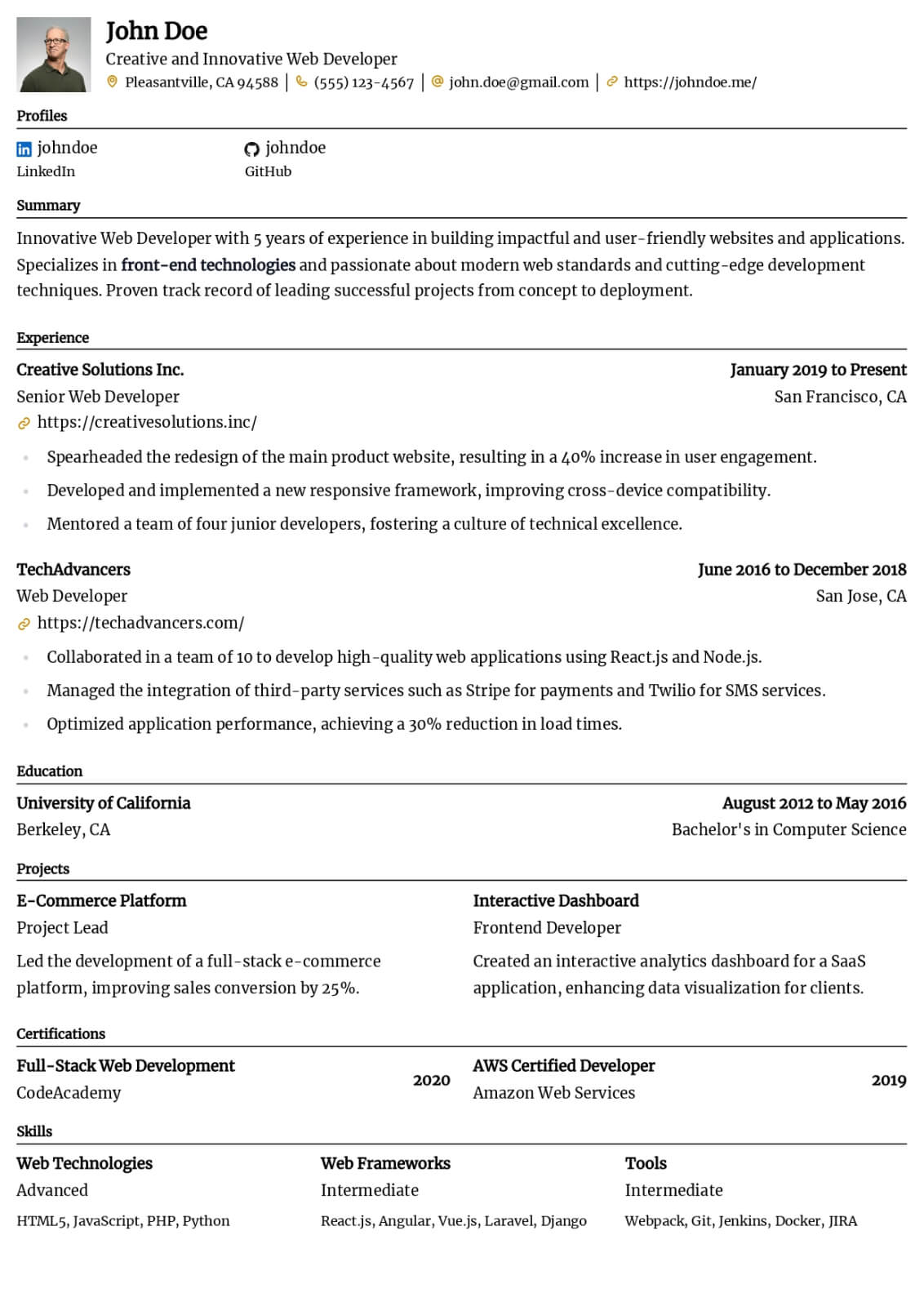
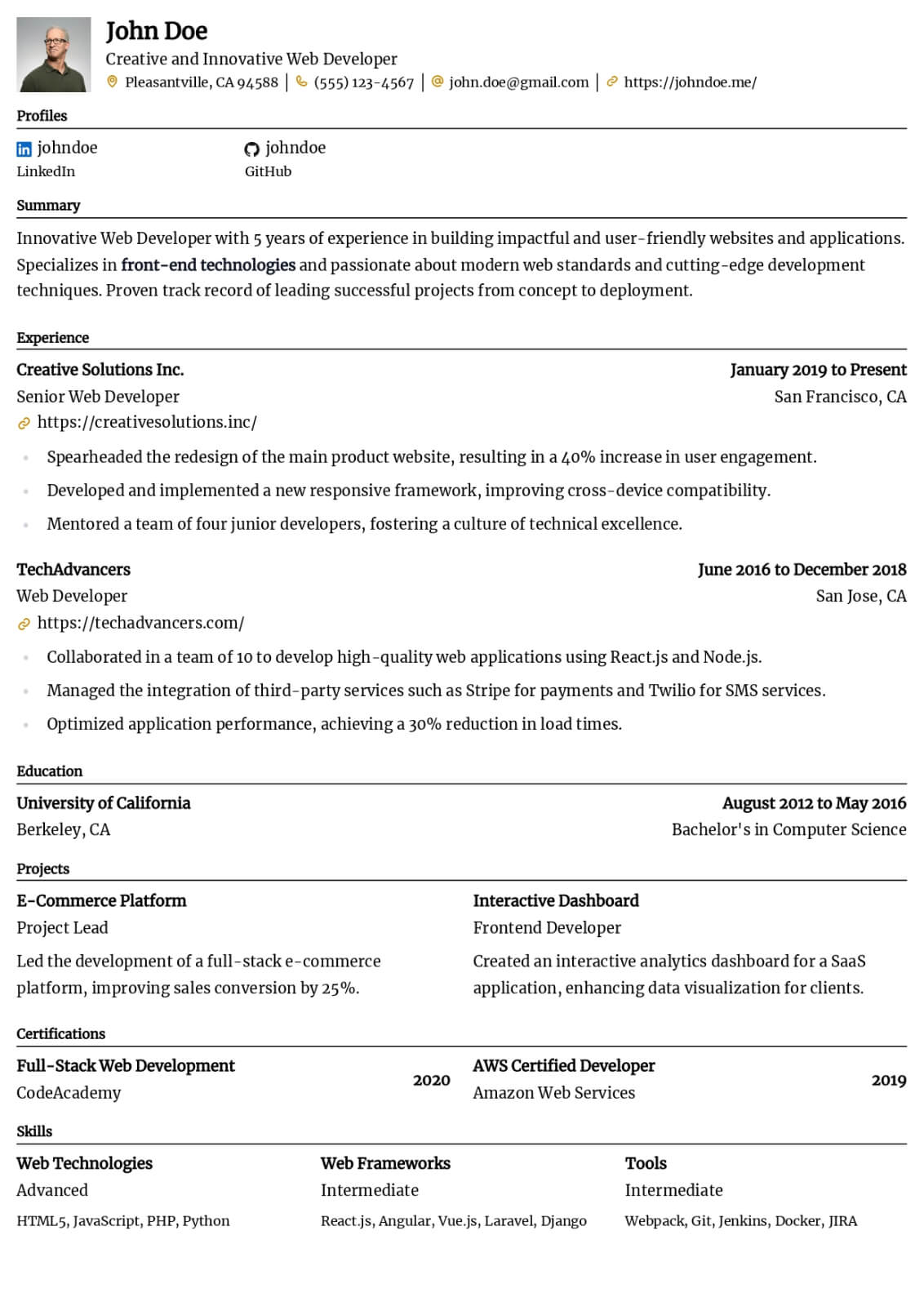
Administrative Assistant resume guide
Below, you will find section-by-section guidance for your administrative assistant resume — from your opening summary through skills and experience. Tailor every line to the job you want.
Professional Summary
Your professional summary should immediately establish you as a skilled and dependable Administrative Assistant with a clear track record of delivering results. Open with a positioning statement that identifies your years of experience and primary area of expertise within office coordination and correspondence management. Reference two or three signature tools or platforms such as Microsoft Office Suite, Google Workspace, SharePoint that hiring managers associate with qualified candidates. Include at least one quantified achievement, for example processing an average of one hundred fifty invoices per week with a ninety-nine percent accuracy rate. Tailor your language to mirror the specific terminology used in the target job description so your summary performs well in both human review and automated keyword screening. Keep the summary between three and five sentences to maintain clarity and professional impact.
Work Experience
Structure your work experience in reverse-chronological order with clear job titles, company names, and employment dates for each position. Write four to six bullet points per role that begin with strong action verbs like coordinated, organized, processed, maintained. Every bullet should connect a specific action to a measurable outcome, such as coordinated onboarding logistics for twenty-five new hires per quarter while maintaining all documentation requirements. Demonstrate breadth across your core competency areas including office coordination, correspondence management, scheduling support to show that you deliver value across multiple dimensions of the Administrative Assistant role. Reference the specific tools and systems you used to execute your responsibilities so reviewers can assess your technical readiness. Avoid listing generic duties without context because hiring managers scan for evidence of tangible impact rather than routine task descriptions.
Skills
Create a focused skills section containing eight to ten technical competencies and six to seven interpersonal abilities that directly match the target job requirements. On the technical side, prioritize proficiencies such as Microsoft Office Suite (Word, Excel, Outlook, PowerPoint), Google Workspace, Data Entry & Database Management, Calendar & Scheduling Management and other tools specific to Administrative Assistant roles. Add domain-specific competencies that demonstrate specialized knowledge hiring managers expect from strong candidates in this field. For soft skills, emphasize capabilities like Organization & Multitasking, Written & Verbal Communication, Attention to Detail that are critical for success in this profession. Avoid listing generic skills that every professional claims without supporting evidence. Instead, prioritize skills you can substantiate with concrete examples from your experience section. Mirror the exact phrasing from the job posting to maximize ATS match rates and demonstrate alignment with the employer's specific requirements.
Certifications & Professional Development
List industry-recognized certifications that validate your expertise as a Administrative Assistant, such as Microsoft Office Specialist certification or the Certified Administrative Professional (CAP) from IAAP. Include the issuing organization and the date you earned each credential to provide clear verification. Industry-specific certificates such as medical office administration or legal administrative credentials add value when targeting specialized environments. Certifications signal to hiring managers that you have invested in structured professional development and have been validated by a recognized authority in the field. If you are currently pursuing a credential, include it with the expected completion date to demonstrate ongoing commitment to professional growth. Place this section prominently on your resume if the target job listing specifically requests or prefers certified candidates.
Education
Include your highest relevant degree, the institution name, and your graduation year. Administrative Assistant roles commonly accept degrees in business administration, office management, communications, or related fields. If you graduated within the last five years, consider adding relevant coursework or academic projects that directly support your candidacy for this specific position. Highlight academic honors, relevant capstone projects, or leadership positions in student organizations if they demonstrate competencies valued in this profession. For experienced professionals with ten or more years of work history, keep this section concise and let your professional achievements carry the primary weight of your application.
Formatting & Layout
Your resume layout should reflect the professionalism and attention to detail expected of a strong Administrative Assistant candidate. Choose a clean template with consistent fonts, clear section headings, and balanced white space that makes scanning effortless for hiring managers reviewing multiple applications. Maintain uniform margins and formatting throughout the document to create a polished visual impression. Limit your resume to one page unless you have more than ten years of directly relevant experience in this field. Save the file as a PDF to preserve formatting across different devices and email platforms. Name the file professionally using your full name and the target role to ensure easy identification in applicant tracking systems.
Resume layout and formatting
Use a clean, single-column layout with clear section headings and plenty of white space. Lead with technical strengths such as Microsoft Office Suite (Word, Excel, Outlook, PowerPoint), Google Workspace, Data Entry & Database Management, Calendar & Scheduling Management, Travel Arrangement Coordination, Filing & Records Management, then reinforce interpersonal strengths like Organization & Multitasking, Written & Verbal Communication, Attention to Detail, Professional Phone Etiquette. Keep fonts standard (e.g., Arial or Calibri) at 10–12pt body size so your resume stays ATS-friendly and easy to scan.
Key takeaways
- Lead with a tailored professional summary that quantifies your administrative assistant impact
- Attach measurable results to every bullet in your work experience section
- Mirror keywords from the job description to maximize ATS compatibility scores
- Include relevant certifications and professional development credentials prominently
- List only skills you can confidently discuss and demonstrate in a live interview
- Keep formatting clean with consistent fonts and clear section headings for readability
Build your Administrative Assistant resume with Scale
Lead with a tailored professional summary that quantifies your administrative assistant impact
Use This Template
Professional Templates That Make You Stand Out
Browse modern, ATS-friendly resume designs crafted to impress recruiters. Customize any template and download it as a Word or PDF file.
Listen What Our Users Have to Say

Rohan Sen
I am very happy with the team's quick turnaround time - any query is responded at utmost priority. Shoutout to my client manager, Anub Biju - very helpful.

Gael L
Service and communication is great, cover letters are non-ai sounding and well tailored. Just have a lot of communication and review with your staff!

Jonathan Parry
Wow - don't tell your peers! Wow, I can't recommend scale.jobs enough - it's so good I am not sharing with my peers. Applications at scale that get through filters. Thank you!

Cynthia Zhu
Great service! The scale.jobs team was very responsible and managed to apply tons of jobs for me in a very tight deadline to help me secure interviews quickly. Highly recommend to anyone who needs help applying to jobs!

Yash Yenugu
Save your fingers. Saved me from a thumb cramp because we're expected to effortlessly apply to jobs during these times.

Cian O'Driscoll
Clever service. Takes the hard effort out of applying for jobs with an intuitive dashboard and attention to detail. A great asset to job seekers. :-)
Frequently asked questions
What should a strong administrative assistant resume include in 2026?
A strong administrative assistant resume in 2026 should feature a tailored professional summary, detailed work experience with quantified outcomes, a focused skills section aligned to the job description, and relevant certifications. Employers increasingly value evidence of office coordination and correspondence management alongside traditional competencies. Keep the layout ATS-friendly with standard section headings and consistent formatting throughout the document.
How do I quantify achievements on a administrative assistant resume?
Quantify achievements by attaching specific numbers to your contributions wherever possible. Instead of describing general responsibilities, state the exact percentage improvement, dollar amount saved, or volume managed that resulted from your work. Pull metrics from performance reviews, project documentation, or internal reports to support your claims with credible evidence that hiring managers can evaluate objectively.
What technical skills should a administrative assistant highlight on their resume?
Prioritize the tools and platforms mentioned in the target job posting for maximum relevance. Common technical skills for administrative assistant roles include Microsoft Office Suite, Google Workspace, SharePoint and related technologies specific to the industry. Only list tools you can demonstrate proficiency in during a technical interview or practical assessment, as overstating competencies risks undermining your credibility during the evaluation process.
Are certifications necessary for administrative assistant roles?
Certifications are not strictly required but they significantly strengthen your candidacy, especially when competing against equally experienced candidates. The Microsoft Office Specialist certification is among the most recognized credentials in this field. Even listing a certification in progress with an expected completion date demonstrates professional initiative and a structured commitment to continuous learning that employers value highly.
How long should a administrative assistant resume be?
For most administrative assistant candidates, a single-page resume works best unless you have more than ten years of directly relevant experience. In that case, a well-structured two-page document is appropriate as long as every line demonstrates measurable value. Remove outdated roles or irrelevant early-career positions that dilute your professional narrative. Hiring managers typically spend six to eight seconds on an initial resume scan, so density and clarity matter more than length.
How can I make my administrative assistant resume stand out from other applicants?
Differentiate your resume by combining three strategies that most candidates overlook. First, lead every experience bullet with a quantified outcome rather than a generic duty description. Second, tailor your skills section to mirror the exact language from each job posting. Third, demonstrate domain expertise through industry-specific terminology and accomplishments that show genuine understanding of the profession's unique challenges and opportunities.
Related Resume Guides
Executive Assistant
Craft a polished executive assistant resume that showcases your ability to manage C-suite calendars, coordinate high-stakes meetings, and drive operational efficiency across the organization.
Office Manager
Build a results-driven office manager resume that demonstrates your ability to oversee daily operations, manage budgets, coordinate vendors, and create efficient workplace environments.
Receptionist
Develop a professional receptionist resume that highlights your expertise in front desk operations, visitor management, multi-line phone handling, and creating welcoming first impressions.
Secretary
Create a polished secretary resume that highlights your expertise in correspondence preparation, meeting documentation, office filing systems, and professional communication skills.
Office Coordinator
Develop a dynamic office coordinator resume that showcases your ability to manage internal events, oversee onboarding logistics, and facilitate smooth cross-departmental communication.