
What Financial Assistance Options Exist for Unemployed Borrowers?

Sarah Mitchell
July 22, 2026

If I lose my job, I focus on two things at once: cut big monthly bills now and shorten the time until my next paycheck. In the U.S., that often means student loan relief, housing help, utility aid, unemployment benefits, food support, and one-time local grants.
Here’s the short answer:
- Federal student loans: unemployment deferment, hardship deferment, or income-driven repayment that may drop payments to $0
- Private loans: short-term hardship plans or forbearance, but I check if interest gets added to the balance
- Housing: mortgage forbearance, loan changes, or local rent relief
- Utilities and internet: LIHEAP, hardship payment plans, Lifeline, and local shutoff protection
- Basic living costs: unemployment insurance, SNAP, TANF, and nonprofit emergency aid
I also keep proof of my search in case a servicer asks for it. That can include my application log, email confirmations, and screenshots from a job search platform or a job application service.
Unemployed: Game plan to Stay Financially Afloat
Fast answer: what I would do first
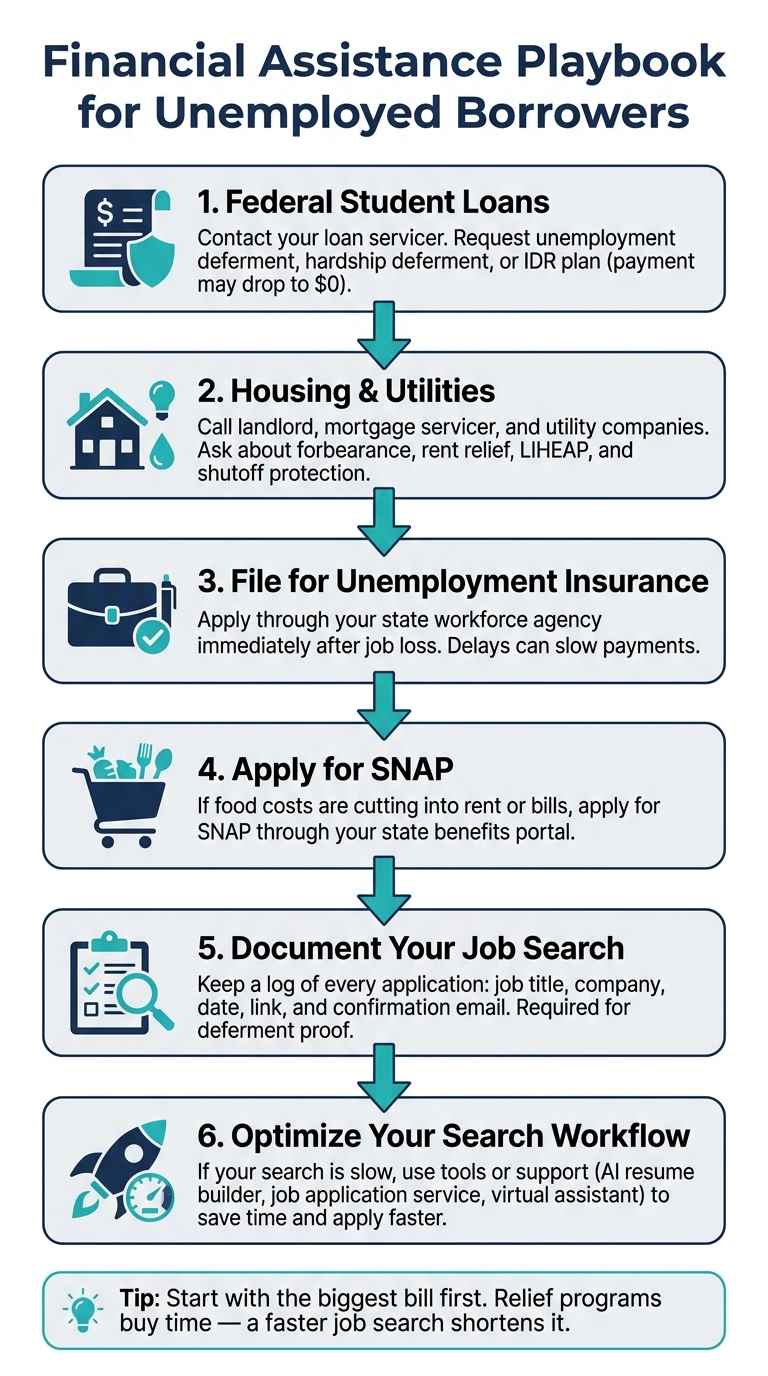
Financial Assistance Playbook for Unemployed Borrowers
When cash gets tight, I use this order:
- Ask my federal loan servicer if I qualify for deferment or an IDR payment of $0
- Call my landlord, mortgage servicer, and utility companies the same week
- File for unemployment insurance right away
- Apply for SNAP if food costs are eating into rent or bills
- Keep a clean record every time I Apply for jobs
- If my search is slow, fix the workflow with tools or support that save time
Quick comparison
| Need | Main option | What it can lower | Main catch |
|---|---|---|---|
| Student loans | IDR, deferment | Monthly payment | Interest or longer payoff |
| Mortgage | Forbearance | Monthly housing cost | Payments come due later |
| Rent | Local relief | Rent and sometimes utilities | Funds may run out |
| Utilities | LIHEAP, hardship plans | Energy bill | Income rules may apply |
| Income | Unemployment insurance | Part of lost wages | Weekly filing rules |
| Food | SNAP | Grocery spend | Approval depends on household income |
My simple playbook
I don’t try to solve everything at once. I start with the biggest bill, apply for help that lowers this month’s outflow, then make sure my job search is organized enough to support relief requests and get interviews sooner.
If I need help with volume, targeting, or proof of effort, I may use an ai resume builder, an ai cover letter builder, or a Virtual Assistant for Job Applications to keep the process moving.
sbb-itb-564272e
FAQs people usually ask
Can unemployed borrowers get student loan payments paused?
Yes. Federal borrowers may qualify for unemployment deferment or hardship deferment. Some may be better off on IDR if the payment can fall to $0.
Can I get help with rent, food, and utilities too?
Yes. Many people may qualify for rent programs, LIHEAP, SNAP, unemployment insurance, or local nonprofit aid.
Do I need proof that I’m looking for work?
Often, yes. I keep dates, job titles, company names, and submission proof for each application.
Is a job-search tool worth paying for during unemployment?
Sometimes. I only keep one if it saves time, improves targeting, or gives me records I can use for relief paperwork.
That’s the short version. Below, I’d break each option down by who may qualify, how to apply, and what to watch before saying yes.
Student loan payment relief options that can lower your monthly bills fast
Federal options: unemployment deferment, hardship deferment, and income-driven repayment
Start with federal student loan relief first. It can lower your monthly bill faster than most other moves.
If you have federal student loans, the main options during unemployment are unemployment deferment, hardship deferment, and income-driven repayment (IDR). Each one works a bit differently, so the right pick depends on how long you expect your income drop to last.
Unemployment deferment pauses your payments if you’re actively looking for work. You’ll need to request it through your loan servicer and show proof of your job hunt. This is where it helps to keep clean records from every role you pursue, whether you Apply for jobs on company sites or use a job search platform. One catch: interest still builds on unsubsidized loans while payments are paused.
Hardship deferment also pauses payments, but it’s meant for borrowers who can show financial hardship. Like unemployment deferment, interest keeps building on unsubsidized loans during the deferment period.
IDR keeps your loans in active repayment, but your monthly payment can drop to $0 if your income qualifies. For people dealing with a longer stretch out of work, this is often the better route. The tradeoff is simple: lower payments now can mean a longer payoff period later.
| Option | Monthly Payment | Best For | Tradeoff |
|---|---|---|---|
| Unemployment Deferment | Paused | Short gaps, active job seekers | Interest accrues on unsubsidized loans |
| Hardship Deferment | Paused | Documented hardship | Interest accrues on unsubsidized loans |
| IDR Plan | Can be $0 if income qualifies | Longer unemployment periods | Extends total repayment timeline |
If you’re trying to move fast, here’s the practical playbook:
- Call your servicer first and ask which relief path you can start today
- Gather income records, unemployment records, and job-search proof
- If unemployment may last more than a few weeks, ask whether IDR could bring your payment to $0
- Confirm how interest works before you agree to any pause
Private student loans and personal debt hardship programs
Private lenders handle relief case by case. In most situations, they may offer temporary forbearance or a lower payment for a short period.
When you call, don’t stop at “Can you lower my payment?” Ask one more thing: Will unpaid interest be added to my balance? If the lender capitalizes that interest, your principal can grow, and your future monthly payment can climb with it.
The best move is to contact the lender’s hardship or servicing team directly and ask for a temporary payment reduction. Be clear about your income loss and your time frame. If you’re between roles and searching for full time jobs or Part time jobs near me, say that plainly. Lenders often want a direct picture of what changed and what you’re doing next.
How job-search records can support your relief requests
For unemployment deferment, servicers may ask for proof that you’re actively looking for work. That means your job-search records matter more than most people think.
Save your application log, screenshots, recruiter messages, and confirmation emails. If you use a job application service or work with a job search coach, keep those records too. They help show that your search is active, not just planned.
A simple tracking file can do the job. Include:
- Job title and company
- Date applied
- Link or screenshot of the posting
- Confirmation email or submission proof
If you want to tighten up that process, tools like an ai resume builder or ai cover letter builder can help you send applications faster and keep your materials in order while you document every step.
Those records can make it easier to get relief approved or extended while you keep searching. If that still doesn’t close the cash gap, the next step is usually housing and utility help.
Housing, utilities, and emergency cash assistance for basic living expenses
If student loan relief still leaves a gap, move next to housing, utilities, and food support that can free up cash this month. These programs work best as short-term cash-flow tools. They buy you time while you work to shorten your job search, not as long-term fixes.
Once loan payments are under control, the next place to look is usually housing and utility relief. Those two bills tend to eat up the biggest share of a monthly budget.
Mortgage forbearance, loan modification, and rent relief
- Mortgage forbearance: Open to many borrowers with federally backed loans, including FHA, VA, USDA, Fannie Mae, and Freddie Mac, if you can show income loss. It pauses or cuts your monthly mortgage payment for a set period, often 3 to 12 months. The tradeoff is simple: the missed payments are not erased. You repay them later, either in a lump sum, at the end of the loan, or through higher future payments.
- Loan modification: This changes your loan terms on a permanent basis to lower the monthly payment. You need lender approval and proof of hardship. The catch is that it can stretch out your repayment period, which means more interest paid over time.
- Rent relief: Emergency Rental Assistance (ERA) programs, run by states and local agencies, can pay for part of your rent and utilities if you qualify. In most cases, you need proof of income loss and proof that you're at risk of housing instability. Check your state's housing agency or HUD.gov for current program status. The main downside is limited funding. Programs open, fill up, and close, so applying early matters.
If housing costs are still too high, the next move is to trim another fixed bill: utilities and internet.
Utility assistance, internet help, and shutoff prevention
- LIHEAP (Low Income Home Energy Assistance Program): Helps cover part of heating and cooling costs for households that meet income limits. You apply through your state energy office.
- State and local utility aid: Many utility companies offer income-based discount rates or emergency bill credits. Call your provider's billing department and ask directly about hardship rates.
- Shutoff protection plans: In many states, utilities must offer payment arrangements before they disconnect service. Ask for a deferred payment plan if you need more time without losing access.
- Affordable Connectivity Program (ACP) and Lifeline: Federal programs that lower monthly internet and phone bills for households that qualify. Check fcc.gov/acp for current status.
This is where small cuts can make a big difference. Saving $50 here and $100 there may not solve the whole problem, but it can keep the lights on while you apply for jobs and push for a faster return to income.
If those savings still don't cover basic needs, move to public benefits and one-time aid.
Unemployment insurance, TANF, SNAP, and one-time nonprofit grants
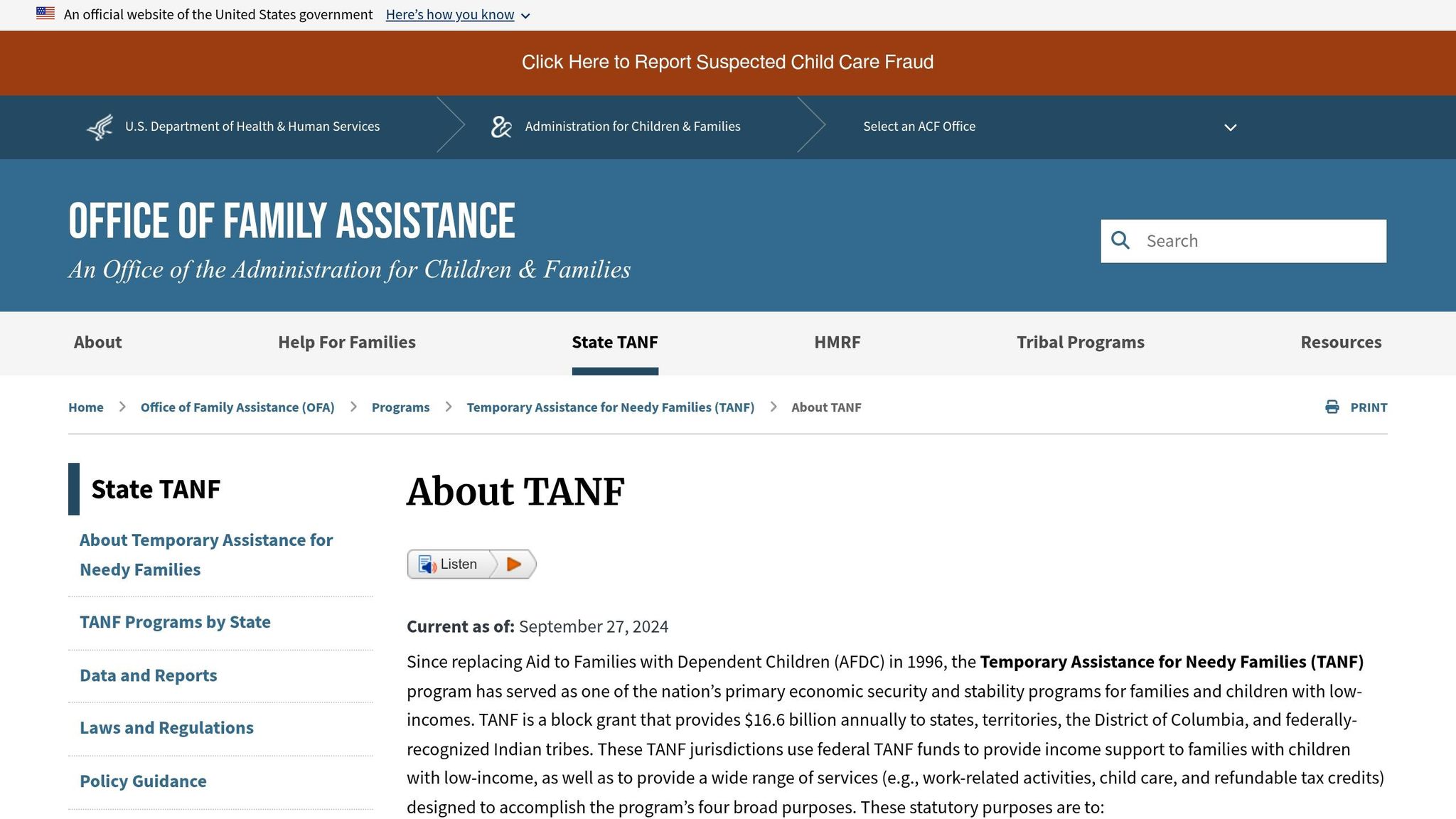
Cash income replacement:
- Unemployment Insurance (UI): Replaces part of lost wages for workers laid off through no fault of their own. Apply through your state's workforce agency within days of losing your job. Waiting too long can delay payments.
- TANF (Temporary Assistance for Needy Families): Short-term cash help for families with children who meet income limits. It can help cover basic living costs when UI isn't available or doesn't go far enough.
Food help:
- SNAP (Supplemental Nutrition Assistance Program): Lowers monthly grocery costs for households that qualify. Apply through your state's benefits portal. In plain terms, this frees up cash you would have spent on food.
Emergency one-time aid:
- Nonprofit emergency grants: Groups like the Salvation Army, Catholic Charities, and the 211.org referral network may offer one-time grants or short-term help for rent, utilities, or food. This can help with one urgent bill when other programs are delayed or out of funds.
A practical way to think about these programs: each one cuts a specific monthly expense. UI helps replace lost income. SNAP lowers grocery spend. Rent relief covers housing. Utility aid keeps service running. Piece by piece, that can steady your budget for a month or two.
At the same time, none of these programs helps you find work faster. They help you stay afloat while you job hunt. So if you're trying to land work before the cash gap gets worse, this is usually the point where tools like a job search platform, a job application service, or a job search coach start to matter more. Some people also use a Virtual Assistant for Job Applications to keep applications moving when stress, time, or burnout gets in the way.
scale.jobs vs competitors: which job-search tool makes sense when your budget is tight?
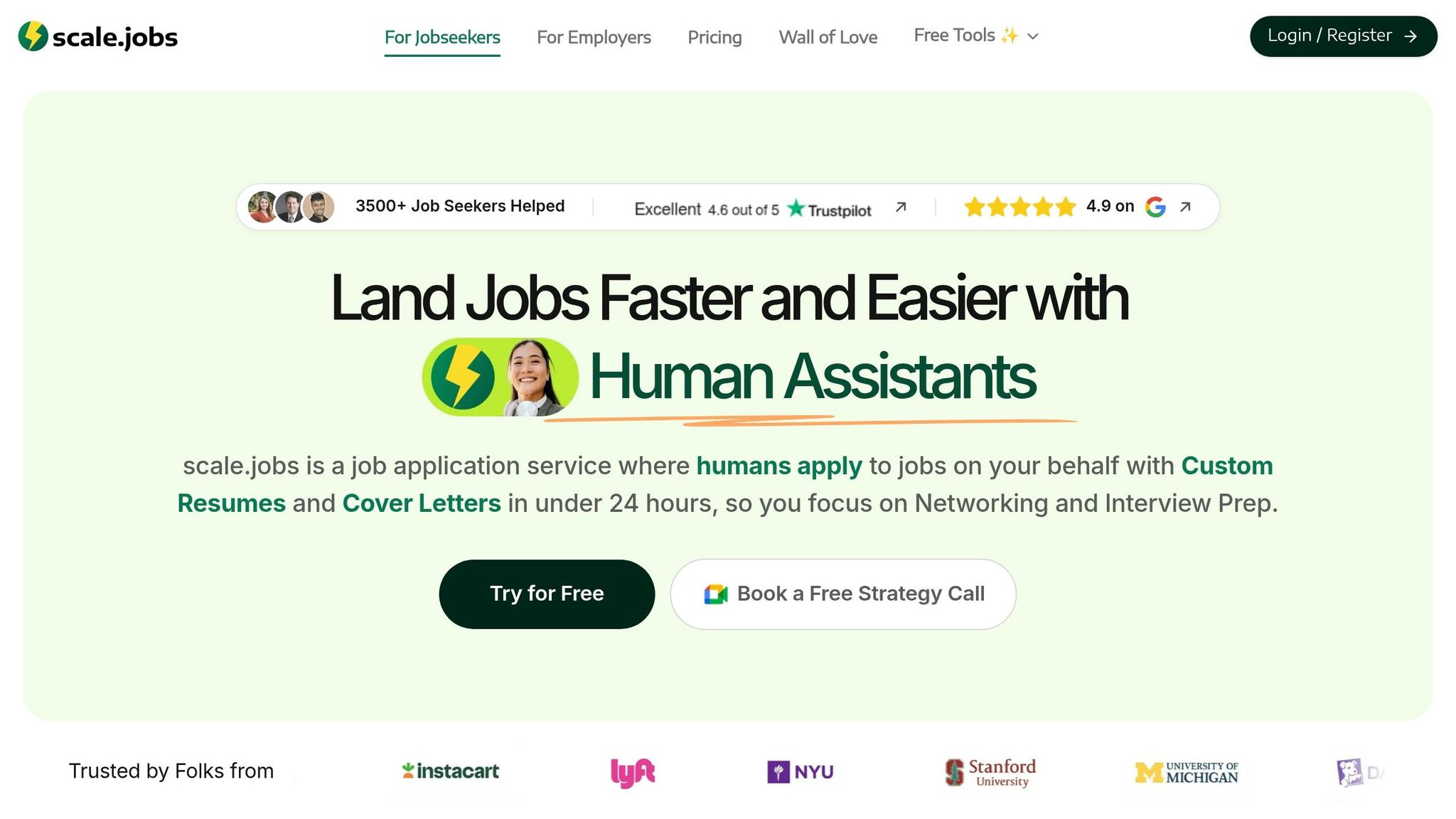
If your bills are covered for now, the next step is simple: pick the tool that helps you get interviews fast without stacking one more monthly charge on top of everything else. When money is tight, the best option is often the one that helps you Apply for jobs without turning your search into another subscription trap.
LazyApply vs scale.jobs: automation volume or human-run applications during unemployment
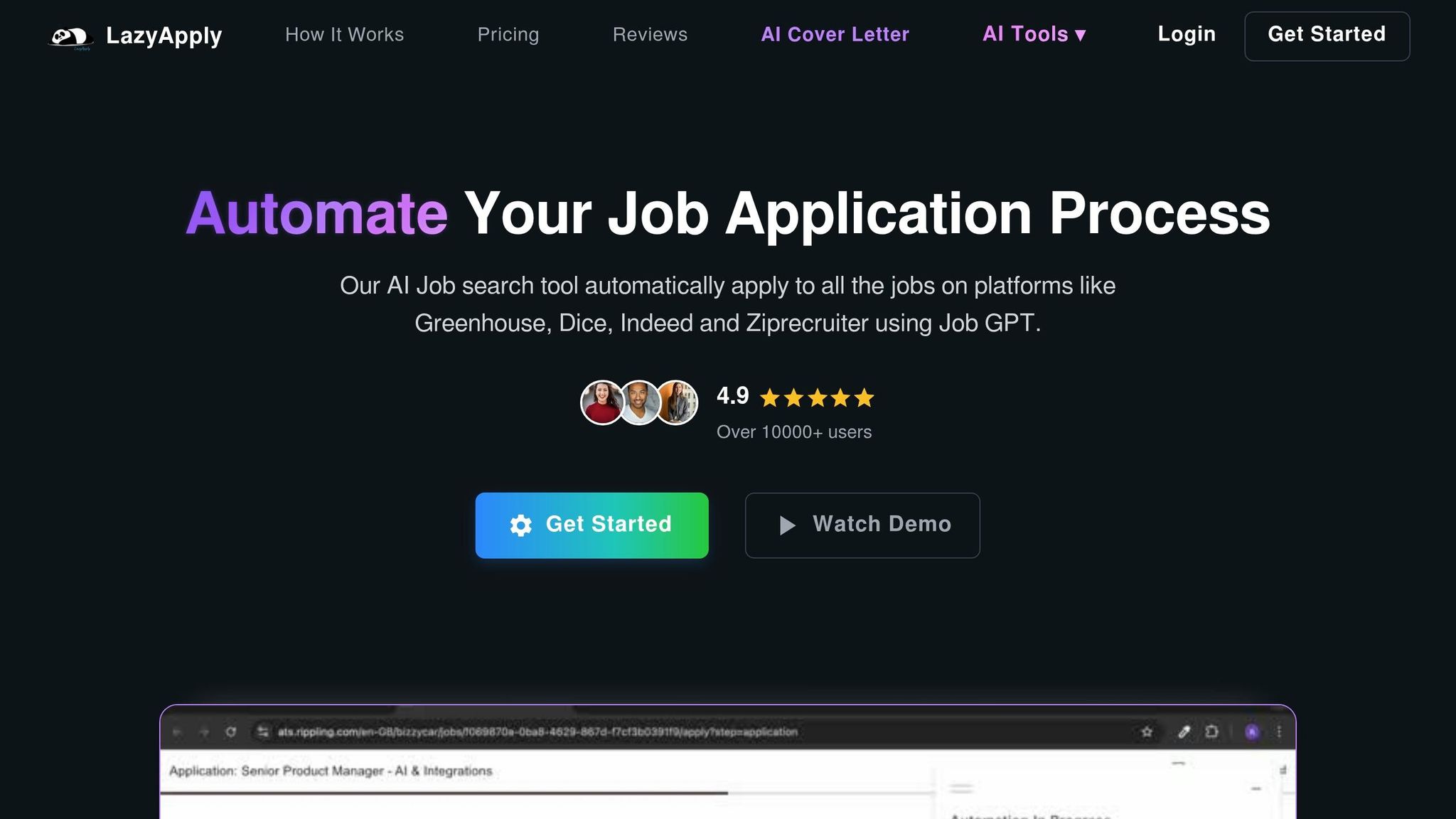
LazyApply leans hard into speed. It can send out a large number of applications fast, which helps if your goal is broad reach. But there’s a catch. When forms get messy or more detailed, bot-driven submissions can miss things, fill fields poorly, or send low-fit applications.
scale.jobs takes a different route. Human assistants fill out each application by hand. That cuts down on wasted submissions and gives you screenshot proof for each one, which can help if you need records for unemployment deferment or relief requests.
Where scale.jobs differs
- Human assistants submit each application manually
- Documents are tailored for each role with ATS optimization
- Submission screenshots document every application for relief records
- Pricing is a one-time bundle, not a recurring subscription
- Dedicated WhatsApp support gives you a direct contact
| Feature | LazyApply | scale.jobs |
|---|---|---|
| Human involvement | None (bot automation) | Human assistants run each application |
| Resume customization | Template-based, automated | ATS-optimized per role |
| ATS compatibility | Automated, variable accuracy | Human-verified submission workflow |
| Submission workflow | AI/bot high-volume apply | Manual execution by trained assistants |
| Transparency & proof of work | Activity logs | Time-stamped screenshots per application |
| Pricing model | Recurring monthly subscription | One-time bundles; first 5 free |
Use LazyApply if you want high-volume applying and plan to review every submission yourself.
Choose scale.jobs if you need human-run submissions, cleaner records for relief paperwork, and no extra monthly fee.
Switch to scale.jobs if: your relief program asks for job-search proof, your current tool sends too many low-fit applications, or you want to swap a recurring fee for a one-time bundle.
If volume isn’t the issue and targeting matters more, the choice shifts from automation to control over the workflow.
Jobscan and Teal HQ vs scale.jobs: resume analysis tools or done-for-you application execution
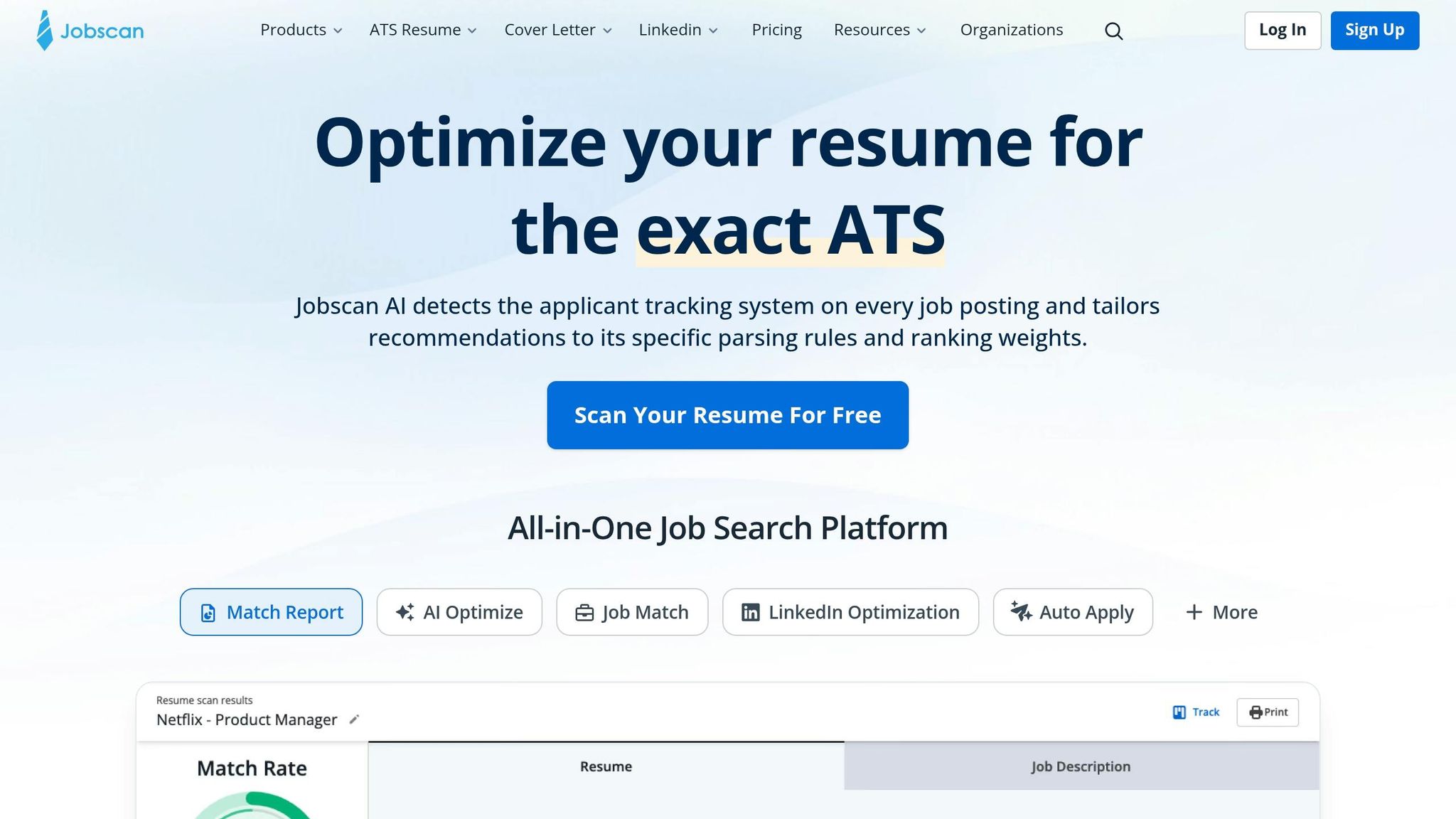
Jobscan and Teal HQ are useful if you want help organizing your search. Jobscan checks your resume against job descriptions. Teal HQ gives you a tracker and pipeline view. Both work best for people who still have time to make edits, manage their search, and submit each application on their own.
That’s where scale.jobs changes the equation. Instead of stopping at analysis, it moves into execution. Human assistants tailor your documents for each role, submit through ATS portals, and send screenshots through WhatsApp so you know exactly what was filed. If you’ve been relying on an ai resume builder or an ai cover letter builder, this is the next step: getting those materials submitted without doing all the manual work yourself.
Where scale.jobs differs
- Human assistants handle submissions instead of leaving that work to you
- Documents are optimized for each role, not just scored for keywords
- Screenshots per application help with relief or compliance records
- Pricing is a one-time bundle instead of another recurring subscription
| Feature | Jobscan | Teal HQ | scale.jobs |
|---|---|---|---|
| Human involvement | None (user-driven) | None (user-driven) | Human assistants |
| Resume customization | Keyword scoring for DIY edits | Job tracking + suggestions | Done-for-you per role |
| ATS compatibility | Score-based analysis | Tracking and planning | Human-optimized submission |
| Submission workflow | Manual by user | Manual by user | Human-run |
| Transparency & proof of work | User-managed | User-managed dashboard | Screenshots per application |
| Pricing model | Recurring subscription | Recurring subscription | One-time bundles; first 5 free |
Use Jobscan or Teal HQ if you want full control over every application and have time to act on the suggestions yourself.
Choose scale.jobs if you want faster execution, need someone else to handle submissions, and want cleaner records for relief checks.
Switch to scale.jobs if: you spend more time managing tools than applying, your DIY edits aren’t turning into interviews, or you need a documented record for unemployment deferment.
If you want broader automation instead of DIY tracking, the next comparison comes down to how much work you still have to do yourself.
Sonara.ai, LoopCV, Jobright.ai, and resume services vs scale.jobs
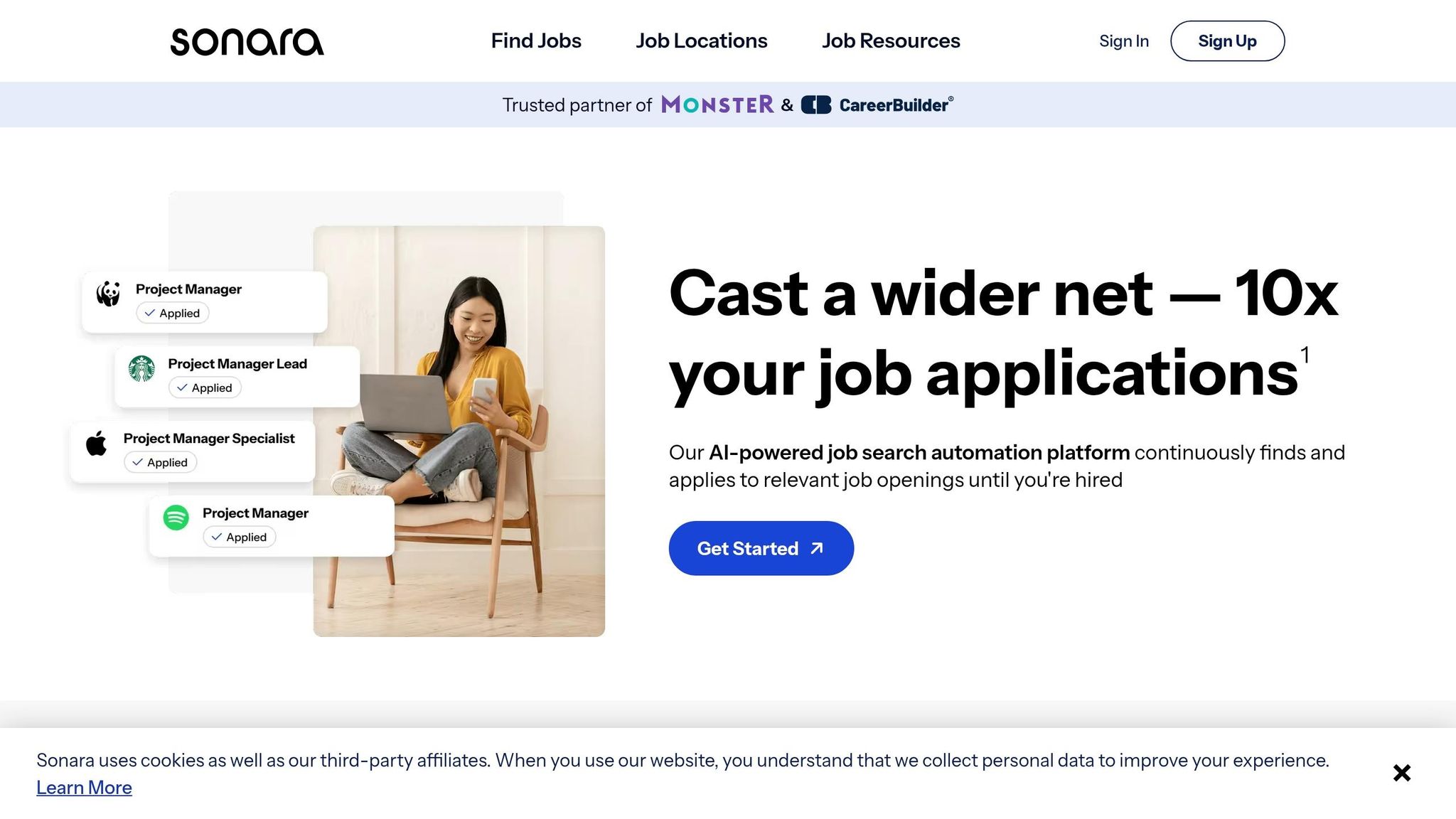
Some tools help you find jobs. Some tools auto-apply. Some give you a polished resume. But those are not the same thing as full application execution.
Sonara.ai, LoopCV, and Jobright.ai can surface roles and automate outreach with less manual effort. Still, the submissions are AI-driven, so fit can vary. Resume services such as TopResume or ResumeSpice give you a polished document, but after that, you’re still the one doing the applying.
scale.jobs covers both sides. Human assistants tailor documents to each role and submit every application manually. That can make a big difference when you need to control spend, keep your search moving, and document proof of effort. For job seekers looking for a job application service or a Virtual Assistant for Job Applications, that hands-on support is the main draw.
Where scale.jobs differs
- Human assistants replace AI-only high-volume apply workflows
- Documents are tailored per role, not polished once and reused
- Pricing is a one-time bundle, not a recurring subscription
- Submission screenshots give clearer records than mixed activity logs
| Feature | Sonara.ai / LoopCV / Jobright.ai | Resume Services (TopResume, ResumeSpice) | scale.jobs |
|---|---|---|---|
| Human involvement | Low (AI-driven) | Resume writer only | Human assistants for full execution |
| Resume customization | Automated/template-based | Professionally written, not role-tailored | ATS-optimized per role |
| ATS compatibility | AI-automated, variable | Document only, no submission | Human-optimized submission |
| Submission workflow | AI high-volume apply | None (user submits) | Human-run per application |
| Transparency & proof of work | Variable activity logs | None | Time-stamped screenshots |
| Pricing model | Recurring subscriptions | One-time (document only) | One-time bundles; first 5 free |
Use these tools if you mainly want automated outreach or a polished resume and don’t need hands-on submission help.
Choose scale.jobs if you need both tailored documents and verified submissions, especially when job-search records matter for relief compliance.
Switch to scale.jobs if: you already paid for a resume service but still submit everything yourself, your automation tool brings in low-fit results, or you need a clean submission record for unemployment deferment checks.
Decision Summary
Here’s the short version:
- Keep Jobscan or Teal HQ if you want DIY control and have time to manage every step yourself
- Keep LazyApply, Sonara.ai, LoopCV, or Jobright.ai if volume matters most and you’re fine with automation tradeoffs
- Switch to scale.jobs if you need human-run submissions, role-specific ATS optimization, screenshot proof for relief records, and one-time pricing while your budget is tight
If your main problem is time, not just search strategy, a job search virtual assistant or virtual assistant for job seekers can take the heavy lifting off your plate while keeping your applications organized and documented.
Conclusion: pick the relief option that buys time - and the job-search workflow that shortens it
Start with the bill that’s draining cash the fastest. Then pick the job-search setup that helps you get back to income sooner. Keep records of every step you take to Apply for jobs, especially if you may need proof for relief recertification or unemployment tracking. If your current tool still leaves you fixing resumes by hand, rewriting applications, or checking whether submissions went through, that friction costs time.
Decision summary: when to keep your current tool and when to switch to scale.jobs
If relief only gives you a few weeks of breathing room, the next issue is simple: is your current job search platform helping you move faster, or is it dragging the process out?
Who should use Jobscan or Teal HQ: people who want resume analysis, scoring, and hands-on control over each application step. If you like reviewing details yourself and using tools like an ai resume builder or ai cover letter builder as part of your process, that route can make sense.
Who should use LazyApply, Sonara.ai, or LoopCV: people who want more automation and are okay reviewing submissions on their own. This can work well if your goal is volume and you’re fine doing your own quality checks across the best job boards.
Who should choose scale.jobs: people who want human support, not just software. That includes hand-submitted tailored applications, ATS-ready documents, and time-stamped submission screenshots. This matters even more if you need a job application service that creates a clean paper trail for unemployment deferment or relief recertification.
Pick the tool that fits three things: how much time you can spend, how much proof you need, and how fast you need interviews. When those three point to less manual work and cleaner records, the case for scale.jobs gets pretty clear, especially with one-time payment and WhatsApp updates as applications go out.