
Cheapest AI Job Search Tools of 2026

Sarah Mitchell
June 30, 2026

If I only cared about cost, I’d split these tools into three groups fast: free or low-cost self-serve tools, subscription auto-apply tools, and flat-fee done-for-you help. The best pick depends on whether I want to save money, save hours, or get proof that each application was sent.
Here’s the short version:
- Best for done-for-you applications: scale.jobs
- Best for free autofill: Simplify
- Best for resume scoring: Jobscan
- Best for tracking applications: TealHQ
- Best for free AI auto-apply: Jobright
- Best for bulk bot-driven applying: Sonara, LazyApply, and LoopCV
What I’d check before I pay for any tool:
- Price model: one-time fee vs. monthly or annual billing
- How applications are sent: bot, browser autofill, or human help
- Resume and cover letter edits: generic vs. role-by-role
- ATS support: can it handle Workday, Greenhouse, Lever, and iCIMS?
- Proof: screenshots, confirmations, or just a dashboard count
In this guide, I’m not repeating every product page claim. I’m narrowing the article down to what matters when I want to Apply for jobs with AI without burning time or stacking extra charges.
Best AI Tools for Job Search in 2026 (Most Are Free)
sbb-itb-564272e
Quick comparison
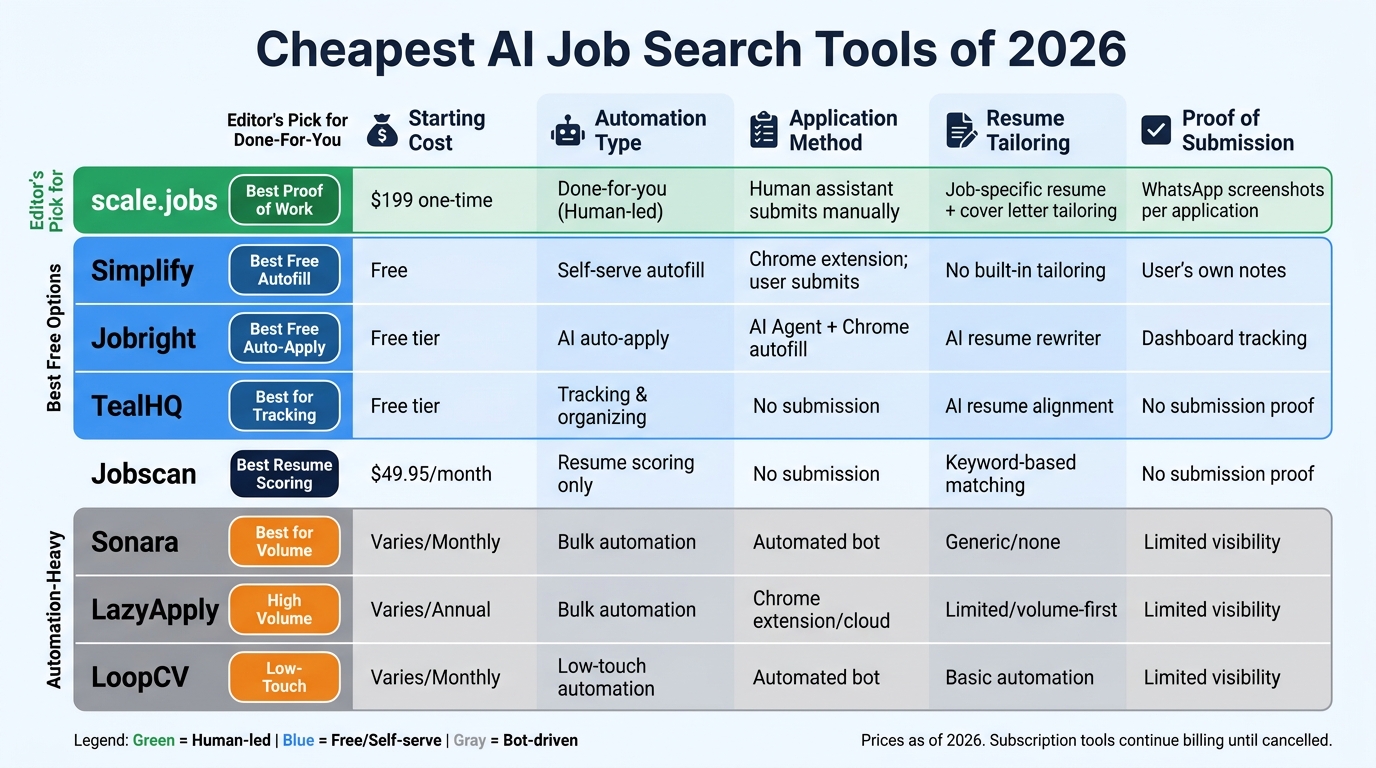
Cheapest AI Job Search Tools 2026: Side-by-Side Comparison
| Tool | Starting cost | Best for | Main trade-off |
|---|---|---|---|
| scale.jobs | $199 one-time | Done-for-you applications with proof using accurate auto-apply platforms | Higher upfront payment |
| Simplify | Free | Self-serve autofill | I still submit each application |
| Jobscan | $49.95/month | Resume keyword checks | No application submission |
| TealHQ | Free tier | Tracking and organizing search | No application submission |
| Jobright | Free tier | AI matching and auto-apply tools compared | Less visibility per submission |
| Sonara | Varies | Hands-off volume | Monthly billing and limited proof |
| LazyApply | Varies | High-volume autofill | Annual billing and generic applying |
| LoopCV | Varies | Low-touch automation | Less control on hard portals |
My take
If I want the lowest entry price, I’d start with free tools like Simplify, TealHQ, or Jobright.
If I want done-for-me applications, the article makes one point over and over: scale.jobs is the outlier because it uses human-assisted vs. automated job applications. That matters most when I’m applying to full time jobs on messy ATS portals, or when I want a job application service with screenshots instead of guesses.
How I’d choose in 5 minutes
-
Pick my budget cap first, perhaps starting with free AI job search tools.
If I don’t want recurring billing, I’d rule out most subscriptions right away. -
Decide if I want help or software.
A job search platform can speed things up, but it may still leave the work on me. -
Check where I’m applying.
Easy-apply job boards are one thing. Workday and Greenhouse are another. -
Look at document edits.
If I need role-by-role changes, I’d lean toward human review or pair a tool with an ai resume builder. -
Ask for proof.
If a tool can’t show screenshots, timestamps, or confirmations, I’d treat the “applications sent” number with caution.
FAQ-style answers
Which tool is cheapest in 2026?
If I mean lowest starting price, free tiers from Simplify, TealHQ, and Jobright win.
If I mean lowest cost per application with execution included, the article positions scale.jobs as the flat-fee option to compare against subscriptions.
Is Jobscan worth it?
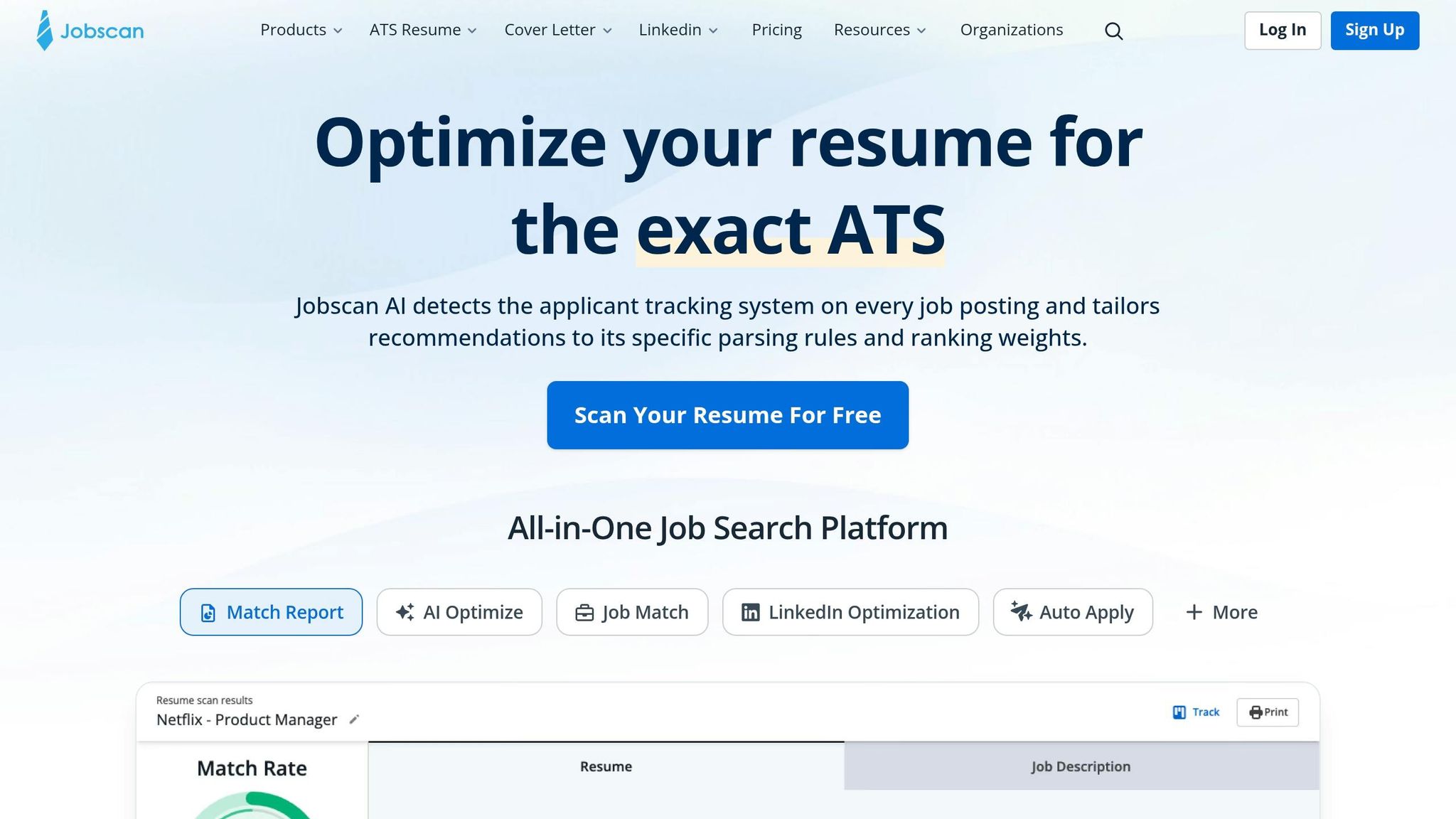
Yes, if I only want resume scoring and keyword checks. No, if I expect it to submit applications for me.
Is Simplify worth it?
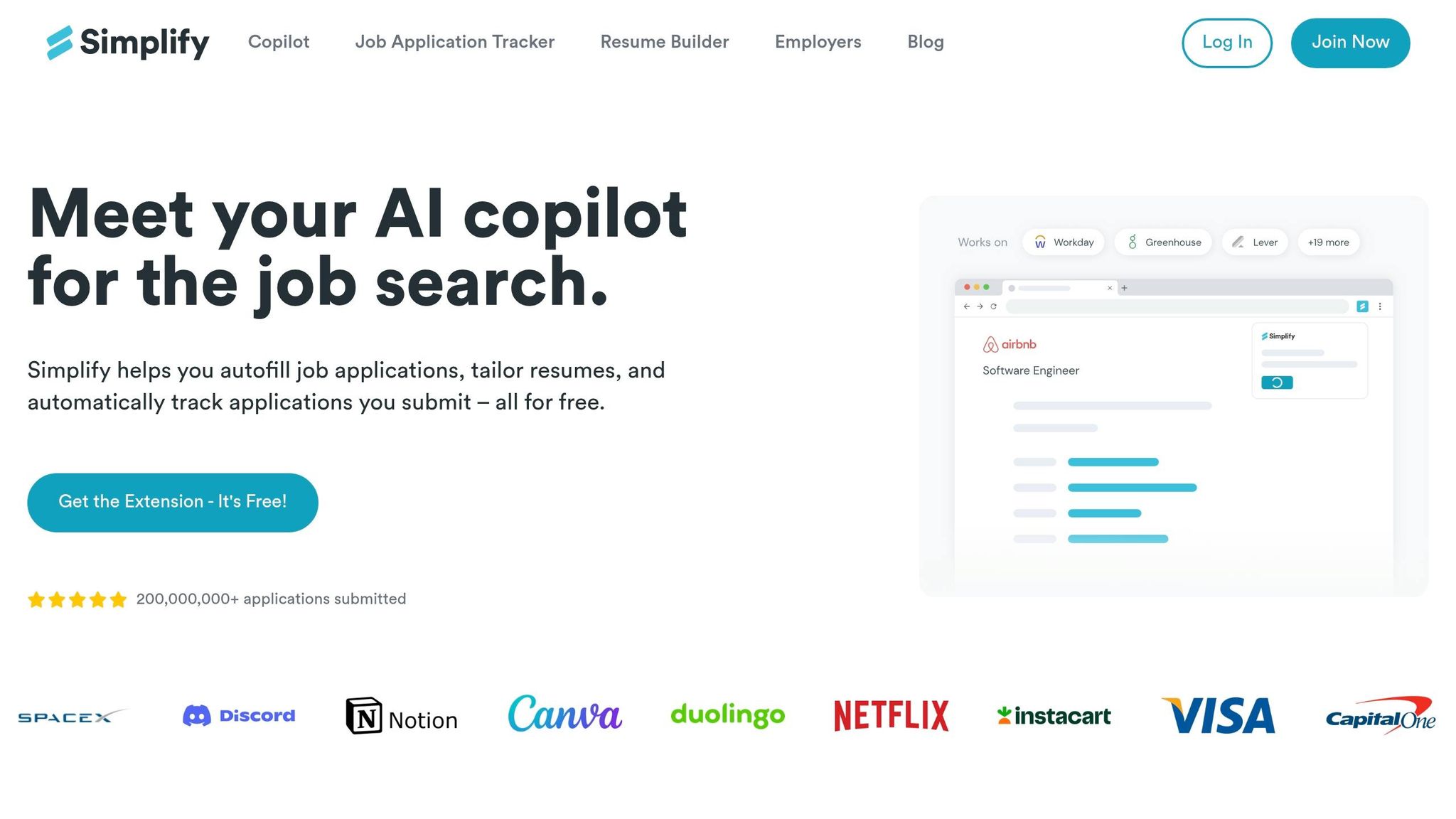
Yes, if I want free autofill and don’t mind doing the final submit step myself.
When would I use a human-led option?
I’d look at a Virtual Assistant for Job Applications or a job search virtual assistant when I’m applying at volume, dealing with long forms, requiring human form-filling for complex portals, or tired of tracking every click myself.
Bottom line
For free or cheap self-serve help, Simplify, TealHQ, Jobscan, and Jobright cover different parts of the process.
For bulk automation, Sonara, LazyApply, and LoopCV fit volume-first applicants.
For flat-fee done-for-you help with proof, the article’s clear winner is scale.jobs.
If I were choosing today, I’d match the tool to my workflow first - not just the sticker price. Developing a complete job search plan ensures you use these tools effectively.
What to Actually Look for in a Cheap AI Job Search Tool in 2026
Price model should be your first filter. When you're comparing Sonara, LazyApply, LoopCV, Simplify, Jobscan, TealHQ, and Jobright, use four checks: price, workflow, coverage, and proof.
That first one matters more than people think. Comparing a flat fee vs. subscription costs is essential; one puts a ceiling on what you spend, while the other keeps billing until you cancel. If you're trying to control costs while you apply for jobs, that difference adds up fast.
Then look at workflow speed versus oversight. Cheap doesn't always mean good value. Who is doing the work matters just as much as the price tag. Automation moves faster. But human help usually does a better job with messy forms, odd employer portals, and those annoying edge cases that break autofill. That's one reason some job seekers look at a job search virtual assistant or a Virtual Assistant for Job Applications instead of a tool that just sprays out the same application over and over.
Platform compatibility is another practical filter. Don't settle for a tool that only works on LinkedIn or Indeed. If you're targeting U.S. roles across a broad set of companies, you need support for employer portals like Workday, Greenhouse, Lever, iCIMS, Taleo, and Ashby. A decent job search platform should help you reach those systems, not trap you on one job board.
Tailoring is where cheap tools often fall apart. A useful setup should help you adjust your resume and cover letter for each role, not send one generic version everywhere. If a tool includes an ai resume builder or an ai cover letter builder, check whether it changes documents per job or just rewrites the same file with minor edits.
Last, ask for proof. Not vague dashboard numbers. Actual proof. That means timestamps, screenshots, confirmation emails, or receipts that show the application was submitted. Without that, you're just taking the tool's word for it.
Those four filters - price, workflow, coverage, and proof - are the ones that should guide the side-by-side comparison next.
1. scale.jobs
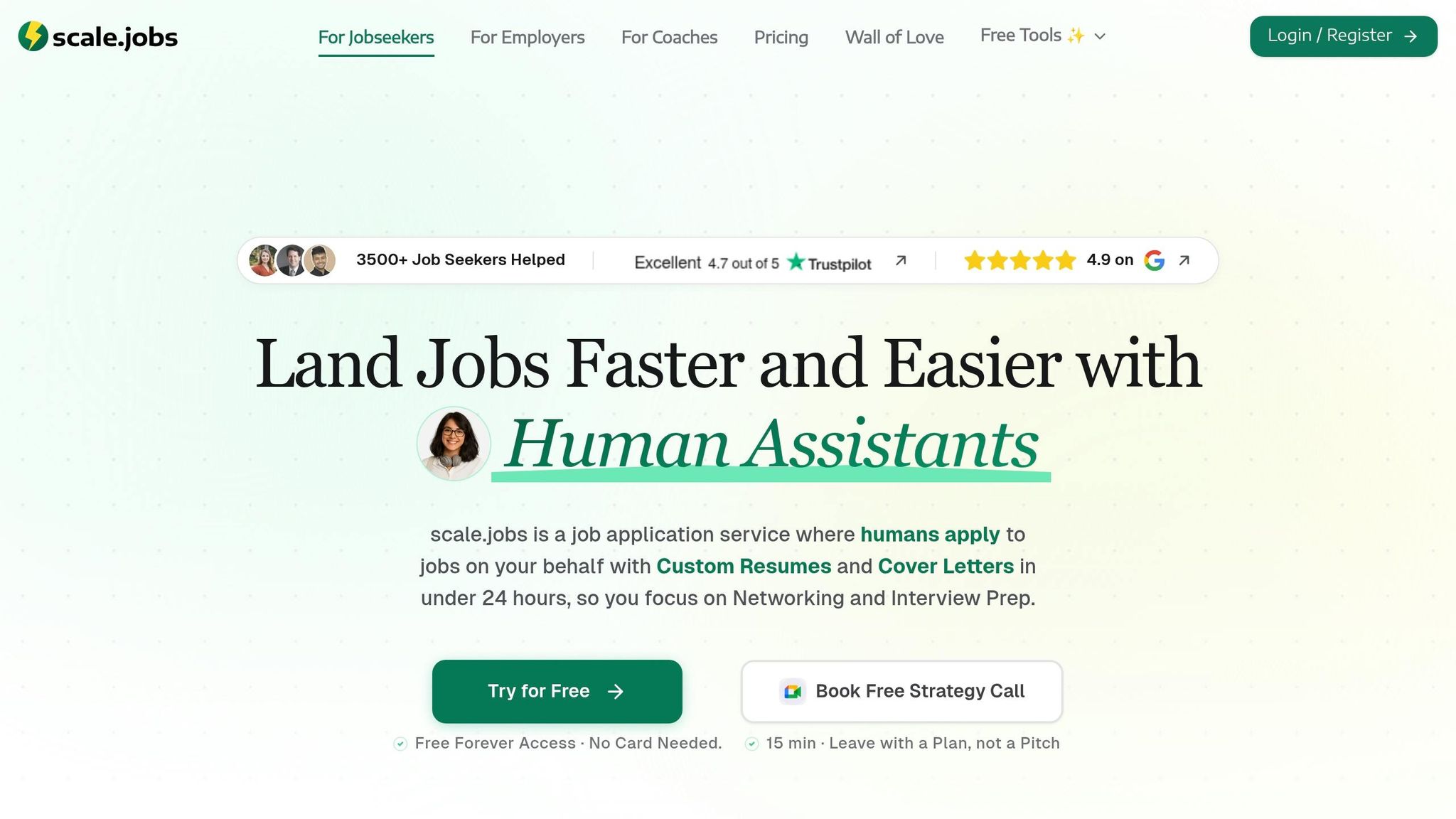
scale.jobs is the strongest low-cost switch if you want human-submitted applications, ATS-ready docs, and pricing you can map out from day one. If you're moving away from bot-heavy tools like Sonara, LazyApply, LoopCV, Simplify, Jobscan, TealHQ, or Jobright, the big difference is simple: a person handles the work instead of a bot doing most of it.
That matters more than it may seem. Bot-first tools can run into issues with complex ATS flows, weird portal logic, and long screening forms. If your goal is to apply for jobs across many systems without babysitting every step, that shift in execution can remove a lot of friction.
USD Pricing Model
scale.jobs uses a one-time flat fee. Plans start at $199 for 250 applications, with higher-volume tiers that bring down the cost per application.
For many buyers, that's the key selling point. You know what you'll spend upfront, instead of stacking another monthly charge on top of other tools. If you've already paid for a job application service that kept renewing without clear output, fixed pricing can feel like a relief.
Application Execution Method
A trained human assistant submits each application manually. That setup handles complex portals and screening questions better than bot-driven autofill, especially when forms get messy or require extra steps.
Assistants work across corporate ATS portals, niche boards, and multi-step forms. You set your preferences, like role type, location, and experience level, upload your resume, and the assistant takes it from there.
This is a strong fit for people searching across both full time jobs and harder-to-find roles on scattered systems. It also lines up well if you want a virtual assistant for job seekers instead of a tool that mostly asks you to monitor its output.
Resume Tailoring Depth
Each submission gets an ATS-optimized resume and cover letter matched to the specific job posting, with a 12–24 hour turnaround.
That job-by-job matching is a big part of the value. A lot of applicants learn this the hard way: sending the same resume everywhere often leads to silence. Here, the documents are adjusted to the posting before submission. If your resume needs deeper work before the campaign starts, the resume writing services include a 45-minute 1-on-1 Zoom call and email support.
If you've been comparing this kind of service with an ai resume builder or an ai cover letter builder, the difference is that scale.jobs adds human review and submission work on top of document prep.
ATS Risk and Transparency
The assistant submits applications manually, which helps avoid bot-style submission patterns. That's a big point if you're worried about automation leaving a footprint or failing on systems like Workday and Greenhouse.
For proof, you receive screenshots for each submitted application through WhatsApp, and you also get direct access to your assigned assistant during the campaign. That mix of screenshots, WhatsApp updates, and direct contact makes it easy to check what was submitted and when.
Here’s the short version:
- Manual submissions instead of bot-style blasting
- Screenshots for every application
- Direct WhatsApp access to the assigned assistant
- Clear record of submission activity
What Users Say
⭐⭐⭐⭐⭐ "I was spending 3–4 hours a day filling out Workday and Greenhouse forms. After switching to scale.jobs, my assistant handled 80 applications in the first week. Every one came with a screenshot. I could actually verify what was submitted." - Marcus T., Senior Product Manager, switching from LazyApply
⭐⭐⭐⭐⭐ "The one-time payment was the deciding factor. I'd already paid two months of Sonara and had nothing to show for it. scale.jobs gave me a fixed cost and a real person I could message on WhatsApp when something looked off." - Priya S., UX Researcher, switching from Sonara
⭐⭐⭐⭐ "The resume tailoring per job is what I didn't expect to matter as much as it did. I started getting callbacks on roles I'd been ignored for before. The upfront cost felt high at first, but the per-application math made more sense than a monthly sub." - Daniel R., Operations Analyst, switching from LoopCV
Main trade-offs: higher upfront cost than subscriptions and U.S.-focused coverage.
Best fit: job seekers applying across many portals who want human oversight and clear proof of submission.
Use this baseline to judge the subscription tools that follow on speed, ATS handling, and proof of submission.
2. Sonara
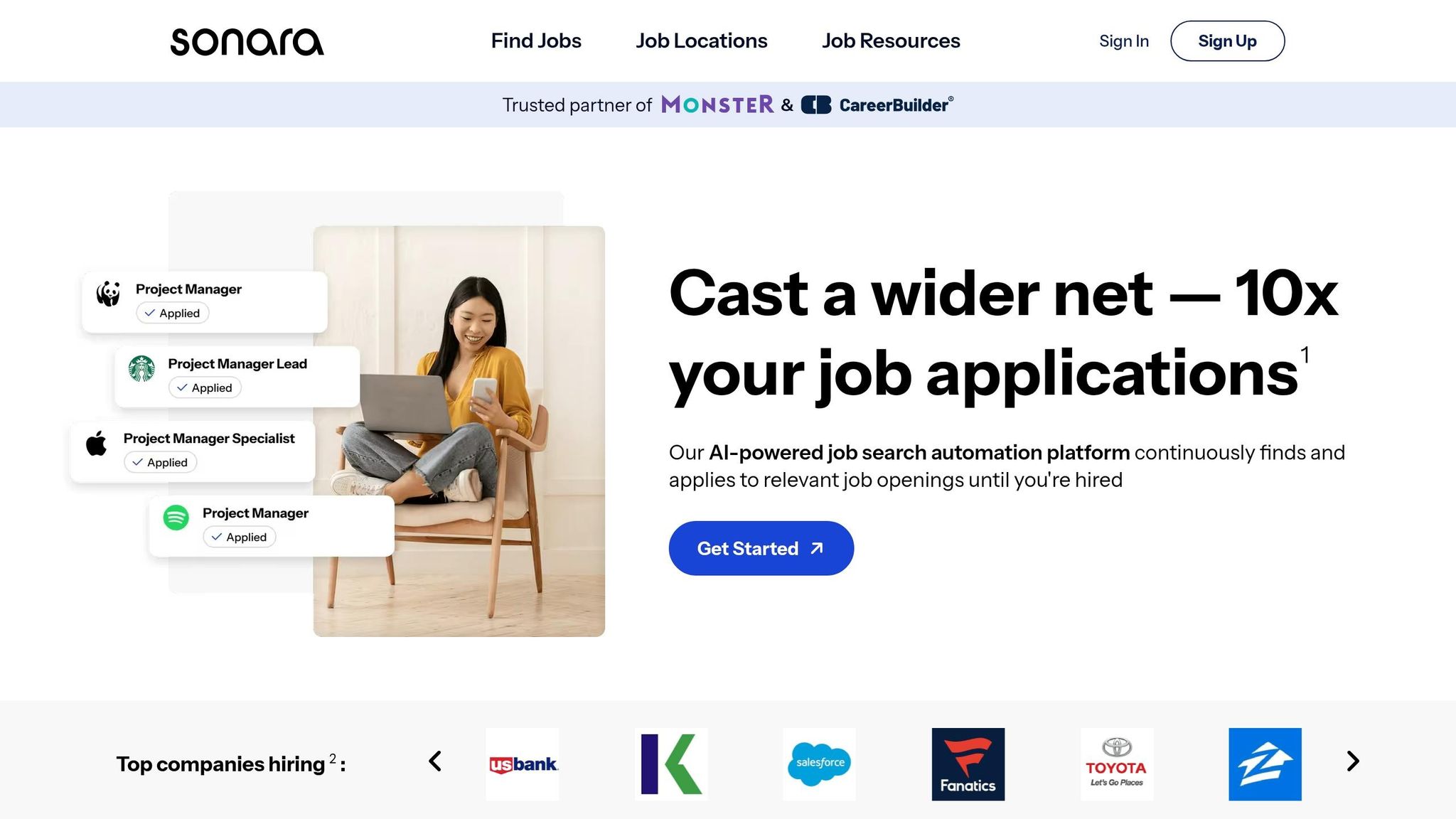
Sonara is a fast, low-touch auto-apply option for high-volume searches. It’s simpler to start than a human-assisted job application service and covers a broad mix of job boards with very little setup. For switch-ready job seekers, the trade-off is pretty clear: is that hands-off automation worth losing submission proof and human review?
Start with pricing, then look at how much control you give up once applications start going out.
Pricing Model
Sonara uses a monthly subscription. scale.jobs charges a one-time flat fee, so you’re not stuck paying again and again while your search stretches out.
Application Execution Method
Sonara uses automated bots to submit applications. If you’re trying to apply for dozens of entry-level roles on simple portals, that can save time.
But there’s a catch. If you’re applying across Workday, Greenhouse, and employer-specific sites, bot-driven submissions can hit anti-bot checks or break on more involved portal flows. scale.jobs uses trained human assistants who fill out and submit applications by hand. That matters a lot if your target roles sit behind long forms, extra screening questions, or awkward ATS steps.
Resume Tailoring Depth
Sonara does not offer job-specific resume and cover letter tailoring. scale.jobs adjusts your documents for each posting before submission.
If that’s high on your list, a service with an ai resume builder or ai cover letter builder can help with drafting, but scale.jobs goes a step further by aligning documents to each role before the application is sent.
Transparency and Proof of Work
Sonara gives you less visibility at the submission level. scale.jobs sends screenshots for each application through WhatsApp and gives you direct access to your assigned assistant during the campaign.
That’s a big difference in day-to-day use. A dashboard can say “done,” but screenshots show what actually happened.
Why scale.jobs Wins for Switch-Ready Users
- Human execution: A trained assistant submits each application manually, which helps with complex portals and multi-step forms where bots often stumble
- Job-specific documents: Resume and cover letter are tailored to each posting before submission, instead of sending one generic version everywhere
- Proof of work: Screenshots and WhatsApp updates confirm every submission, so you’re not left guessing
- One-time pricing: Flat fee with no recurring charge, which is easier to plan for if your search lasts longer than expected
- Direct assistant access: You can message your assigned assistant on WhatsApp if something looks off or needs to change
Here’s the fastest way to compare the two side by side.
Sonara vs. scale.jobs: Comparison Table
| Feature | Sonara | scale.jobs |
|---|---|---|
| Human involvement | None (fully automated) | Trained human assistant per campaign |
| Resume customization depth | Generic or light automation | Job-specific tailoring per posting |
| ATS handling | Bot-driven; can trigger anti-bot checks | Manual submission; handles complex portal flows |
| Application execution method | Automated bot | Human-submitted by hand |
| Transparency and proof of work | Limited submission-level visibility | Screenshots + WhatsApp updates per application |
| Pricing model | Monthly subscription | One-time flat fee |
Use this table to match the tool to your search style. If you want speed and don’t care much about proof, Sonara may be enough. If you want control, document matching, and confirmation, scale.jobs has the edge.
Who Should Use Sonara
Sonara makes sense for high-volume applicants going after simple job boards with easy apply flows. It also fits job seekers who want a fully hands-off setup and don’t want to spend much time managing the process.
It can also work for early-stage searchers who are testing volume first, especially if they’re comfortable with automated submission and limited visibility into each application.
Who Should Choose scale.jobs
scale.jobs is a better fit for job seekers applying across Workday, Greenhouse, Lever, and other more demanding employer portals. It also works well for candidates who need job-specific resume and cover letter tailoring before each submission.
It’s a strong option for anyone who has already paid for a subscription-based job search platform and still can’t tell what was actually submitted. The same goes for applicants who want proof each application went out correctly, or who prefer talking to a real person instead of watching a dashboard.
If you want more guided help during your search, a job search coach or a virtual assistant for job seekers may also fit into your workflow.
Switch to scale.jobs If…
- You are applying across employer portals that require multi-step forms or screening questions
- You need your resume and cover letter matched to each job posting, not sent as a single version
- You want screenshots or confirmation that each application was actually submitted
- You have already paid one or more months of a subscription with no clear output to show for it
- You want a fixed cost you can plan around instead of a recurring charge tied to your search timeline
Decision Summary
Sonara fits high-volume, hands-off applicants targeting simple job boards who care more about speed than submission proof. scale.jobs is the better switch if you need human execution, job-specific documents, and proof of work across complex portals.
What Users Say
⭐⭐⭐⭐⭐ "The one-time payment was the deciding factor. I'd already paid two months of Sonara and had nothing to show for it. scale.jobs gave me a fixed cost and a real person I could message on WhatsApp when something looked off." - Priya S., UX Researcher, switching from Sonara
Next up: LazyApply, which takes a similar bot-first approach but targets a different price point and platform mix.
3. LazyApply
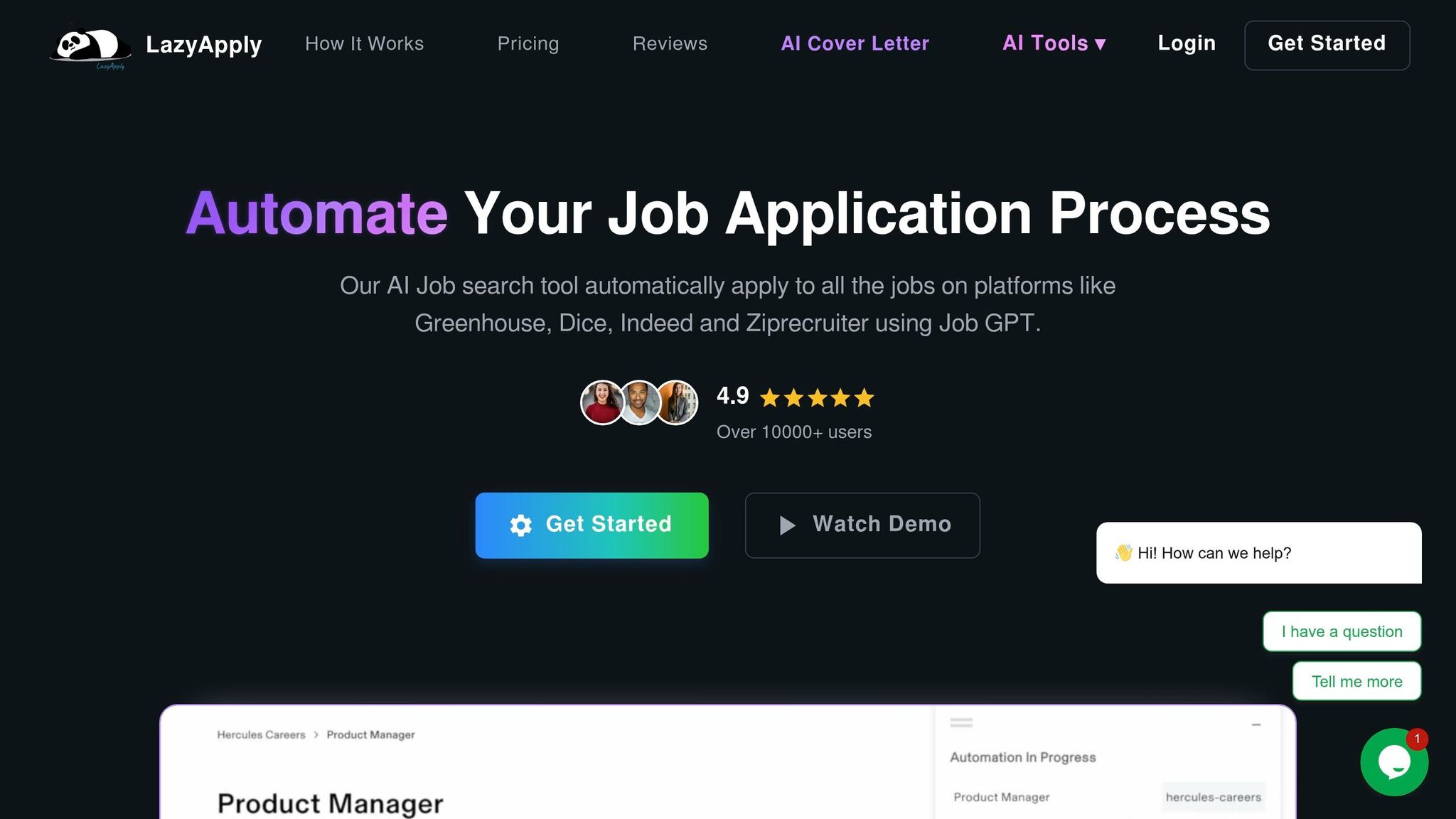
LazyApply is built for job seekers who want volume-first automation. It runs on an annual subscription, so it’s less flexible if your search wraps up sooner than you planned. If your main goal is speed, LazyApply is one of the clearer examples of that approach.
USD Pricing Model
LazyApply uses an annual subscription. By contrast, scale.jobs charges a one-time fee, so you’re not stuck with renewing costs while you continue to Apply for jobs.
Application Execution Method
LazyApply works through a Chrome extension or a cloud-based auto-apply flow. Applications can go out in about two minutes per role, which sounds great on paper.
The catch is simple: it depends on automated form filling. On jobs with multi-step forms or custom screening questions, that can leave you with less visibility into errors, skipped fields, or broken submissions. That matters a lot on portals like Workday or Greenhouse, where one missed field can throw the whole thing off.
Resume Tailoring Depth
LazyApply is built for volume, not deep posting-by-posting customization. If you’re applying to competitive roles, that can be a weak spot.
Why? Because keyword match and ATS-friendly formatting still matter. A generic resume sent everywhere often won’t hit the mark. That’s where a tool or service tied to an ai resume builder or a more hands-on job application service can make a bigger difference.
ATS Risk and Transparency
With bot-driven tools, the main issue is limited visibility into each submission. LazyApply gives you less proof of what happened after the autofill step.
That’s fine for simple one-click listings. It’s a lot less reassuring when you’re going after roles with longer forms, custom questions, or picky ATS flows. If you’ve ever wondered whether an application actually went through, you already know the problem.
Why scale.jobs Wins
- Human submission: A trained assistant submits each application by hand, which cuts down errors on complex portals and multi-step forms
- ATS-optimized documents: Resume and cover letter are tailored to each posting before submission, not sent as one generic version
- One-time fee: No recurring charge; costs do not renew while your search continues
- WhatsApp proof of work: Screenshots of completed applications are sent through WhatsApp so you can verify every submission
- Manual handling of complex portals: Human assistants work through Workday, Greenhouse, Lever, and other demanding ATS flows that bot autofill often struggles with
The table below compares LazyApply and scale.jobs to show where automation saves time and where human oversight adds control.
LazyApply vs. scale.jobs: Comparison Table
| Feature | LazyApply | scale.jobs |
|---|---|---|
| Human involvement | None; automation-driven | Trained human assistant per campaign |
| Resume customization depth | Limited; volume-first workflow | Job-specific tailoring per posting |
| ATS handling | Automated autofill; more risk on complex portals | Manual submission; better fit for multi-step forms |
| Application execution method | Chrome extension or cloud auto-apply | Human-submitted by hand |
| Transparency and proof of work | Limited; less per-submission visibility | WhatsApp screenshots and updates |
| Pricing model | Annual subscription | One-time flat fee with pro-rated refund |
Who Should Use LazyApply
LazyApply works best for job seekers applying to high-volume, easy-apply listings where speed matters more than customization. It fits entry-level searches where most roles use simple one-click apply flows and submission proof is less of a priority.
If you’re mainly chasing full time jobs at scale or trying to move through a big stack of simpler listings fast, this kind of tool can help.
Who Should Choose scale.jobs
scale.jobs is the better pick for applicants targeting roles with longer forms, ATS-sensitive portals, or screening questions that break autofill. It also fits anyone who wants per-posting document tailoring and confirmation that each application was actually submitted.
This setup makes more sense if you want a Virtual Assistant for Job Applications instead of a browser bot, or if you’ve already tried a basic job search platform and hit a wall with low response rates.
Switch to scale.jobs If…
- You need manual handling for multi-step applications or custom screening questions.
- You want resume and cover letter tailoring for each posting, not one document sent everywhere.
- You want WhatsApp screenshots as proof of work for every submission.
- You prefer a one-time fee over an annual subscription that renews no matter how long your search lasts.
User Review
⭐⭐⭐⭐⭐ "I was spending 3–4 hours a day filling out Workday and Greenhouse forms. After switching to scale.jobs, my assistant handled 80 applications in the first week. Every one came with a screenshot. I could actually verify what was submitted." - Marcus T., Senior Product Manager, switching from LazyApply
LoopCV follows a similar automation-first model, but its workflow and cost structure differ enough to compare separately.
4. LoopCV vs. scale.jobs: Is LoopCV Worth It?
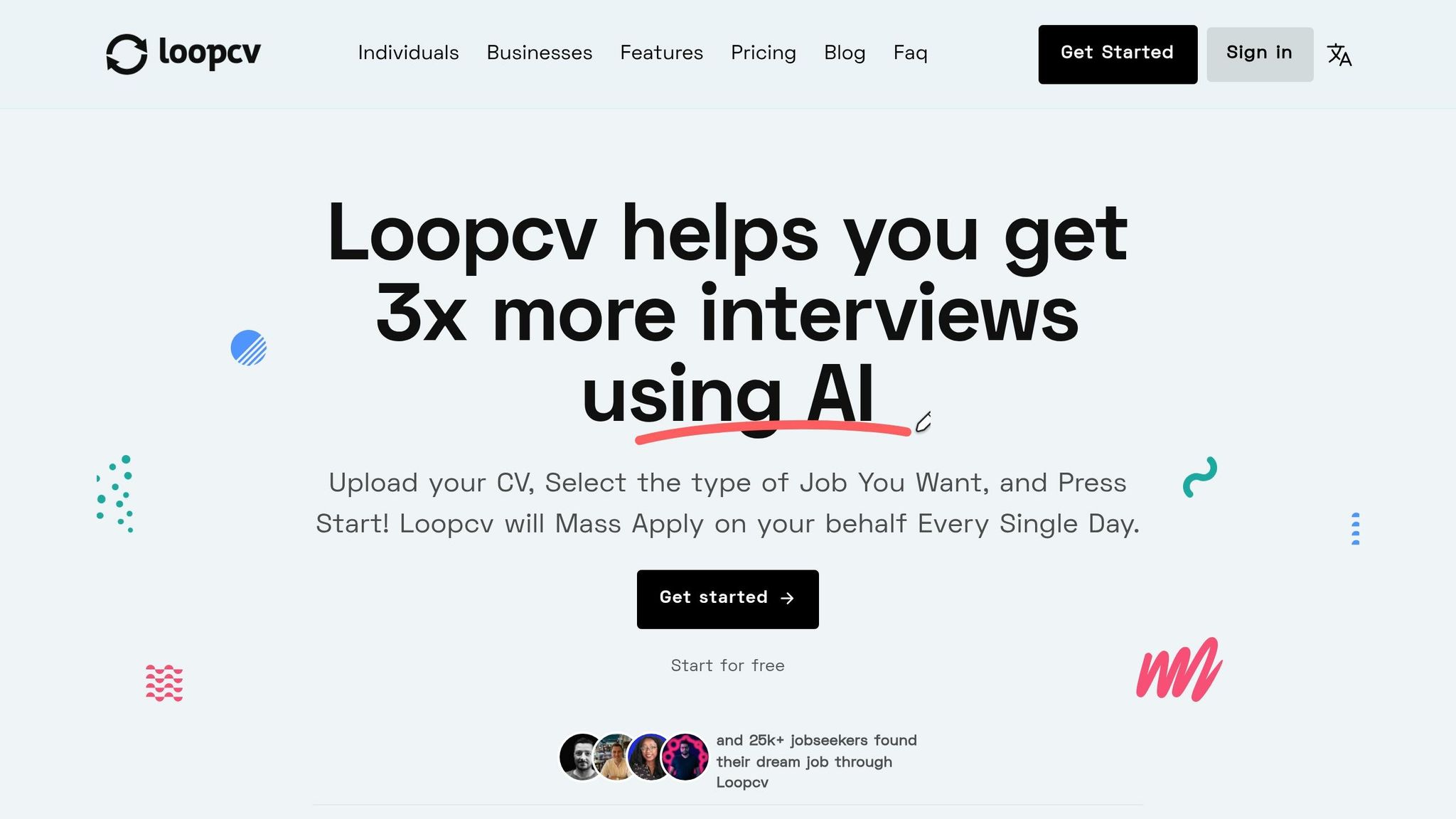
If you're trying to decide whether to stick with LoopCV or move to scale.jobs, start with what LoopCV does well: easy setup and auto-apply at volume with very little hands-on work. If your goal is to Apply for jobs fast on simple listings, that can feel convenient.
But convenience has a trade-off.
LoopCV works best when the job search is broad, the listings are straightforward, and you don't need much visibility into what happened after you hit start. Once the process runs into custom questions, multi-step forms, or ATS-heavy portals, that low-touch model can start to feel a bit shaky. So the better question isn't just does it save time? It's whether that time savings is worth less control and less proof.
⭐⭐⭐⭐ "The upfront cost felt high at first, but the per-application math made more sense than a monthly sub." - Daniel R., Operations Analyst, switching from LoopCV
USD Pricing Model
LoopCV uses a monthly subscription. scale.jobs uses a one-time flat fee.
That difference matters most when your search drags on longer than planned. A monthly bill may look smaller at first, but it keeps running. A flat-fee model is simpler to budget for, especially if you're working through a long stretch of full time jobs or trying a few lanes at once.
Application Execution Method
LoopCV depends on fully automated submission. That keeps things moving, but it also means less human review when an application gets messy.
And messy happens a lot. Think custom screening questions, extra profile fields, file re-uploads, and portals like Workday, Greenhouse, Lever, and iCIMS. Those systems don't always play nicely with automation. scale.jobs takes a different path: submissions are handled by people, which cuts down the risk of failed or incomplete applications on those platforms.
If you're using a job application service, this is one of the biggest differences to watch.
Resume Tailoring Depth
LoopCV is built more for broad automation than for posting-by-posting tailoring.
That may be fine if you're sending one general resume to many roles. But if your search depends on matching skills, keywords, and positioning to each opening, the gap starts to show. scale.jobs tailors the resume and cover letter to each posting before submission, which is much closer to how a hands-on job search coach or Virtual Assistant for Job Applications would approach the process.
ATS Risk and Transparency
This is the biggest trade-off with full automation: you don't always know what happened on each application.
Without proof for each submission, you're often left trusting the dashboard. That may be enough for some people. For others, especially those applying to roles that matter a lot, it's not. scale.jobs adds WhatsApp screenshots for every submission, so you can see that each application actually went out.
That kind of proof matters more than people think. A dashboard count can look good. A screenshot is harder to argue with.
Why scale.jobs Wins
scale.jobs pulls ahead in a few clear spots:
- Manual submission on complex portals: Human assistants handle Workday, Greenhouse, Lever, and iCIMS by hand, which lowers bot-related failure risk on ATS forms
- Job-specific document tailoring: ATS-friendly resumes and cover letters are matched to each posting instead of sending the same version everywhere
- Per-application proof of submission: WhatsApp screenshots confirm each application was sent correctly
- One-time pricing caps cost: You pay once, not month after month
For job seekers who want a more hands-on job search platform with proof built in, that's a strong edge.
LoopCV vs. scale.jobs: Comparison Table
| Feature | LoopCV | scale.jobs |
|---|---|---|
| Human involvement | Fully automated | Human assistant-led |
| Resume customization depth | Basic automation | Job-specific tailoring per posting |
| ATS handling | Automated workflow; higher failure risk on complex portals | Manual submission; lower bot-related failure risk |
| Application execution method | Automated application flow | Human-submitted by hand |
| Transparency and proof of work | Limited per-application visibility | WhatsApp screenshots for every application |
| Pricing model | Monthly subscription | One-time flat fee |
Who Should Use LoopCV
LoopCV makes sense for automation-first job seekers who want a low-touch search on simple listings. It's a better fit if you're comfortable with limited visibility into each submission and you care more about volume than review.
This can also work for people testing the waters before they get more targeted with their search.
Who Should Choose scale.jobs
scale.jobs is the better pick for proof-first applicants who want job-by-job tailoring, manual handling on ATS-heavy portals, and confirmation that each submission went through.
If you're using a virtual assistant for job seekers model because you want less guesswork, scale.jobs fits that need more closely than LoopCV does.
Switch to scale.jobs If…
- You apply on Workday, Greenhouse, or Lever and keep running into forms that break autofill
- You want resume and cover letter tailoring matched to each role
- You want proof for each application, not just a dashboard total
- You'd rather pay one flat fee than keep up with a monthly charge
If you want another low-cost tool that leans more on automation than human execution, the next section covers Simplify.
5. Simplify vs. scale.jobs: Why Switch to Human-Powered Apply
Compared with LoopCV, Simplify gives you more control. But you still have to submit every application yourself.
Simplify is a Chrome extension built for people who want to manage their own search. It autofills fields across 30+ ATS platforms, including Workday, Lever, and Taleo. You review each application, then hit submit. That setup keeps you in the driver’s seat, but the work is still yours. It speeds up form entry. It does not take the process off your plate.
That’s the core trade-off here: is free autofill better than a one-time fee for full execution?
If you're trying to Apply for jobs at scale, that difference matters fast.
USD Pricing Model
Simplify has a free tier. scale.jobs starts at $199 one-time for 250 applications, with no recurring charges.
Free looks better at first glance. But if your search stretches past a month, the math can shift. A flat fee can feel a lot simpler than stacking monthly costs while you keep applying.
Application Execution Method
With Simplify, you still handle the final submission for every role. That means clicking through forms, checking answers, and dealing with odd portal flows.
scale.jobs works differently. Human assistants take care of the full submission process within a 12–24 hour turnaround. You’re not sitting there working through form after form. For people who want a job application service instead of just a browser tool, that’s a big change.
Resume Tailoring Depth
Simplify can autofill standard fields, but it does not rewrite your resume or cover letter for each posting. That part stays on you.
scale.jobs assigns human assistants who tailor the resume and cover letter to each posting before they submit. If you’ve been pairing manual apply help with tools like an ai resume builder or ai cover letter builder, this is the point where human review can save time and cut down repeat work.
ATS Risk and Transparency
Simplify’s manual final submission helps lower bot-detection risk. Since you’re the one reviewing and sending each application, there’s less chance of weird automation behavior.
The downside is recordkeeping. Your submission history depends on your own notes or what shows up in the dashboard.
scale.jobs gives you WhatsApp screenshots for every submission. So instead of tracking each role by hand, you get a clear record of what was sent and when.
Why scale.jobs Wins
Here’s where scale.jobs pulls ahead for people who want the work handled, not just sped up:
- Human assistants take care of full submission, including multi-step forms and messy portals
- ATS-optimized documents are tailored to each posting before the application is sent
- One-time payment means no recurring charge, even if your search takes longer
- WhatsApp proof of work gives you screenshots for every submission
- Dedicated assistant access lets you message someone directly during the campaign
This is a better fit if you want a virtual assistant for job seekers instead of another self-serve tool.
Who Should Use Simplify
Simplify is a good pick if you want to stay hands-on, apply to a smaller set of roles, and keep costs near zero. It works best for people with straightforward profiles who are going after standard roles on common ATS platforms.
It also makes sense if you like reviewing every detail yourself and don’t mind handling the last step on each application.
Who Should Choose scale.jobs
scale.jobs makes more sense if you're applying in volume, dealing with custom screening questions, and want proof that each application actually went through.
This is where a Virtual Assistant for Job Applications can help. Instead of spending your evenings working through forms, you hand off the execution and keep moving.
Decision Summary
Simplify works for self-managed applicants who want control over every submission and want to keep costs close to zero.
scale.jobs is the better switch if you want human execution, job-specific resume and cover letter edits, and WhatsApp confirmation for every application.
What most users notice is pretty simple: one option helps you move faster, while the other takes the task off your hands.
⭐⭐⭐⭐ "The upfront cost felt high at first, but the per-application math made more sense than a monthly sub." - Daniel R., Operations Analyst, switching from LoopCV
⭐⭐⭐⭐⭐ "The one-time payment was the deciding factor. I'd already paid two months of Sonara and had nothing to show for it. scale.jobs gave me a fixed cost and a real person I could message on WhatsApp when something looked off." - Priya S., UX Researcher, switching from Sonara
Switch to scale.jobs If…
- You're applying to roles with custom screening questions that autofill can't handle
- You want job-specific resume and cover letter tailoring without doing it yourself each time
- You need a record of submissions beyond browser history or personal notes
- You’d rather pay once and hand off the process than manage every click
Use this table to see where Simplify saves time and where scale.jobs removes the work entirely.
| Feature | Simplify | scale.jobs |
|---|---|---|
| Human involvement | Self-managed; user submits each application | Human assistant submits manually |
| Resume customization depth | User-led; no built-in tailoring | Human-customized per posting |
| ATS handling | Lower bot risk; user handles final submission | Human reads and answers screening questions |
| Application execution method | Chrome extension autofill | Manual submission by dedicated assistant |
| Transparency and proof of work | User's own notes or dashboard history | WhatsApp screenshots per application |
| Pricing model | Free tier / paid plans | One-time flat fee ($199–$1,099) |
6. Jobscan vs. scale.jobs: Stop Using Jobscan Until You Read This
Jobscan is good at one narrow job: checking how closely your resume lines up with a job post before you apply for jobs. It scans your resume, points out missing keywords, and gives you an ATS match score. That can help. But it stops there.
After the score, you still have to rewrite the resume, fill out the forms, and submit every application on your own. If you want more than a resume checker, that gap matters.
Paid plans start at $49.95/month or $89.95/quarter. The free plan gives you 5 scans when you sign up and 5 scans per month after that.
USD Pricing Model
Jobscan makes sense if you only want the occasional resume scan. It gets less attractive when your search runs longer than a few weeks, because you keep paying while still doing all the work yourself.
scale.jobs starts at $199 one-time for 250 applications. That price covers the actual application work, not just prep. If you're comparing a resume checker with a job application service, this is the core difference.
Application Execution Method
Jobscan is a diagnostic tool. It does not submit applications.
scale.jobs does. Human assistants handle the full process, including multi-step forms, screening questions, and niche portals. Turnaround is 12–24 hours. For people using a job search virtual assistant, that’s usually the turning point: less admin work, more applications sent.
Resume Tailoring Depth
Jobscan focuses on keywords. It matches terms, suggests synonyms, and can help generate bullet points and cover letters. That’s useful for ATS alignment, but it doesn’t tell you whether the final resume reads well to a recruiter.
scale.jobs uses human assistants to tailor resumes and cover letters to each posting. The goal is to keep ATS fit without making the document sound awkward or stuffed with terms. If you’ve tried an ai resume builder before, you’ve probably seen this problem firsthand: a resume can score well and still feel off to a human reader.
ATS Risk and Transparency
A higher Jobscan score can push people toward keyword stuffing—one of the common mistakes AI job apply tools make. That’s the tradeoff with score-first tools.
scale.jobs takes a different route. Human assistants balance ATS fit with recruiter readability, then send WhatsApp screenshots as proof that each application was submitted. With Jobscan, there’s no built-in proof because submission is still manual.
Here’s the side-by-side view:
| Feature | Jobscan | scale.jobs |
|---|---|---|
| Human involvement | None; fully self-service | Human assistant submits each application |
| Resume customization depth | Algorithmic keyword matching with suggestions | Human-reviewed, contextual tailoring per posting |
| ATS handling | Score-based optimization; user implements changes | Human-led balance of ATS and recruiter readability |
| Application execution method | DIY; user submits every application | Full submission by dedicated assistant |
| Transparency and proof of work | No built-in submission proof | WhatsApp screenshots per application |
| Pricing model | $49.95/month or $89.95/quarter | One-time flat fee ($199–$1,099) |
Decision Summary: Jobscan fits DIY resume audits. scale.jobs fits people who want full application execution, ATS-tuned documents, and proof of submission.
Who Should Use Jobscan
Jobscan works best for people applying to a small number of roles who want to audit their resume before each submission. It also fits a fully self-managed workflow, where you don’t mind handling every step on your own.
If you’re only sending a handful of applications and want a resume check before hitting submit, Jobscan can do the job.
Who Should Choose scale.jobs
If you're applying at volume, chasing full time jobs, or dealing with messy portals like Workday and Greenhouse, scale.jobs is the better switch. It handles submission, tailors documents to the role, and gives you WhatsApp proof for every application.
That makes it a better fit for people who want a Virtual Assistant for Job Applications instead of another tool that adds one more step to the process.
⭐⭐⭐⭐⭐ "I was spending 3–4 hours a day filling out Workday and Greenhouse forms. After switching to scale.jobs, my assistant handled 80 applications in the first week. Every one came with a screenshot. I could actually verify what was submitted." - Marcus T., Senior Product Manager, switching from LazyApply
Is Jobscan worth it? Yes, if you only need resume scans and plan to manage the rest yourself.
Jobscan vs. scale.jobs: one helps you prep, the other helps you finish the work.
Switch to scale.jobs if…
- You're spending more time optimizing than applying
- Your search has stretched past 30 days and monthly tool costs are stacking up
- You need proof that applications were submitted, not just prepared
- You want human judgment on your documents, not only a keyword match score
7. TealHQ vs. scale.jobs: Is TealHQ Worth It If You Need Applications Actually Submitted?
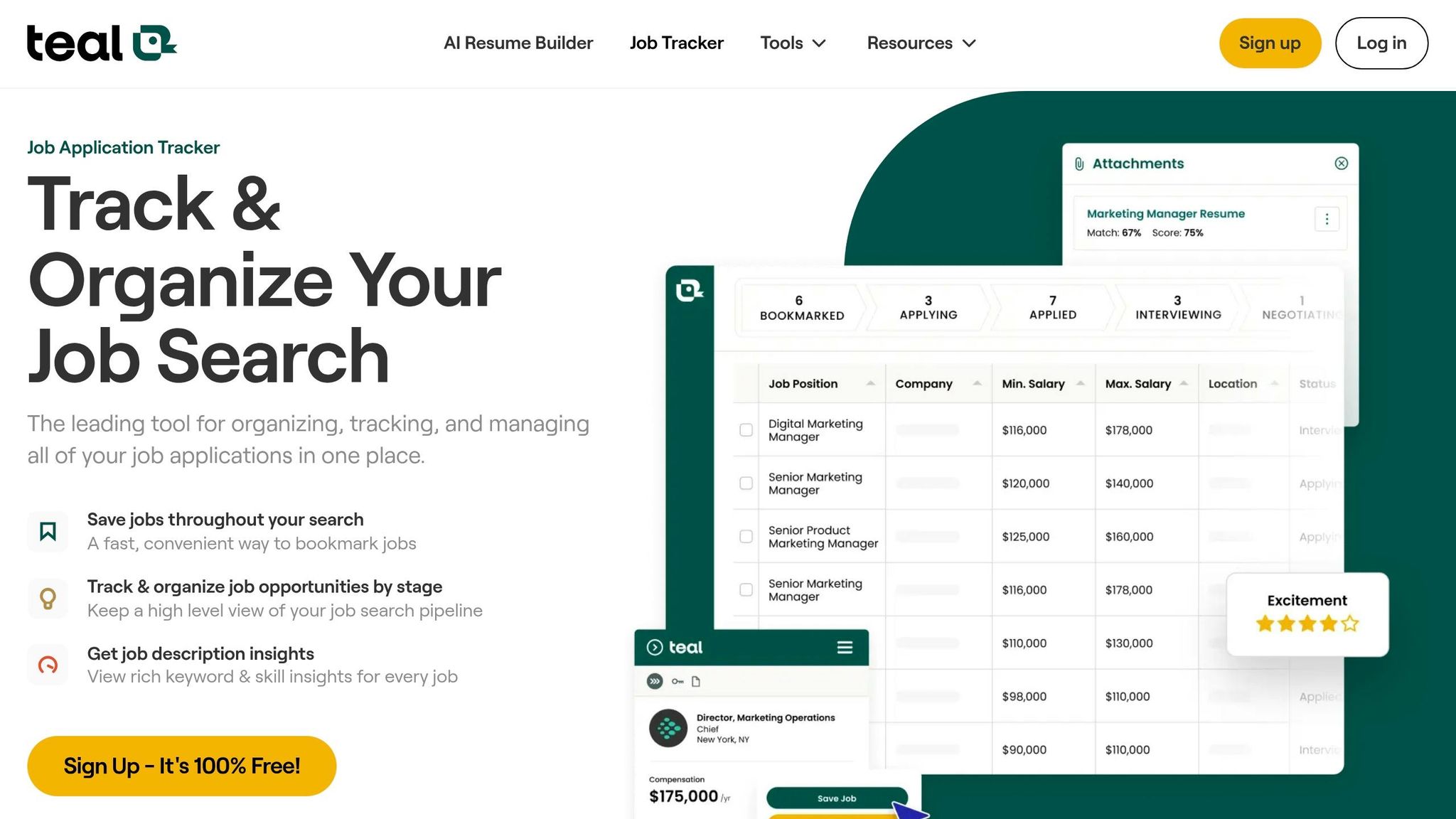
TealHQ is a job search tracker. If you already use it to stay organized, the main question is simple: do you still want to submit every application yourself?
That’s the split here. TealHQ helps you manage applications. scale.jobs handles the submission work for you. If you're tracking 20 applications a week but still spending hours filling out portals by hand, that difference shows up fast.
If your goal is just to stay organized while you apply for jobs, TealHQ can help. If your goal is to offload the admin work, scale.jobs moves into job application service territory.
USD Pricing Model
TealHQ uses a subscription model, so you pay month after month while still doing the actual submissions on your own. scale.jobs uses a one-time payment: $299 for 500 human-led applications, with no recurring fee.
That pricing gap matters if you're in a long search. A monthly tool can feel cheap at first, but the cost stacks up if you're still stuck doing the same work every week.
Application Execution Method
TealHQ organizes your pipeline. scale.jobs handles the actual application submission.
That means human assistants at scale.jobs go through employer portals, government forms, and long screening questions for you. TealHQ does not submit applications, so each one still takes manual effort on your end.
Put plainly: TealHQ helps you run your search. scale.jobs helps complete it.
For people using a job search platform to find roles but still getting buried by form-fill work, this is often the point where a tracker stops being enough.
Resume Tailoring Depth
TealHQ includes AI resume alignment tools that help match your resume to a job description. That can save time, especially if you're applying to a small batch of roles.
scale.jobs adds human review and ATS-focused documents inside the same workflow, so resume prep and submission happen together. If you also need an ai resume builder or an ai cover letter builder, TealHQ may help with drafting, while scale.jobs leans harder into getting the full application out the door.
ATS Risk and Transparency
With TealHQ, you can see what you submitted, but you still manage the process yourself. scale.jobs sends WhatsApp screenshots for every submission, so you can check what was sent and when.
That proof matters. So does the method. Human assistants manually move through portals, which helps avoid bot-detection issues that can come with automated tools.
This trade-off hits hardest for people applying to many roles each week, especially on ATS-heavy portals or applications with messy multi-step forms. In that case, a virtual assistant for job seekers can take a lot off your plate.
| Feature | TealHQ | scale.jobs |
|---|---|---|
| Human involvement | User-managed | Human assistant submits each application |
| Resume customization depth | AI resume alignment tools | Human-led ATS-optimized docs |
| ATS handling | User-managed | Human-led; avoids bot-detection risk |
| Application execution method | DIY; user submits every application | Human assistant handles submission |
| Transparency and proof of work | No built-in submission proof | WhatsApp screenshots per application |
| Pricing model | Free tier + monthly subscription | One-time flat fee |
⭐⭐⭐⭐⭐ "The one-time payment was the deciding factor. I'd already paid two months of Sonara and had nothing to show for it. scale.jobs gave me a fixed cost and a real person I could message on WhatsApp when something looked off." - Priya S., UX Researcher, switching from Sonara
For people ready to switch, it comes down to whether tracking alone is enough or whether submission needs to be handed off too.
Who should use TealHQ: Job seekers who want to manage their own applications and are applying to a small number of carefully chosen roles. It works well if you want a cleaner system for a self-run search.
Who should choose scale.jobs: People applying at volume, dealing with hard portals, or wanting to hand off repeat submission work fully. It makes more sense if you're searching across full time jobs or trying to move fast on Part time jobs near me without spending your day in forms.
Switch to scale.jobs if…
- You want human-led submissions instead of tracking only.
- You need help with ATS portals, government forms, or long screening questions.
- You want proof of submission for every application.
- You want one payment instead of a recurring subscription.
8. Jobright vs. scale.jobs: Stop Using AI Auto-Apply Until You Read This
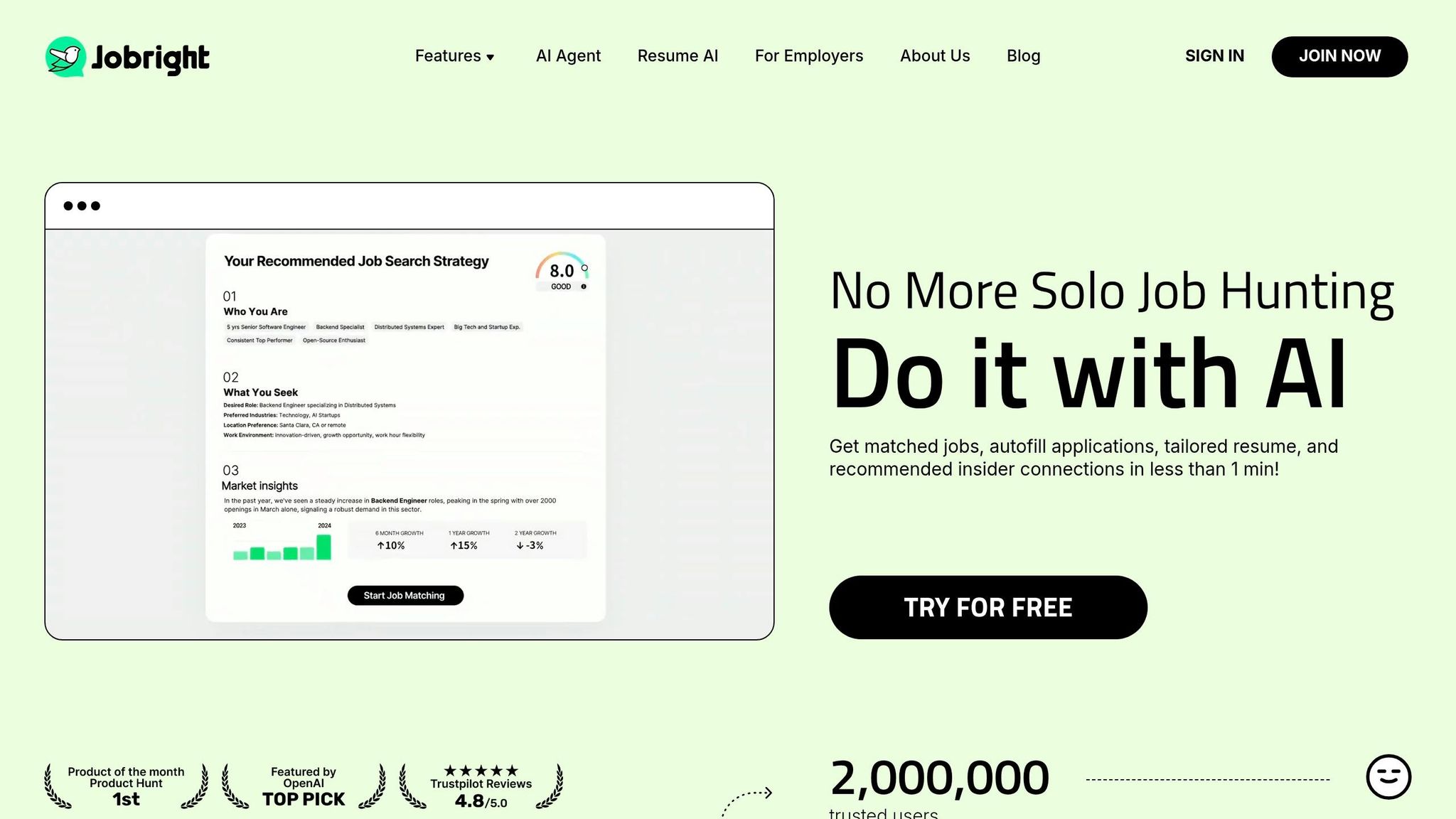
Jobright is the AI-first pick in this matchup. It’s free to start, fast to use, and built around automated matching and auto-apply. That sounds great on paper, especially if you want to apply for jobs at scale without spending money upfront.
But there’s a clear trade-off: speed and low starting cost on one side, and human submission, proof of work, and deeper portal handling on the other. That’s where scale.jobs takes a very different path.
If you’re comparing a job search platform built around automation with a human-led job application service, this is the part that matters.
Application Execution Method
Jobright uses its AI Agent to submit applications automatically, with near-instant turnaround. It also offers a Chrome extension that can autofill external job boards if you want a bit more control.
scale.jobs does the opposite. Human assistants manually submit each application, usually within a 12–24 hour window. That slower pace can be worth it. Why? Because a person can deal with portal quirks, long screening questions, and government forms in a way auto-apply tools often can’t.
If you’ve ever had an application stall out on a clunky employer site, you already know the problem. Fast isn’t always smooth.
USD Pricing Model
Jobright offers a free account for browsing and basic tool access. That makes it easy to test before you commit.
scale.jobs uses one-time packages starting at $199 for 250 applications, $299 for 500, and $399 for 1,000, with higher-tier options up to $1,099. So the pricing split is simple: Jobright is free to start, while scale.jobs charges a one-time fee for human-led submission.
For job seekers weighing cost against effort, this comes down to one question: do you want software doing the work, or a Virtual Assistant for Job Applications handling each submission by hand?
Resume Tailoring Depth
Jobright’s Smart Resume Rewriter reviews your current resume and creates role-aligned suggestions aimed at ATS systems. That can help if you need a fast rewrite or want a built-in ai resume builder style workflow.
scale.jobs goes further. Its assistants manually tailor resumes and cover letters for each role, with human review across the whole application package. That matters when job descriptions are messy, when titles don’t match cleanly, or when a resume needs judgment instead of pattern matching.
The same logic applies to cover letters. An ai cover letter builder can get you a draft fast, but human review can catch tone, fit, and details that automation may miss.
ATS Risk and Transparency
Jobright tries to lower ATS issues with resume scoring and pre-apply matching. That can help you avoid obvious misses before you send an application.
scale.jobs focuses on visibility. You get WhatsApp screenshots for each submission, so you can check what was sent and when. That’s a very different kind of trust. Instead of a dashboard telling you something happened, you get direct proof.
For some people, that’s the deciding factor. If you’re using a job search virtual assistant or any outsourced help, seeing proof of work can matter more than seeing a status label.
The table below shows the trade-off in one view.
| Feature | Jobright | scale.jobs |
|---|---|---|
| Human involvement | AI Agent; no human in the loop | Human assistant submits each application |
| Resume customization depth | AI Smart Resume Rewriter | Human-led, role-specific customization |
| ATS handling | ATS-friendly resume output | Human-led customization and review |
| Application execution method | Automated AI Agent + Chrome autofill | Manual submission by human assistant |
| Transparency and proof of work | Dashboard tracking | WhatsApp screenshots per application |
| Pricing model | Free account for browsing and basic tool use | One-time packages ($199–$1,099) |
Who should use Jobright: Jobright fits job seekers who want free AI matching and fast automated submissions, especially across U.S. and Canadian roles.
Who should choose scale.jobs: People applying to roles with complex portals, long screening forms, or workflows where human review cuts down submission errors - and who want a fixed cost with proof for every application.
Is Jobright Worth It?
Yes, if your main goal is speed, free access, and automated volume. It makes sense for people who want to test the market, send a lot of applications fast, or look across both full time jobs and Part time jobs near me without much setup.
It may not be the right fit if your target roles involve manual fields, federal forms, or application steps that break auto-fill tools.
Jobright vs Scale.jobs
This comparison is less about which tool is “better” and more about how you want your applications handled.
- Choose Jobright if you want AI matching, auto-apply speed, and a free place to begin.
- Choose scale.jobs if you want human submission, tailored documents, and proof for every send.
- Move to scale.jobs when bad portals, screening forms, or error-prone workflows start costing you interviews.
Switch to scale.jobs if…
- Your applications often include complex portals, government forms, or long screening questions.
- You want proof for each submission, not just dashboard tracking.
- You’d rather make one payment than deal with a recurring subscription model.
- You want human customization for both the resume and the application itself.
Side-by-Side Comparison: Price, Automation Type, and ATS Trade-Offs
Now that each tool is clear on its own, this table shows the main trade-offs: who submits the application, how much tailoring you get, and what kind of proof you can see afterward.
| Tool | Starting Price (USD) | Pricing Model | Human Involvement | Application Method | Resume Customization Depth | ATS Handling | Proof-of-Work Visibility | Ideal User |
|---|---|---|---|---|---|---|---|---|
| scale.jobs | $199 one-time | One-time package | High - dedicated human assistant | Manual submission by assistant | Human-customized per role | Handles complex portals, including niche and government forms | WhatsApp screenshots for every submission | Applicants who want human judgment, complex portals, and proof-of-work transparency |
| Sonara | Varies | Monthly subscription | None - fully automated | Automated bulk submission | Generic; no job-specific tailoring | Bot-driven; can trigger anti-bot checks on complex portals | Limited submission-level visibility | High-volume applicants targeting simple job boards |
| LazyApply | Varies | Annual subscription | None - automation-driven | Automated bulk submission | Limited; volume-first workflow | Automated autofill; higher risk on multi-step portals | Limited; less per-submission visibility | Entry-level applicants chasing high-volume easy-apply listings |
| LoopCV | Varies | Monthly subscription | None - fully automated | Automated bulk submission | Basic automation; not posting-specific | Automated workflow; higher failure risk on complex portals | Limited per-application visibility | Automation-first applicants comfortable with limited oversight |
| Simplify | Free tier available | Free / paid plans | Medium - manual final submission | Chrome extension autofill | User-led; no built-in tailoring per posting | Lower bot risk; user handles final submission | User's own notes or dashboard history | Self-managed applicants applying to a smaller set of roles |
| Jobscan | $49.95/month | Monthly / quarterly | None - fully self-service | No submission; user applies manually | Keyword-based resume matching and suggestions | No submission; user applies manually | No built-in submission proof | DIY applicants who want to audit resumes before applying elsewhere |
| TealHQ | Free tier available | Free / monthly subscription | User-managed | No submission; user applies manually | AI resume alignment and search tracking | No submission; user applies manually | No built-in submission proof | Applicants who want a structured self-managed search workflow |
| Jobright | Free plan; paid tiers vary | Freemium | Low - AI Agent; no human in the loop | AI Agent + Chrome autofill | AI-assisted role matching and resume rewriting | AI job match before applying; autofill across various platforms | Dashboard tracking | Budget-conscious applicants who want automated submissions in the U.S. and Canada |
Some tools help you get ready. Others try to do the applying for you.
Jobscan and TealHQ are prep tools, not submission tools. They help with resume checks, search tracking, and workflow. That makes them useful if you already have a system and want more control over how you apply for jobs.
LazyApply and LoopCV are built for volume. The pitch is simple: send out a lot of applications fast. That can work for easy-apply listings, but the trade-off is less control, less role-by-role tailoring, and why ATS rejects most AI-applied resumes on portals that don't play nicely with bots.
Simplify sits in the middle. It speeds up manual applications with autofill, but you still do the final step yourself. If you want a lighter-touch job search platform and don't mind staying hands-on, that setup can make sense.
Jobright adds AI-based role matching and autofill. It's aimed at people who want help finding and submitting applications without paying for a human-led job application service. For job seekers in the U.S. and Canada, that's a practical middle ground.
If you want a service that handles submission from start to finish, scale.jobs stands apart here. It's the only option in this group with dedicated human assistants and per-application proof. That matters more than it may seem at first. A dashboard count is fine, but screenshots showing each submission give you something concrete.
scale.jobs is slower because humans handle each application. That's the trade-off. You give up raw speed, but you get human review, ATS-aware documents, and proof of work instead of just a number on a screen. For people dealing with niche portals, government forms, or messy multi-step workflows, that difference can be the whole ballgame.
If your goal is speed, AI-led tools fit better. If your goal is careful submission with a human in the loop, a Virtual Assistant for Job Applications or virtual assistant for job seekers setup is a better match.
A simple way to think about it:
- Choose automation-heavy tools if you're chasing volume across simple listings, including many full time jobs or broad easy-apply roles.
- Choose human-led help if you're applying to fewer roles, tougher portals, or jobs where tailoring and proof matter more than speed.
For many applicants, the best setup isn't one tool doing everything. It's often a mix: use an ai resume builder or ai cover letter builder to prep faster, then decide whether you want to submit applications yourself or hand that part off.
When scale.jobs Is the Better Low-Cost Option
After looking at the tools above, the practical choice comes down to this: do you want faster automation, or do you want applications handled for you? Compared with Sonara, LazyApply, LoopCV, Jobscan, TealHQ, and Jobright, scale.jobs stands out as the better low-cost pick when you want human review, proof that submissions were made, and one-time pricing you can plan around.
Choose scale.jobs over the alternatives when:
- Your search runs long enough for subscriptions to pile up. At $199 for 250 applications or $399 for 1,000, you pay once and move on. That matters if you're trying to Apply for jobs over weeks or months and monthly plans keep charging the whole time. If you don’t use all your credits, unused credits are refunded on a pro-rated basis, minus a $100 onboarding fee.
- Bot detection matters in your workflow. Human assistants submit each application by hand. That means fewer failures on Workday, Greenhouse, government forms, and niche portals where autofill tools often fall apart. If you’ve ever watched a browser tool misread a form field, you already know how annoying that can get.
- You need each resume and cover letter customized before submission. scale.jobs customizes each resume and cover letter before sending them, with a 12–24 hour turnaround per role. You’re not blasting the same generic version everywhere. That can matter a lot if you’re using an ai resume builder or an ai cover letter builder as a starting point but still want a person to tailor the final version.
- You need a record of every application sent. WhatsApp screenshots confirm each submission, so you can check that each application actually went out instead of trusting a dashboard status and hoping for the best. For many people using a job application service or a job search virtual assistant, that kind of paper trail removes a lot of doubt.
If your main goal is volume at the lowest monthly entry price, some automation-first tools may still fit. But if you want a hands-on Virtual Assistant for Job Applications setup with fewer form failures and clearer proof of work, scale.jobs makes more sense.
The final verdict below turns these trade-offs into a quick pick.
Final Verdict
If you're comparing Sonara, LazyApply, LoopCV, Simplify, Jobscan, TealHQ, and Jobright, the market breaks into two camps.
Sonara, LazyApply, LoopCV, and Simplify lean toward speed and bulk submissions. They’re built for people who want to Apply for jobs fast and push volume. Jobscan, TealHQ, and Jobright sit on the other side. They work better for people who want to stay involved, check ATS fit, and tune each application before sending it out. That split is exactly where scale.jobs stands out as a different kind of job search platform.
For people thinking about switching, the big difference comes down to cost control and human execution. scale.jobs mixes free tools, an optional $9/month AI Assistant Pro plan, and one-time human-led help starting at $199 for 250 applications. Compared with cheap automation tools, the edge is simple: trained human assistants handle messy forms, ATS-tuned resumes and cover letters are adjusted for each role, and you get time-stamped proof-of-work screenshots through WhatsApp instead of a dashboard number you’re just supposed to trust.
If you’ve used a bot-driven job application service, you probably know the tradeoff. Speed sounds great until the forms get messy, the answers look off, or the submissions don’t match the job well enough to matter. That’s where a Virtual Assistant for Job Applications can feel a lot more grounded.
⭐⭐⭐⭐⭐ "The one-time payment was the deciding factor. I'd already paid two months of Sonara and had nothing to show for it. scale.jobs gave me a fixed cost and a real person I could message on WhatsApp when something looked off." - Priya S., UX Researcher, switching from Sonara
If your top goal is raw speed, an AI auto-apply tool may still be the better fit. But if you want human execution, proof of work, and a one-time price you can plan around, scale.jobs is a strong low-cost option for U.S.-based job seekers in 2026. It makes the most sense for people targeting full time jobs, switching careers, or anyone who wants a job search virtual assistant involved before hundreds of applications go out.