
Job search apps that actually auto-apply for you (ranked)

Sarah Mitchell
August 7, 2026

Most tools do not auto-apply from start to finish. They either autofill forms, help with resume prep, or automate only part of the process.
If I were comparing these apps on one thing, I’d look at this first: Did the tool submit the application, and can I prove it? That’s the main split between automated bots and human-led services.
Here’s the short version:
- Scale.jobs is best if you want submission help, receipts, and human review
- LazyApply is best for low-cost, high-volume sending
- Simplify is best for faster form filling
- LoopCV, Sonara, and Jobright.ai fit people who want background automation
- Teal and Jobscan help before you apply, not during submission
If you want to Apply for jobs at scale, I’d sort tools into three buckets:
- Autofill tools - save typing, but you still apply yourself
- Auto-apply bots - send applications in bulk, but proof is often thin
- Human-led services - slower than bots, but you get more control and records
I Tried Auto Apply Jobs With Jobright - Here's How It Works
sbb-itb-564272e
Quick comparison
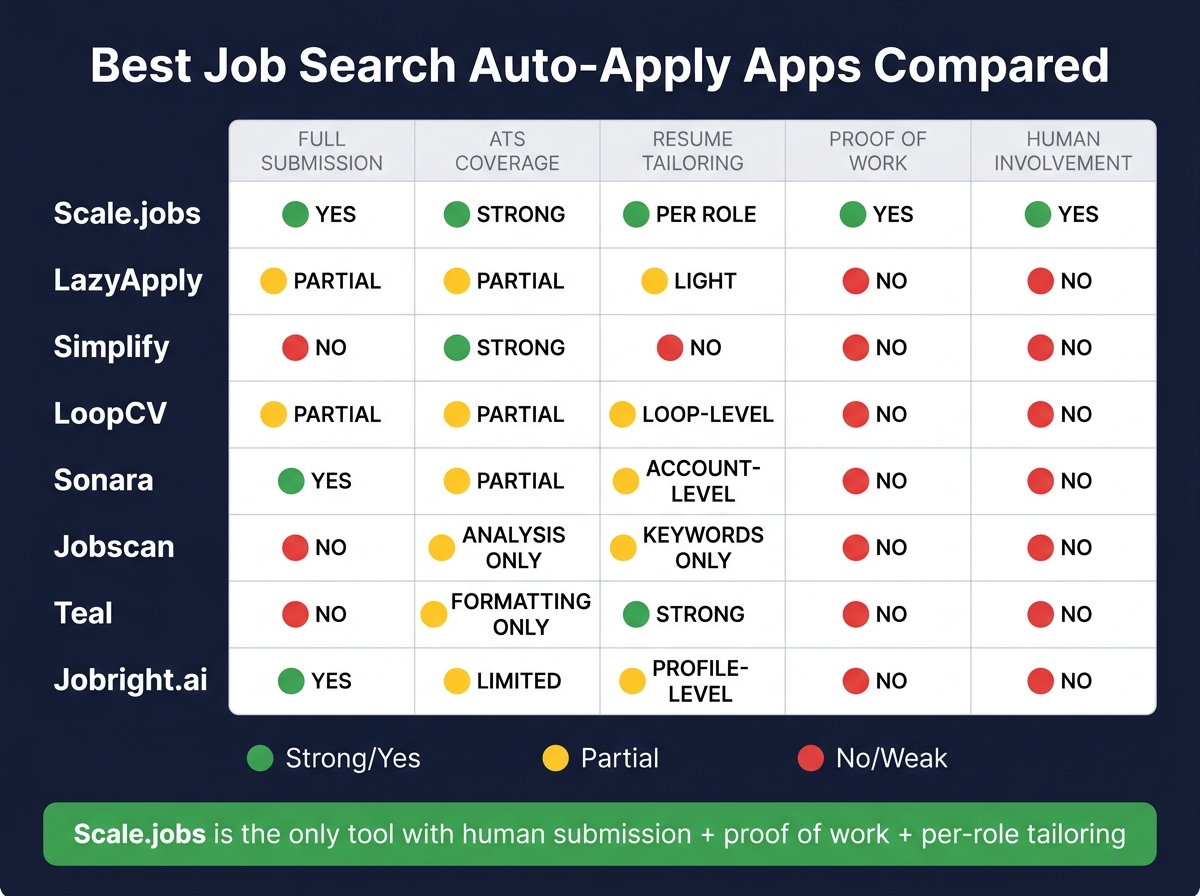
Best Job Search Auto-Apply Apps Compared (2024)
| Tool | What it does best | Best for | Main limit |
|---|---|---|---|
| Scale.jobs | Human-submitted applications with proof | People who want records and review | Lower same-day volume |
| LazyApply | Bulk applying by browser extension | Low-budget volume | No receipts |
| Simplify | ATS autofill | Faster manual applying | No end-to-end submission |
| LoopCV | Background search + apply loops | Hands-off automation | No listed submission proof |
| Sonara | AI-led matching and applying | Low-touch volume | Little role-level control |
| Jobscan | ATS resume matching | Resume tuning | Does not apply for you |
| Teal | Resume versions + tracking | Prep and organization | No auto-apply |
| Jobright.ai | AI discovery + auto-apply | LinkedIn/Indeed-heavy searches | Thin visibility into submissions |
My take
I’d use this simple rule:
- Pick Scale.jobs if you want a job application service with proof
- Pick Simplify if your problem is form fatigue
- Pick Teal or Jobscan if your resume needs work first
- Pick LazyApply or another bot if your goal is pure volume
That’s the whole article in one view: speed matters, but proof, ATS fit, and control matter more once you’re applying to competitive roles.
What I’d pay attention to before choosing
Use this short checklist:
- Does it submit the full application?
- Does it work with Workday, Greenhouse, Lever, and iCIMS?
- Does it tailor your resume or just reuse one profile?
- Can you see timestamps, screenshots, or logs?
- Is pricing one-time or monthly? (See how auto-apply tools compare on value.)
If I were applying for full time jobs, I wouldn’t judge these tools by speed alone. I’d judge them by submission depth, ATS support, and proof of work.
Best use cases by type of job seeker
Here’s a fast way to match the tool to the person:
- Laid-off candidates: go with human review and records
- New grads: use tools with tracking and fewer moving parts
- Employed job seekers: keep control and pause/resume cleanly
- High-volume applicants: use bots only if your resume is already tuned
- People who need document help first: start with an ai resume builder or ai cover letter builder
You can also mix tools. For example, someone might use Teal for prep, then use a Virtual Assistant for Job Applications for submission.
Bottom line
This ranking is not just about which app sends the most applications. It’s about which one helps you send applications cleanly, at scale, and with records you can check later.
If you want a low-touch bot, you have options. If you want a job search platform that gives you more control over what went out, the list gets much shorter.
Below, I break down each tool by automation depth, ATS coverage, pricing, and whether it gives you proof that the applications were sent.
Why do job seekers need auto-apply apps?
Job seekers need auto-apply apps because the search can turn into a numbers game fast. High application volume, ATS filters, and clunky company portals slow people down at the exact moment they need momentum.
A single corporate job post can pull in 2,000 applications within 48 hours. That’s a flood. On top of that, most large employers use ATS filters, which means many resumes get rejected by ATS before a recruiter ever looks at them.
Manual applications make this worse. Filling out one company portal by hand can take 15 to 45 minutes per application. That’s time spent copying the same work history, retyping the same details, and clicking through the same forms again and again. It pulls time away from the work that often matters more: networking, tailoring, and interview prep.
That’s also why many people look for a job application service or a job search platform that cuts the busywork without turning the process into a black box.
The best auto-apply tools help with the repetitive portal work and can tailor an ATS-friendly resume to a job in under a minute. If you pair that with an ai resume builder or an ai cover letter builder, you can move much faster while still keeping your materials aligned with the role.
What matters most here isn’t just speed. It’s how much of the process the tool removes without hurting visibility or control. That’s why automation depth, ATS handling, and proof of submission carry so much weight in the rankings below.
For job seekers trying to Apply for jobs at scale, or working with a Virtual Assistant for Job Applications, that tradeoff is the whole game: save time, keep quality, and make sure applications actually go through.
Next, look at the problems these tools solve in day-to-day applications.
What problems do job search auto-apply apps solve?
The main issue is simple: too much repeated work.
Most people trying to Apply for jobs run into the same wall. They upload a resume, fill out a form, answer the same questions again, then do it all over on Workday, Greenhouse, Lever, and iCIMS. It eats time and drains focus fast. Auto-apply apps cut that loop by reading your profile once and sending that data into each platform.
These tools usually fix four pain points:
- Repetitive form-filling: Typing the same details into every portal is the biggest time sink. Automation can cut that work from 15–45 minutes per application to under a minute.
- Resume and cover letter variation: Rewriting your resume for each role is tiring, and under pressure, most people either rush it or skip it. Tools with an ai resume builder or ai cover letter builder can produce an ATS-ready version matched to a job description in under 60 seconds.
- Weak application tracking: A lot of job seekers still use spreadsheets to track where they applied. That works - until it doesn’t. A central dashboard that records which resume version went to which company, along with timestamps, gives you a cleaner system. This is where a job application service or job search platform can help. Transparency matters too: some tools show clear submission logs, while others leave you guessing.
- High-volume job search pressure: During layoffs, industry shifts, or a career pivot, manual applications don't scale well. Auto-apply tools help you keep up volume without losing track of what went out. That’s why feature-by-feature review matters more than sales copy.
If you're comparing tools, think of it this way: the goal isn’t just sending more applications. The goal is sending the right materials, to the right roles, with a system you can still manage when the pace gets intense. That’s also why some people pair automation with a job search coach or a Virtual Assistant for Job Applications.
Once these pain points are clear, the next step is choosing the features that matter most.
What should you look for before choosing an auto-apply app?
Start with the basics: submission depth, ATS coverage, tailoring quality, proof of work, and pricing. Those five checks help you tell the difference between a tool that can actually apply for jobs and one that just fills boxes in your browser.
The first thing to check is simple: does the app submit applications from start to finish, or does it make common AI job apply mistakes? That matters because many large employers run hiring through ATS platforms like Greenhouse, Lever, Workday, and iCIMS. If a tool can’t move through those systems cleanly, it may skip fields, break formatting, or fail before the application goes through. Look for clear support details for each ATS and see how the app handles field mapping inside each portal.
Then look at tailoring. Sending a lot of applications without any job-by-job edits is a volume play, not a strong job search plan. Better tools read the job description and adjust your resume language, skills section, and summary to line up with the role. If the platform can’t show how it tailors each application, treat it as untailored. That’s a red flag, especially if you’re comparing it to a job application service or a Virtual Assistant for Job Applications that shows its work.
Proof matters too. Ask for timestamps, resume versions, and submission logs. Some platforms give you a dashboard that shows what was sent, where it went, and when it happened. Others feel like a black box. You pay, they claim they applied, and that’s about it. If you’re paying for help, clear records shouldn’t be optional.
Pricing is another filter that people often check too late. Some tools bill every month, even if you slow down or pause your search. Others use flat-fee bundles, which can make spending easier to control. If you’re weighing an app against a job search virtual assistant or a job search platform, this part can shift the math fast.
Use the table below as a quick screen before you dig into the 8 tools.
| Factor | What to verify |
|---|---|
| Submission method | True cloud-based submission vs. browser autofill requiring you to stay online |
| ATS coverage | Greenhouse, Lever, Workday, iCIMS support confirmed |
| Tailoring depth | Per-job resume and cover letter adjustment, not just keyword stuffing |
| Proof of work | Timestamps, screenshots, or a dashboard showing what was sent |
| Pricing structure | Monthly subscription vs. flat-fee bundle vs. per-application credits |
| Human involvement | Bot-only, AI-assisted, or human-reviewed before submission |
How are job seekers using auto-apply apps today?
People don’t all use auto-apply tools the same way. It usually comes down to three things: speed, control, and proof. Some want to send a lot of applications fast. Others want to double-check every submission, keep records, and make sure nothing sloppy goes out.
The five patterns below show how different job seekers make that tradeoff.
- Laid-off professionals racing the clock
After a layoff, time starts to feel expensive. Many candidates build 3–5 targeted resume versions and then use human-assisted submission so they can move fast without losing visibility. They also want proof-of-work receipts, which make it easy to see what was sent, where it went, and when. This level of detail is essential for tracking job applications effectively during a high-volume search.
Scale.jobs fits this setup well because it pairs human-assisted submission with one-time pricing and a dedicated assistant. That matters when someone needs to Apply for jobs at volume but still wants a clear paper trail.
- New grads competing with limited experience
Entry-level candidates often need to cast a wide net. The catch is that every application still needs to stay ATS-compliant and easy to track. If you’re new to the market, it’s easy to lose track of what version you sent to which company.
That’s why many new grads prefer submission alerts and clear receipts. The process stays visible, and mistakes are easier to catch. Scale.jobs works for this flow because human review helps keep each submission steady before it goes out. It can also pair well with an ai resume builder when a candidate is still tightening up their first few resumes.
- Employed candidates searching privately
This group needs control more than volume. When someone is job hunting while still employed, the process has to stay quiet and organized. Their resume also needs to match LinkedIn closely. Even small mismatches in titles or dates can create awkward recruiter questions.
A flat-fee bundle with a dedicated human assistant works well here because the campaign can pause and restart without turning into a mess. That’s where Scale.jobs stands out: one-time pricing, a dedicated assistant, and controlled submission volume. For people comparing a job search platform with a more hands-on model, this use case makes the difference pretty clear.
- Visa-dependent candidates reducing application friction
For H-1B, F-1, OPT, and TN candidates, recruiters often want logistics up front. If work authorization details are buried, the process can slow down fast. Putting visa status, work authorization type, current location, and availability near the top of the resume helps remove some of that back-and-forth.
Scale.jobs works well here because human review helps place those details correctly before submission. This is also where the split between resume work and submission work becomes more important. Some users want help with the document first, then want proof-of-work receipts before they scale volume through a job application service.
- High-intent applicants separating resume optimization from submission
Some candidates don’t want one tool doing everything. They use one product for resume tuning and another for execution. A common setup is using Teal for optimization and Scale.jobs for human-assisted submission with proof-of-work receipts.
That setup works because the candidate keeps control over which resume version goes to which role, while Scale.jobs handles the sending side with a dedicated assistant, ATS-ready documents, WhatsApp support, and clear submission logs. It’s a practical option for people who want to compare job application assistants instead of using a fully hands-off tool.
If you’re trying to figure out which lane you’re in, the answer is usually simple: do you want more speed, more visibility, or more human review? That choice shapes how you use auto-apply tools far more than the app itself. People looking for a job search virtual assistant often end up choosing based on that exact tradeoff.
1. Scale.jobs
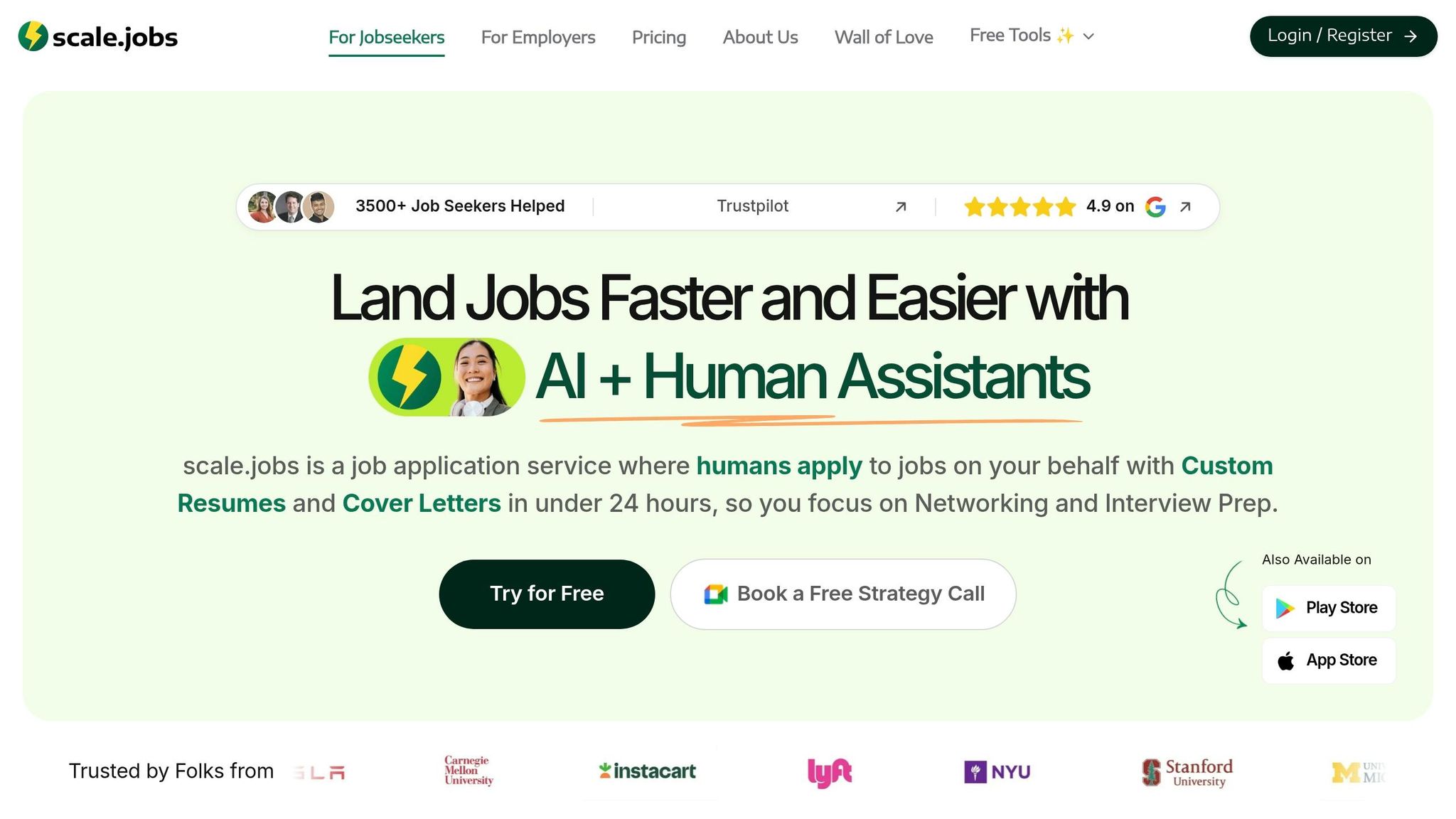
Scale.jobs brings together human-led application submission, ATS-ready documents, and proof-of-work tracking in one flow. It ranks first because it does all three in one place: human execution, ATS-ready tailoring, and visible proof of submission. That makes it the benchmark for the rest of this list.
If you're trying to apply for jobs without spraying the same resume everywhere, this setup stands out. You get hands-on help, role-based edits, and receipts that show the work was done.
Automation depth
Trained human assistants complete each application form by hand. That matters because many forms still break when a bot tries to fill them.
On top of that, the AI layer creates an ATS-optimized resume matched to a job description in under 60 seconds. The same flow is used for cover letters and application question responses, so each submission is shaped to the role instead of being reused as-is.
If you want a mix of speed and tailoring, this is closer to a done-for-you job application service than a plain browser tool.
ATS and portal coverage
Scale.jobs works across corporate ATS platforms and niche job boards, including forms that automated tools often fail to handle cleanly.
That broader coverage matters if you're applying beyond the usual big-name sites. Some tools do fine on simple pages, then fall apart on employer portals with odd layouts or extra questions. Human submission helps avoid that problem.
Customization and tailoring
Each application includes a tailored resume and cover letter matched to the job description. The AI layer updates the skills section, summary, and wording so the document lines up with the role before submission.
This is a big deal for job seekers who need more than bulk sending. If you're comparing options like an ai resume builder or an ai cover letter builder, Scale.jobs adds the missing piece: someone still makes sure the application gets submitted.
Transparency and proof of work
Every submission comes with time-stamped proof-of-work screenshots and a live application dashboard. Updates are sent through WhatsApp. Unused credits are refunded.
That level of visibility is rare. You’re not left wondering, Did anything actually get submitted? You can see what happened and when it happened. For anyone using a job search platform, that kind of paper trail can save a lot of second-guessing.
Pricing model
| Plan | Price | Applications | Assistants |
|---|---|---|---|
| Basic | $199 one-time | 250 | 1 |
| Standard | $299 one-time | 500 | 2 |
| Best Value | $399 one-time | 1,000 | 2 |
| Ultimate Bundle | $1,099 one-time | 1,000 + full service | 2 human assistants + recruiter |
Pros: Human execution, proof-of-work screenshots, WhatsApp support, unused-credit refunds.
Cons: Human-assisted turnaround limits same-day volume compared with fully automated bots. Less suited to candidates who want to submit very large batches in a single afternoon.
Pricing: Software + AI Assistant is free. AI Assistant Pro is $19/month. Human Assistant plans start at $199 one-time.
If you're weighing a bot against a Virtual Assistant for Job Applications, Scale.jobs sets the baseline. It leans toward control, tailoring, and proof instead of pure batch volume.
2. LazyApply
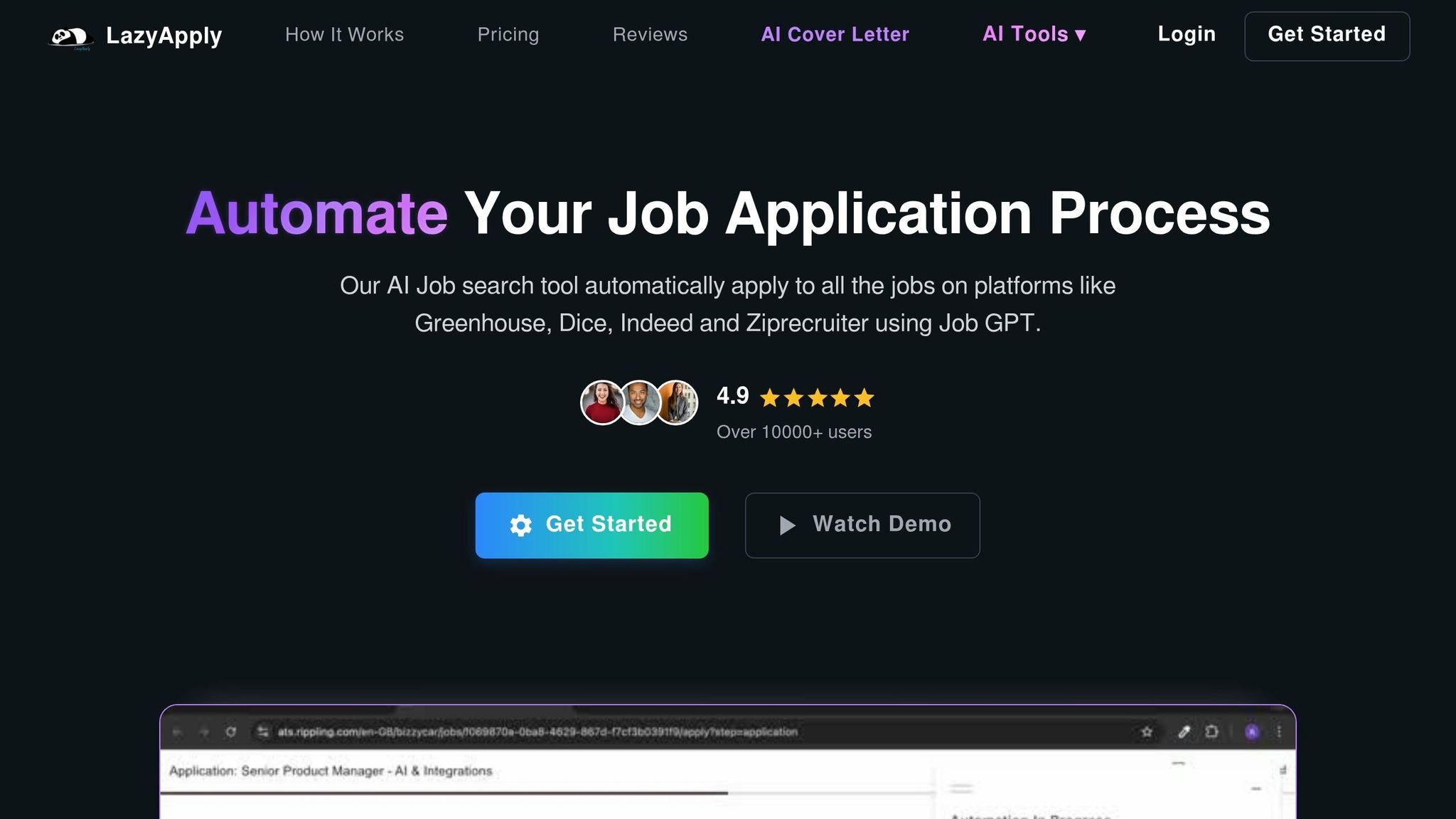
LazyApply is a Chrome extension that automates applications across major job boards and company career sites. If you're comparing it with Scale.jobs, the split is pretty simple: LazyApply is built for volume, while Scale.jobs leans on human-assisted submission, proof-of-work receipts, and one-time pricing.
That means the main tradeoff is clear. Do you want to send more applications faster, or do you want more control, tailoring, and proof that each one was sent?
Measured against the criteria set earlier - automation depth, ATS handling, transparency, and pricing - LazyApply lands on the high-volume, low-oversight side. It works well for broad sending, but it falls short on proof, tailoring, and hands-on control.
Summary of company
LazyApply is a browser-based automation tool for job seekers who want to send a large batch of applications fast. It runs as a Chrome extension and fits people who care more about reach than role-by-role customization.
If your main goal is to Apply for jobs at scale without spending hours on each form, that's the appeal. But speed comes with tradeoffs.
Key features
- Chrome extension that submits applications across multiple job platforms
- AI-generated answers for custom application questions, called Job-GPT
- dashboard for tracking applications and daily limits
- Multi-platform support across major job boards and company career sites
Job search automation offerings
- Automated form submission across job boards and company career pages
- AI-generated cover letters and custom question responses
- Daily application limits with dashboard tracking
- Browser-based execution that needs an active Chrome session
That kind of reach helps if you're trying to hit a high number of listings on the best job boards. Still, it doesn't fix a common problem: one generic profile often isn't enough for role-specific hiring filters. It also doesn't give you submission receipts.
Pros
- Low-cost way to send a high volume of applications
- Works across major job boards
- AI-generated answers cut down manual typing for custom questions
Cons
- Resume tailoring is light, so manual edits are still needed for role-specific applications
- No proof-of-work receipts or time-stamped submission logs
- Personalization is mostly limited to AI-generated answers and cover letters
- Your browser must stay active during submission runs
Pricing
Pricing matters here because LazyApply is not a managed job application service. It's a lower-cost automation tool. Lifetime plans start at about $99, and monthly subscription options are also available.
LazyApply vs Scale.jobs
This is where the difference gets practical.
LazyApply is closer to a self-serve job search platform. You set it up, keep Chrome open, and let the tool send applications in bulk. That can work well for entry-level roles, broad searches, or anyone testing volume as a strategy.
Scale.jobs takes a different route. Instead of relying on a browser bot, it uses human-assisted submission, proof-of-work receipts, and role-specific tailoring. For job seekers who care about ATS fit, record-keeping, and cleaner execution, that's a very different experience.
A simple way to think about it:
LazyApply helps you send more applications. Scale.jobs helps you know what was sent, how it was sent, and whether each one was tailored.
Is LazyApply Worth It?
It can be, depending on how you search.
If you're targeting a lot of openings fast - say full time jobs across several boards - and you're okay doing your own resume edits before launch, LazyApply can save time.
If you want every application checked, tailored, and backed by proof, it will likely feel too hands-off. That's where a Virtual Assistant for Job Applications or a more managed setup starts to make more sense.
Who should use LazyApply
- Job seekers who want to send a large volume of applications fast at a low cost
- Candidates who are okay doing their own resume tailoring before using the tool
- Users who don't need submission receipts or human review
Who should choose Scale.jobs
- Candidates who need human-assisted submission with proof-of-work receipts
- Job seekers who want ATS-focused, role-specific tailoring on every application
- Anyone who prefers one-time pricing over a recurring subscription
Switch to Scale.jobs if…
- You need confirmation that each application was actually submitted
- You want per-role resume and cover letter tailoring instead of one profile sent everywhere
- You want a dedicated human assistant handling submission, not a browser bot
- You prefer one-time pricing with unused-credit refunds over a monthly subscription
Next, compare Simplify, which trades LazyApply's broad automation for a more structured approach to application tracking and ATS handling.
3. Simplify
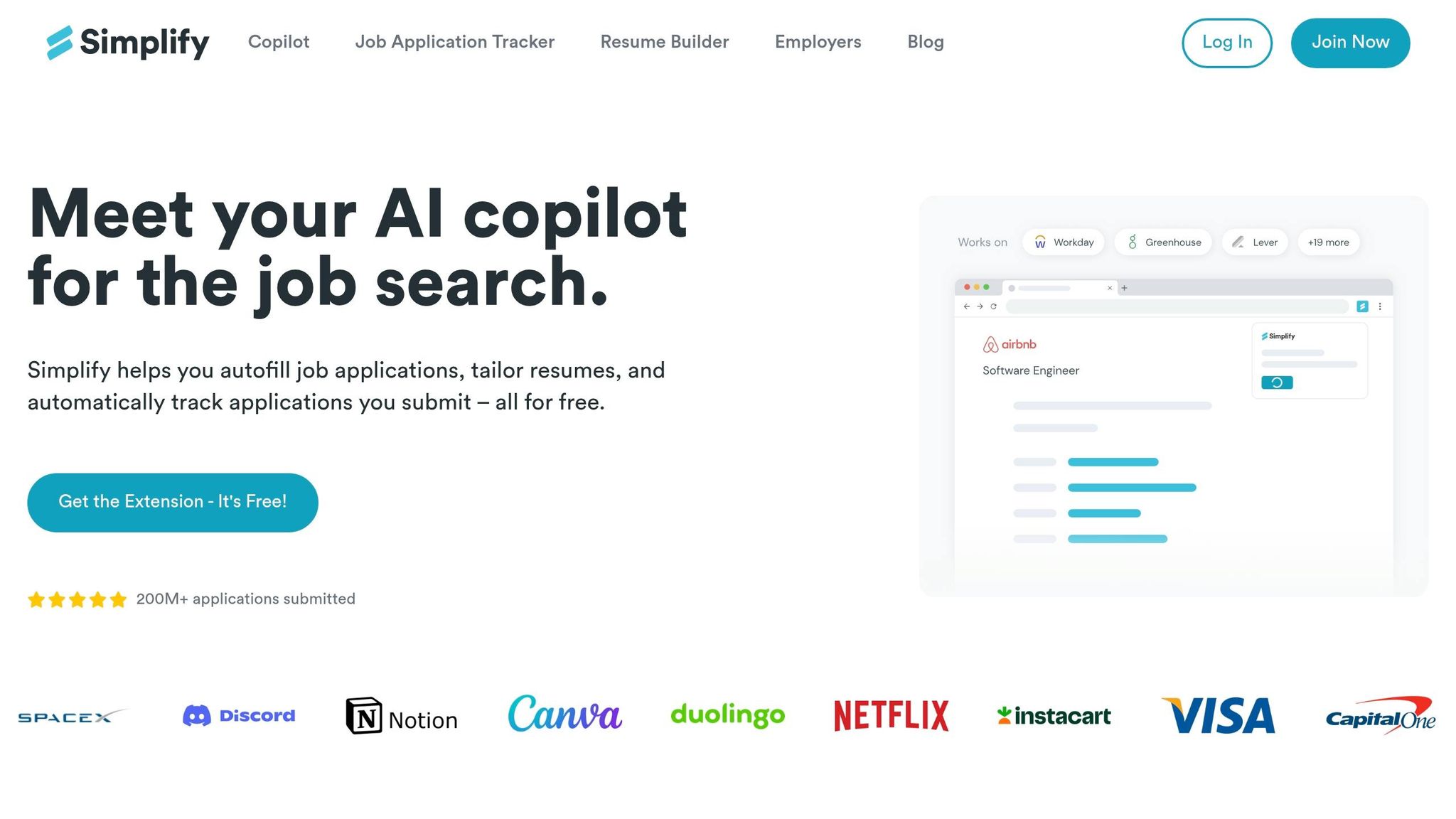
After volume-first bots, Simplify is the lighter option for faster form completion. Simplify is a browser extension that works with major ATS forms and auto-populates fields from saved profile data. Simplify speeds up form entry; Scale.jobs handles submission, tailoring, and proof. Simplify cuts the typing, but it does not run the full application process from start to finish.
Summary of company
Simplify is a browser-based autofill tool for job seekers who want to spend less time on repeat data entry. You save your work history, contact details, and other profile info once, then reuse it across supported portals. The focus is speed inside the form itself, not submission, tailoring, or tracking each step of the process.
If your main goal is to Apply for jobs faster, Simplify helps with that part. If you want a fuller job application service, it stops short.
Key features
- Browser extension that auto-populates application fields from saved profile data
- Works with major ATS forms including Workday, Greenhouse, and Lever
- Centralized profile that carries across supported job portals
- Application tracker to log where you've applied
Job search automation offerings
Simplify automates field entry across supported ATS portals. In plain English, it saves you from typing the same name, address, dates, and work history over and over again.
It also gives you one profile to reuse across applications, plus a basic dashboard to track submissions. That makes it handy for speed, but not for full submission. If you're looking for a complete job search platform or a Virtual Assistant for Job Applications, this is not that.
ATS coverage and submission proof
Simplify covers major ATS portals well at the form-fill level. That matters because a lot of job seekers run into the same systems again and again, especially Workday.
Where it falls short is proof. It does not provide submission receipts, time-stamped logs, or clear confirmation that an application was fully completed and received. So while the tool can help you move faster, you're still the one making sure the application actually went through.
Pros
- Cuts repeat form entry across major job portals
- Free to use for core autofill features
- Easy setup with little to learn
Cons
- No human-assisted submission or review
- No proof-of-work receipts or time-stamped submission logs
- No role-specific resume or cover letter tailoring
- Requires you to stay active in the browser during use
Pricing
Simplify's core autofill features are free. A paid tier, Simplify Pro, is available at around $29/month and adds AI-assisted resume tailoring and extra tracking features.
If you're comparing tools, that paid tier may overlap with what some people expect from an ai resume builder or ai cover letter builder. Still, the main product focus here is form autofill.
Simplify vs. Scale.jobs
Simplify handles the typing. Scale.jobs handles the rest.
That difference sounds small until you're deep in a job hunt. Autofill helps you move through forms faster, but it doesn't check your resume against the role, submit on your behalf, or give you proof that the application went out. Scale.jobs adds human submission, ATS-ready tailoring, WhatsApp support, and time-stamped receipts.
Simplify removes the typing. Scale.jobs removes the guesswork.
For someone who just wants less friction while applying on their own, Simplify can do the job. For someone who wants a virtual assistant for job seekers or help from a job search coach-style support system, Scale.jobs covers more ground.
Who should use Simplify: Job seekers whose main pain point is repeat form entry and who are comfortable handling their own tailoring, submission, and tracking.
Who should choose Scale.jobs: Candidates who want human-reviewed submission, role-specific tailoring on every application, and time-stamped proof that each one went through.
Is Simplify Worth It?
Yes, if your main problem is the grind of filling out the same ATS fields again and again.
No, if you want end-to-end help. Simplify does not manage the full application workflow, and it does not give you proof that each submission was completed. So the answer depends on where you're getting stuck. If typing is the bottleneck, it helps. If follow-through, tailoring, and record-keeping are the bottleneck, you'll need more.
If you need submission proof and human oversight, move up the list to Scale.jobs; if you only need autofill, Simplify is enough. Next, LoopCV takes a different approach by automating the job search itself, not just the form.
4. LoopCV
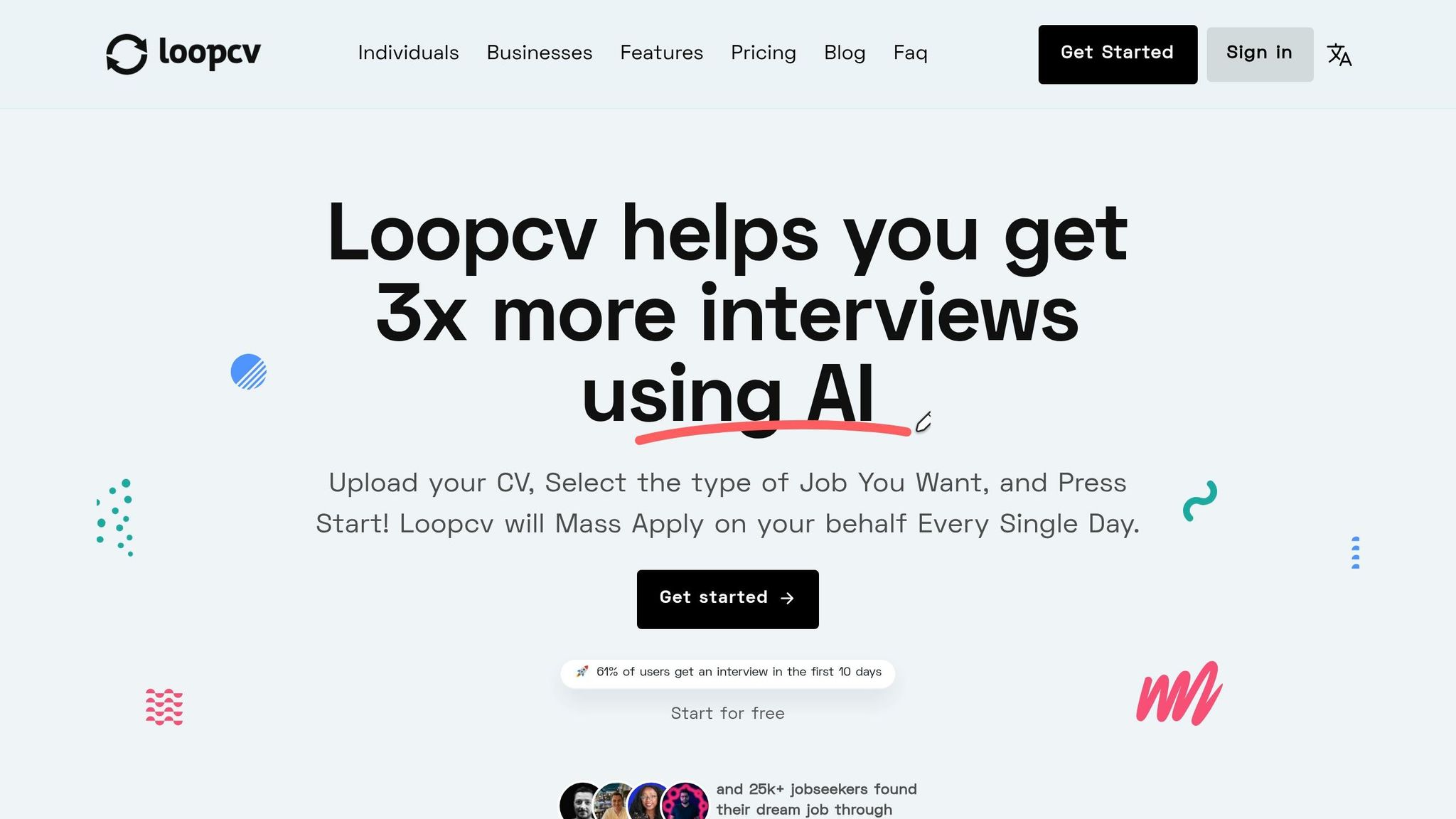
After Simplify’s autofill, LoopCV moves into deeper search-and-apply automation. LoopCV is a tool that finds matching roles and sends applications in the background.
Automation Depth and ATS Coverage
LoopCV lets you set up loops that keep searching and applying on their own. It works across major job boards and several ATS portals, including Workday, Greenhouse, and Lever.
That makes it a workable option for people who want broad automation across multiple sources instead of manually clicking through each role. If your goal is to Apply for jobs at scale with less hands-on effort, this is the part LoopCV does well.
Customization and Tailoring
You can assign different resumes and cover letters to different loops. That helps when you’re going after separate job titles, seniority levels, or industries.
For example, you might run one loop for product roles and another for operations roles. Instead of rebuilding everything from scratch, you just swap in the right documents for each track. That’s useful, but it still means you’re managing your own document logic rather than getting job-by-job review from a job search virtual assistant.
Why Scale.jobs Wins Over LoopCV
LoopCV leans hard on automation volume. Scale.jobs puts more weight on human review, ATS-ready tailoring, receipts, and direct support. That difference matters once you care not just about sending applications, but about what actually got sent.
- Human assistants: Scale.jobs uses trained human assistants to complete each application form. LoopCV runs automated loops without human review before submission.
- ATS-optimized documents: Scale.jobs tailors your resume and cover letter to each job description before submission. LoopCV reuses the document set assigned to a loop. If you want role-by-role help, that’s closer to a job application service than a pure automation tool.
- Proof-of-work receipts: Scale.jobs gives you time-stamped screenshots and a live dashboard that shows what was sent and when. Without receipts, you’re left guessing.
- Dedicated WhatsApp support: Scale.jobs assigns a dedicated assistant you can reach on WhatsApp. LoopCV does not offer this.
- One-time pricing: Scale.jobs charges a flat fee with unused-credit refunds. LoopCV uses a subscription model.
Transparency and Proof of Work
Automation only helps if you can check the output. LoopCV’s available materials do not describe submission receipts or time-stamped proof-of-work logs.
That’s a big deal for job seekers running high-volume campaigns. If an application goes out with the wrong resume, an old cover letter, or incomplete answers, how would you know? With a human-backed Virtual Assistant for Job Applications, there’s usually a clearer paper trail.
Pricing
Pricing is not listed in the available materials.
LoopCV vs Scale.jobs
LoopCV is built for background automation. Scale.jobs is built for submission control.
If you want software to keep running while you focus on other things, LoopCV may fit. If you want a setup where someone checks the form, tailors the documents, and shows proof afterward, Scale.jobs has the edge. That difference matters most for people targeting competitive full time jobs where small mistakes can cost interviews.
Is LoopCV Worth It?
LoopCV can make sense for job seekers who want applications moving in the background and don’t mind handling resume versions, loop setup, and tracking on their own.
It may be less ideal if you want close oversight, direct support, or proof of each submission. In that case, a job search platform with human review may feel less like a black box.
Who should use LoopCV: Job seekers who want automated search-and-apply running in the background and are comfortable managing their own resume versions and tracking.
Who should choose Scale.jobs: Choose Scale.jobs if you want human-reviewed submission, visible receipts, and tighter control over what gets sent.
Next, compare Sonara’s AI-led workflow with LoopCV’s background automation.
5. Sonara
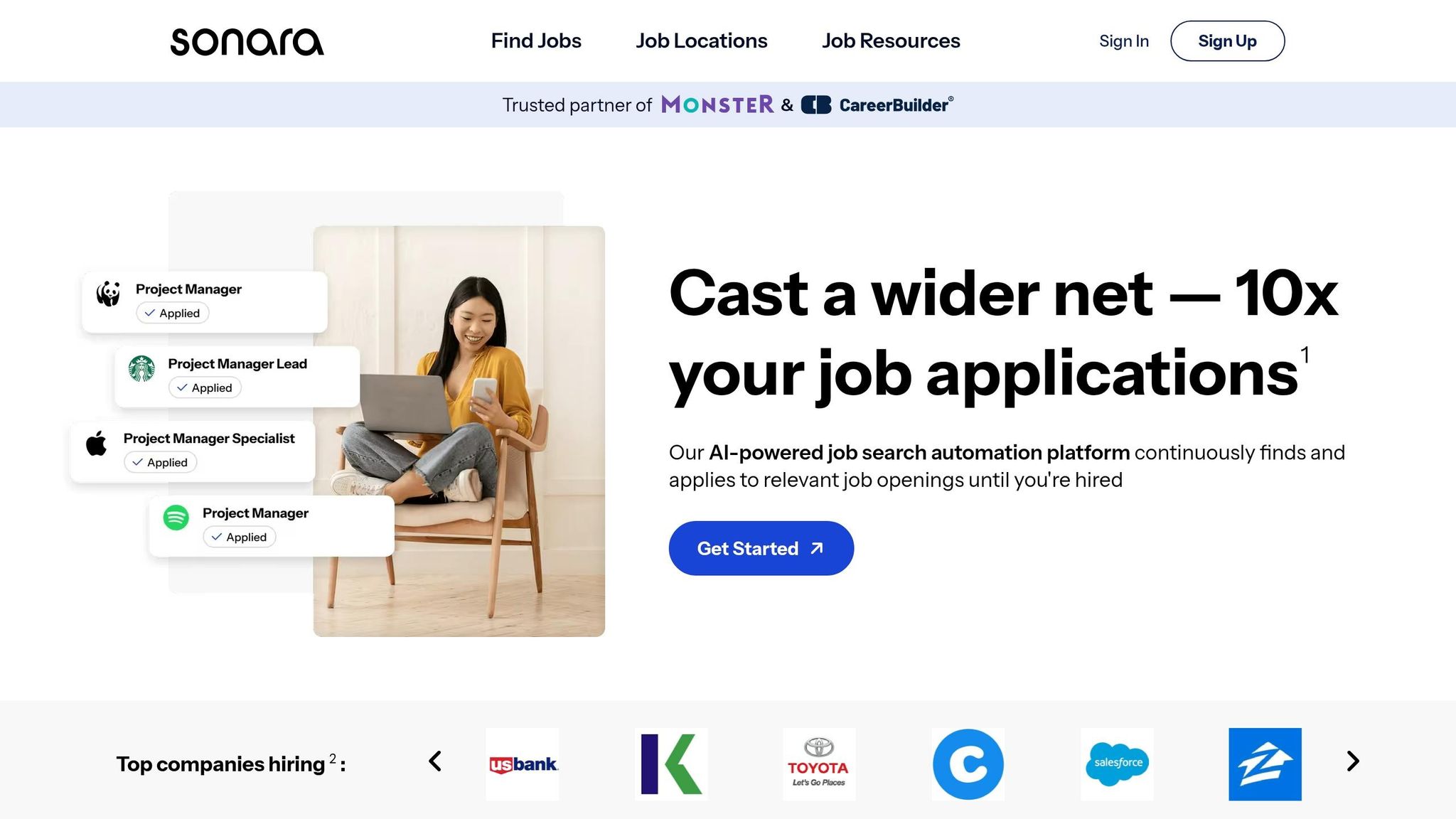
If LoopCV runs searches in the background, Sonara pushes things further by handling discovery and submission too. Sonara is a hands-off auto-apply tool. You set up your profile once, and the system finds matching roles and sends applications throughout the day.
Summary of company
Sonara is an AI-driven job search platform built for candidates who want high-volume automation without spending hours each day managing applications. The platform takes care of job discovery, matching, and submission, so you don't have to touch every application yourself.
Key features
- Automated job discovery and matching based on your profile
- Background submission across supported job boards
- Centralized dashboard to track application activity
- Profile-based application setup with minimal manual input
Job search automation offerings
Sonara covers most of the front end of the process. It keeps scanning for roles, matches openings to your profile, and sends applications 24/7. It also stores activity in one dashboard, which makes it easier to see how much is being sent out and where things stand.
For job seekers who want to Apply for jobs at scale, that kind of automation can save a lot of time. The tradeoff is control. You get volume, but not much role-by-role input.
Automation Depth and Workflow Limits
Sonara automates the full cycle: job discovery, matching, and submission. That sounds great on paper, and for simple applications, it can work well.
But here's the catch: complex forms, custom questions, and employer-specific fields are harder to deal with cleanly without human review. That's a big issue if you're targeting jobs with longer ATS workflows or roles that ask for extra context.
Customization and Tailoring
Sonara matches your profile to roles, but tailoring mostly happens at the account level instead of the job level. In plain English, it works more like a broad-fit engine than a role-specific job application service.
If you're applying to a lot of similar roles, that may be enough. If you're aiming for selective full time jobs where a tuned resume and cover letter matter, this setup can feel a bit blunt.
Transparency and Proof of Work
Sonara gives you a centralized dashboard to track application activity. That's useful for seeing volume.
What it does not provide is receipt-level proof for each submission. And that matters here, because this ranking puts weight on submission proof, ATS handling, and user control, not just how many applications go out.
That is where the comparison shifts from raw automation to submission control.
Why Scale.jobs Wins Over Sonara
Scale.jobs is built around human-led execution and verification, which changes the experience in a big way.
- Human execution handles complex forms and custom questions
- ATS-ready resumes and cover letters are tailored per role before submission
- Proof-of-work receipts show what was submitted and when
- One-time pricing avoids recurring subscription costs
This is the main split: Sonara is closer to a background automation engine, while Scale.jobs acts more like a Virtual Assistant for Job Applications. If you care about seeing the work, checking the details, and knowing each submission was handled with care, that difference is hard to ignore.
Pros
- Fully hands-off setup after initial profile creation
- Runs continuously without daily input
- Broad job discovery across supported boards
Cons
- No receipt-level proof of submission per application
- Tailoring is account-level, not role-specific
- Complex forms and custom questions are harder to handle without human review
- Subscription-based pricing
Pricing
Pricing is not clearly disclosed in the available materials.
### Sonara vs Scale.jobs
Sonara is a fit for people who want automation to run in the background with very little day-to-day effort. It's closer to a set-it-and-forget-it system.
Scale.jobs is a better fit for candidates who want a virtual assistant for job seekers experience with tracked submissions, role-specific tailoring, and human checks before applications go out. If you're comparing volume versus control, that's the core tradeoff.
Is Sonara Worth It?
Yes, for some job seekers.
If your main goal is to send a high number of applications with almost no daily involvement, Sonara has a clear use case. It can also help people who feel stuck and want momentum fast.
But if you want proof of submission, deeper ATS handling, and role-by-role tailoring, it may not give you enough visibility. In that case, a human-backed setup or a job search coach model may make more sense.
If you want higher automation, Sonara fits. If you want verified submissions and human oversight, Scale.jobs fits better. Next, Jobscan takes a different approach by focusing on resume optimization before the application goes out.
6. Jobscan
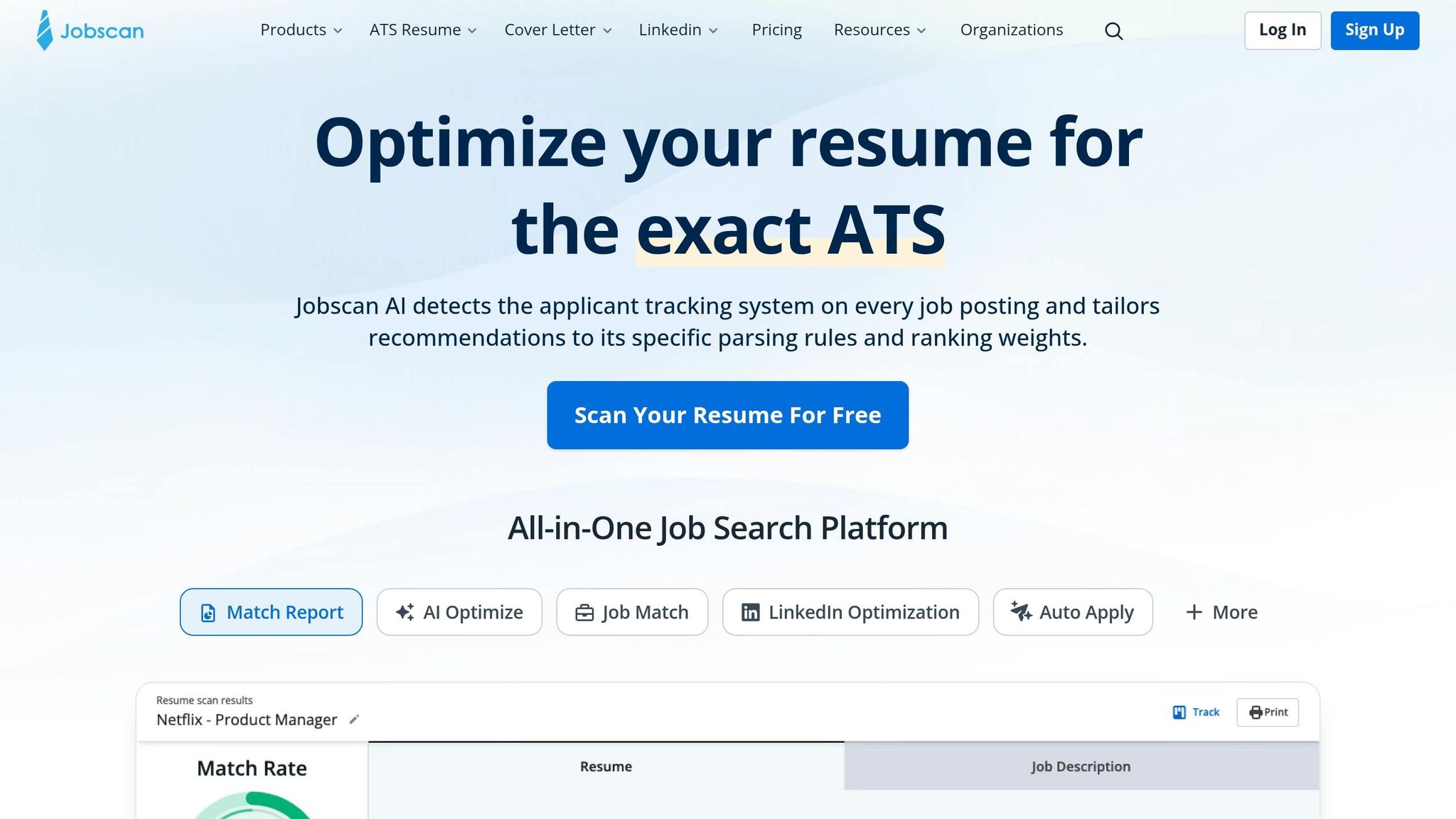
Jobscan helps you tune your resume before you apply. It checks how well your resume lines up with a job description and whether it’s likely to get through an ATS scan. That makes it useful for prep work, but it’s not a replacement for a tool that handles the actual application for you.
If your main goal is to improve resume fit before you Apply for jobs, Jobscan can help. If you want the full submission process handled, that’s a different lane.
Automation Depth
Jobscan does not auto-apply to jobs. It compares your resume to a job post and gives you a match score, keyword gaps, and formatting suggestions. After that, you still need to submit each application yourself.
So the workflow is simple: Jobscan gives feedback, and you do the rest. That can work well if you like staying hands-on with every application.
ATS Scan Coverage
Jobscan’s main strength is ATS-friendly resume software analysis across major ATS platforms. Its Resume Health Score shows how an ATS may read your resume. That’s useful if you want to catch problems before applying.
But there’s a clear limit here. Jobscan helps you get your materials in better shape; it does not send the application. If you want that next step done for you, a job application service fills that gap.
Customization and Tailoring
Jobscan points out missing keywords and phrases so you can match resume keywords to job descriptions more effectively. That helps before submission, especially when you're targeting full time jobs and need to match role-specific language.
It does not write or rewrite your resume for you, and it does not generate cover letters at the role level. If you want hands-on help with that part, you may be better off with an ai resume builder or an ai cover letter builder, depending on your workflow.
Transparency and Proof of Work
Its transparency is limited to match data, not submission proof.
That means you can see how closely your resume matches a posting, but you won’t get records showing an application was completed. For people sending a high volume of applications, that missing paper trail can become a headache fast.
Who should use Jobscan
- Job seekers who want resume-to-job-description feedback before applying
- Applicants who prefer to submit applications themselves
- Candidates focused on ATS keyword alignment
Who should choose Scale.jobs
- Job seekers who want the submission step handled end-to-end
- Applicants managing multiple openings at once who need application tracking
- Candidates who want proof that each submission was completed
Why Scale.jobs wins
- Human-assisted submission: Trained human assistants complete each application form. Jobscan never submits anything.
- Proof-of-work receipts: Scale.jobs provides time-stamped screenshots and a live dashboard showing what was sent and when. Jobscan provides match scores, not submission records.
- ATS-ready tailoring before submission: Scale.jobs tailors your resume and cover letter to each job description before the application goes out, not just flags gaps for you to fix.
- Dedicated WhatsApp support: Scale.jobs assigns a dedicated assistant you can reach directly. Jobscan does not offer this.
- One-time pricing: Scale.jobs charges a flat fee with unused-credit refunds. Jobscan runs on a monthly subscription.
Switch to Scale.jobs if…
- You need the full application submitted for you, not just resume feedback
- You want time-stamped receipts confirming each application was sent
- You want human review before applications go out, not just keyword suggestions
- You prefer one-time pricing over a recurring subscription
- You are managing high application volume and need a clear paper trail
Jobscan vs. Scale.jobs
Jobscan is worth it if you want data-backed resume feedback before applying. It’s a solid pre-apply tool, especially for people who want to tune their resume on their own and then submit manually.
Scale.jobs is the better fit if you want end-to-end execution. That includes tailoring, submission, tracking, and receipts. Put simply: Jobscan helps you prepare, while Scale.jobs acts more like a job search virtual assistant or a virtual assistant for job seekers that helps move the process forward.
Next, Teal takes a more structured approach to job tracking and resume management, sitting closer to Jobscan on the pre-apply side than to the submission tools above it.
7. Teal
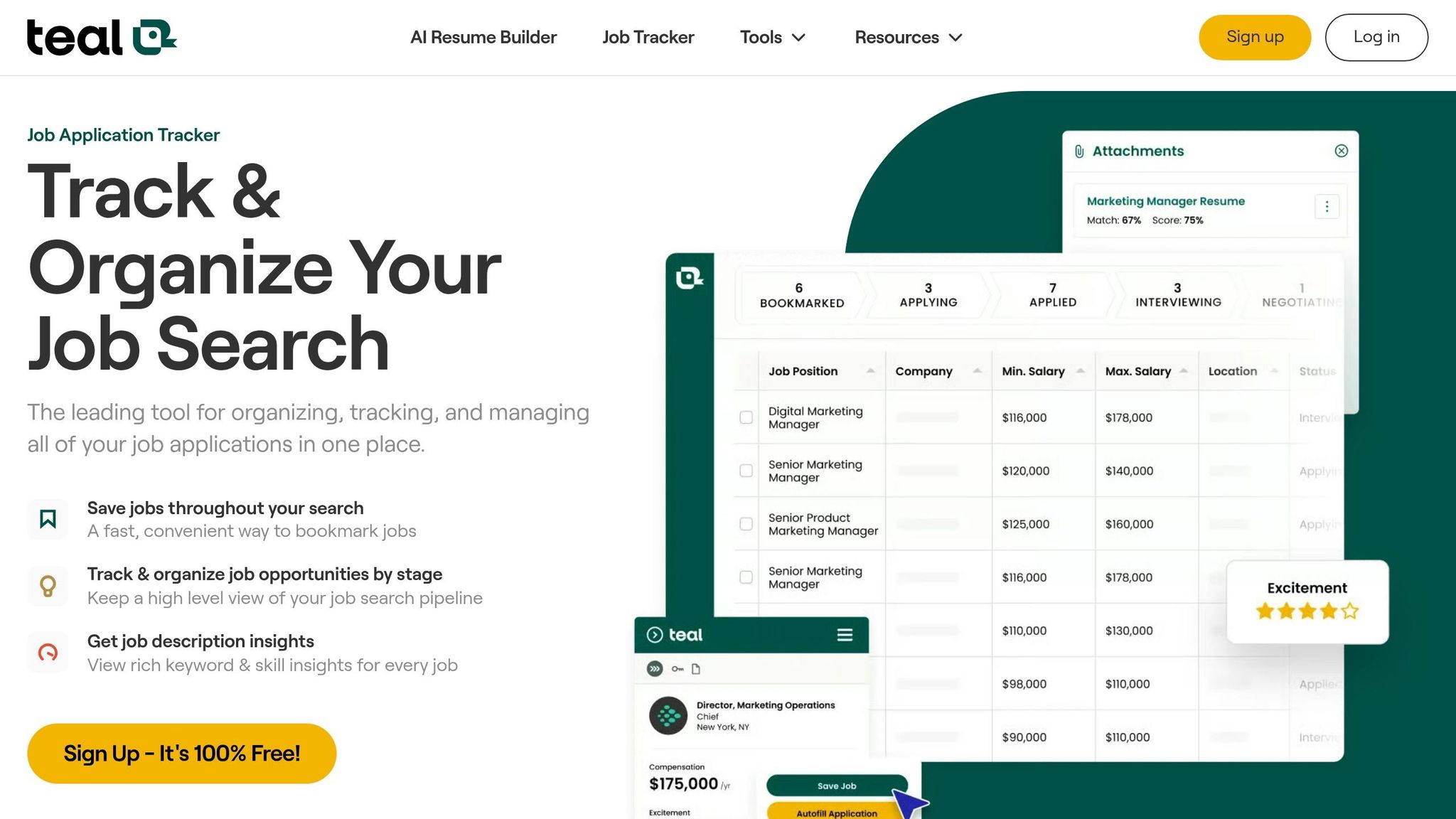
Teal is an AI-powered resume builder and job tracker. It’s strong at tailoring and keeping your search organized, but it does not auto-apply. Teal sits on the prep side of the process. Scale.jobs handles the submission side.
Summary of company
Teal is a resume optimization and job tracking platform built for people who want to manage their own applications with better-prepared materials. It focuses on resume tailoring, ATS fit, and application organization. It does not submit applications for you.
If your main goal is polishing resumes before you Apply for jobs, Teal fits that part of the workflow well. If you want the sending step handled too, that’s where a job application service becomes more useful.
Key features
- AI-powered resume builder with keyword and skill gap analysis
- ATS Resume Checker for compatibility with major hiring platforms
- Job tracker to organize applications and resume versions
- Support for multiple tailored resume versions across different role types
Job search automation offerings
Teal helps with the work that comes before submission. You can compare your resume to a job description, match keywords, and get AI suggestions for headlines, summaries, and bullet points. It also gives formatting guidance so your resume parses cleanly in ATS systems.
Its job tracker adds structure by recording which resume version you used for each company. That’s helpful when you’re juggling many applications and don’t want your search to turn into a mess.
Automation Depth
Teal does not auto-apply. It helps tailor resumes before manual submission. Teal stops before submission.
That distinction matters. Editing a resume is one kind of help. Sending dozens or hundreds of applications is another. If you’re looking for a job search platform that handles the actual application workload, Teal won’t cover that last mile.
Once the resume is aligned, the next question is how many versions you want to manage.
ATS and Portal Coverage
Teal supports clean formatting for Greenhouse, Lever, Workday, and iCIMS.
That makes it a solid option for candidates aiming at companies that rely on those systems, especially for full time jobs where ATS screening can shape who gets seen first.
Customization and Tailoring
Teal helps manage multiple tailored resume versions for different role types.
This is one of its better use cases. Say you’re applying to product, operations, and customer success roles at the same time. Instead of forcing one resume to do everything, Teal lets you keep separate versions lined up with each target.
Transparency and Proof of Work
Tracking matters here because Teal organizes applications, but it does not submit them. Its job tracker records which resume version you used for each company. That gives you a clear audit trail of the applications you manage yourself.
Still, that’s different from proof that an application was actually sent. If you want screenshots, timestamps, and submission records, that’s closer to what a Virtual Assistant for Job Applications is meant to handle.
Pros
- Strong AI-assisted resume tailoring before manual submission
- Useful job tracker for organizing applications and resume versions
- Freemium model lets you start without paying
- ATS formatting guidance for major hiring platforms
Cons
- Does not auto-apply or submit applications
- No proof-of-work receipts for submitted applications
- No human-assisted review or dedicated support
- Submission remains entirely manual
Pricing
Teal runs on a freemium model. Users can start building and tailoring resumes for free.
That lowers the barrier to entry. If you’re early in your search and mostly need an ai resume builder, free access can be a good starting point before you pay for extra help.
Who should use Teal
- Job seekers who want AI-assisted resume tailoring before applying manually
- Candidates targeting roles at companies that use Greenhouse, Lever, Workday, or iCIMS
- Applicants who want to maintain multiple resume versions across different role types
Teal makes the most sense for people who still want full control over where and how they apply. It’s a prep tool first, not a done-for-you system.
Who should choose Scale.jobs
- Job seekers who want the application submission step automated end-to-end
- Candidates who want human-reviewed, ATS-ready tailoring plus submission in one workflow
- Applicants managing high volume who need proof that each application was sent
If you’re sending lots of applications every week, a job search virtual assistant can save time in a way Teal simply doesn’t try to.
Why Scale.jobs wins
- Actual submission: Teal helps you prepare the application; Scale.jobs submits it using trained human assistants.
- Proof-of-work receipts: Scale.jobs provides time-stamped screenshots and a live dashboard showing what was sent and when. Teal tracks which resume version you used, not whether the application went through.
- ATS-optimized documents plus execution: Scale.jobs tailors your resume and cover letter to each job description and then submits the application. Teal stops at the tailoring step.
- Dedicated WhatsApp support: Scale.jobs assigns a dedicated assistant you can reach directly. Teal does not offer this.
- One-time pricing: Scale.jobs charges a flat fee with unused-credit refunds. Teal's paid tier runs on a monthly subscription.
This is the core split: Teal helps you get ready, while Scale.jobs helps you get applications out the door.
Switch to Scale.jobs if…
- You want tailored materials plus submission handled in one workflow
- You are already comfortable with resume editing and now want less manual application work
- You are applying at volume and need proof that each submission was completed
- You prefer a tool centered on applying, not just tracking
- You want one-time pricing instead of a recurring subscription
Teal vs Scale.jobs
Teal is a prep-first tool. Scale.jobs is submission-first.
If you like editing your own resume, tracking versions, and manually choosing every application, Teal can work well. If your bottleneck is time, repetition, and follow-through, Scale.jobs covers the part Teal leaves on your plate.
A simple way to think about it:
Teal helps you prepare better applications. Scale.jobs helps you prepare and send them.
Is Teal Worth It?
Yes, if you need resume tailoring and application tracking more than submission help.
Teal is worth it for job seekers who want better materials, cleaner ATS formatting, and a place to organize their search. It is less useful for people who are tired of manual applications and want the process handled from start to finish.
Teal is useful for resume prep, not submission automation. If you want to compare a prep-first tool with a submission-first workflow, the next section covers Jobright.ai.
8. Jobright.ai
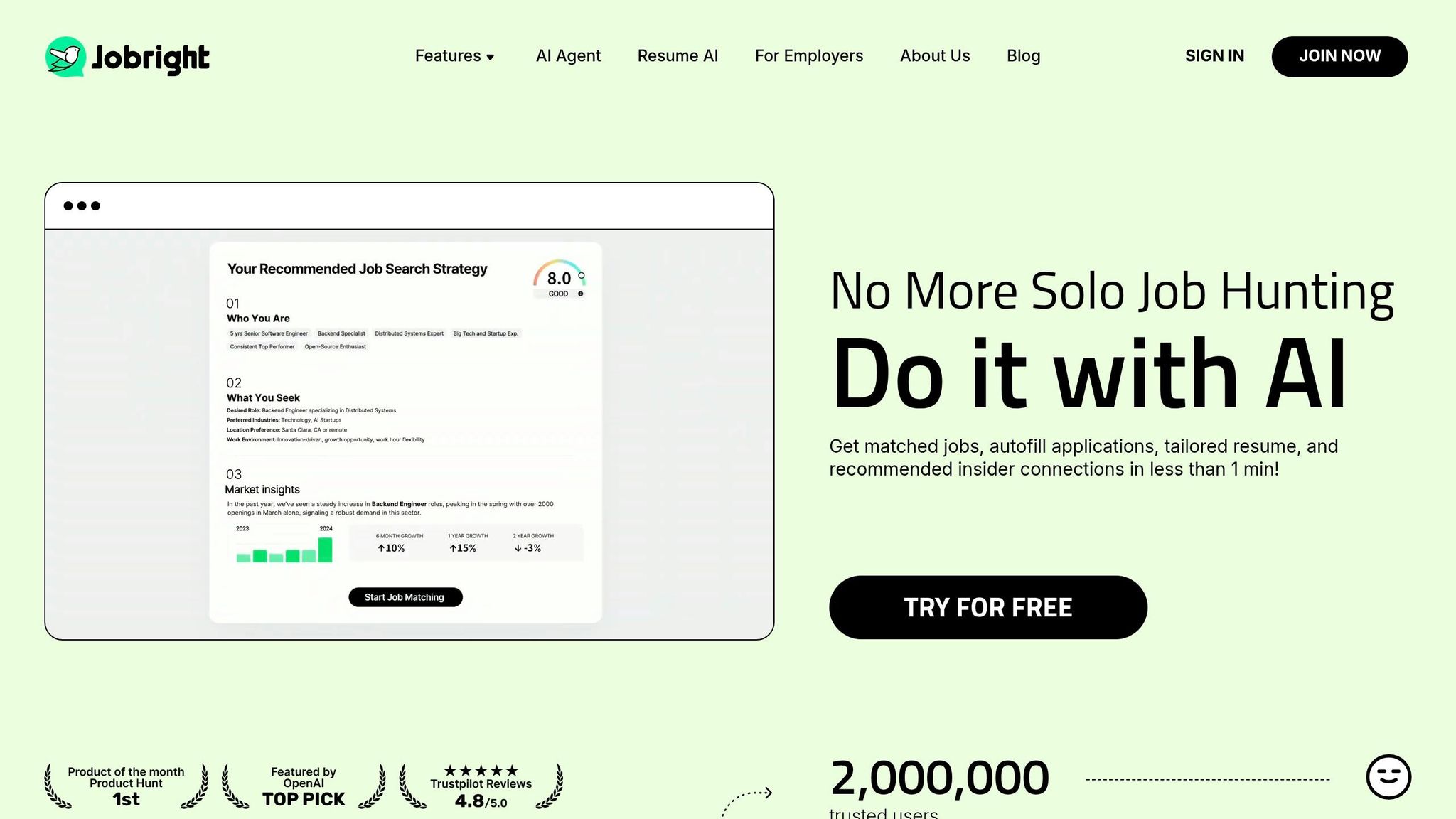
Jobright.ai is an AI job search agent with auto-apply that matches roles to your profile and sends application forms for you. That sets up a clear comparison with Scale.jobs: human review vs. full automation.
Jobright.ai does best when you want deep automation. It does less well when you want proof of what was sent.
Summary of company
Jobright.ai is built for people who want job discovery and applications handled in one place. It scans listings around the clock, shows roles that fit your profile, and applies on your behalf. It appears to work best with LinkedIn and Indeed.
If your goal is to Apply for jobs with as little manual work as possible, that setup will sound appealing.
Key features
- 24/7 job discovery and role matching based on your profile
- Auto-Apply that sends application forms automatically
- Keyword and skills analysis added to the top section of the resume
- Best suited to LinkedIn and Indeed
Job search automation offerings
Jobright.ai handles the full loop from discovery to submission. Its system scans listings all day, matches jobs to your profile, and sends applications on supported sites. It also pulls keywords, skills, and role scope into the top section of the resume before sending.
That can save time, especially if you're applying across major platforms instead of checking the best job boards one by one.
The main issue is simple: you may not know exactly what was submitted. For some job seekers, that's fine. For others, that's a deal-breaker.
Pros
- End-to-end AI workflow for job discovery and auto-apply
- 24/7 matching and submission without daily input
- Best suited to LinkedIn and Indeed
Cons
- No human assistant, no receipts, and no clear submission trail
- Best suited to major boards; support beyond LinkedIn and Indeed is unclear
- Pricing is not public
Pricing
Pricing is not publicly listed.
Why Scale.jobs wins over Jobright.ai
- Human assistants: Scale.jobs uses trained people to complete each application form. Jobright.ai is fully automated, with no human check before submission.
- ATS-ready documents: Scale.jobs tailors your resume and cover letter for each role before sending. Jobright.ai appears to adjust keywords at the profile level instead.
- Proof-of-work receipts: Scale.jobs gives time-stamped screenshots and a live dashboard that shows what was sent and when. Jobright.ai does not mention receipts, timestamps, or screenshots.
- Direct support: Scale.jobs assigns a dedicated assistant you can message directly. Jobright.ai does not offer that setup.
- Flat-fee model: Scale.jobs uses one-time pricing with refunds for unused credits. Jobright.ai does not list pricing in public.
This is where a job application service often stands apart from a pure auto-apply tool. One is built around speed. The other is built around review and visibility.
Who should use Jobright.ai
Jobright.ai fits job seekers who want full automation for discovery and applications on LinkedIn and Indeed, with almost no daily effort. It's a better match if you care more about volume than visibility.
It may also appeal to people looking for full time jobs across major boards who don't want to manage each step by hand.
Who should choose Scale.jobs
Scale.jobs makes more sense for candidates who want human-checked submissions, role-by-role resume tailoring, and time-stamped proof that each application went through.
If you want a Virtual Assistant for Job Applications rather than a hands-off bot, Scale.jobs is the better fit.
Jobright.ai vs Scale.jobs
Jobright.ai focuses on automation first. Scale.jobs focuses on review, accuracy, and proof. That difference matters most when you're sending a high number of applications and want to know what actually happened after you clicked go.
Think of it this way: Jobright.ai is closer to an automatic conveyor belt. Scale.jobs is closer to a managed desk where someone checks the package before it ships.
Is Jobright.ai Worth It?
Yes, for the right person.
If you want fast, low-touch automation on LinkedIn and Indeed, Jobright.ai can be useful. If you want a visible submission trail, direct support, and human review before anything goes out, Scale.jobs is the safer pick.
For job seekers who want help closer to a job search virtual assistant, that distinction will matter a lot.
Side-by-side comparison: which auto-apply app comes out ahead?
Using the criteria above, this table shows a simple split: some tools submit applications for you, while others mostly help you move faster during the process.
| Tool | Best Fit | Human Involvement | Resume Customization Depth | ATS Handling | Application Execution Method | Transparency and Proof of Work | Pricing Model |
|---|---|---|---|---|---|---|---|
| Scale.jobs | High-volume applicants who want human review and proof of work | Trained human assistants handle each submission | AI-tailored resume and cover letter per role | Works across major ATS portals and employer sites | Submits for you | Time-stamped screenshots, live dashboard, WhatsApp updates | One-time from $199; Software + AI free |
| LazyApply | High-volume applicants who want fast, low-cost automation | None | AI-generated cover letters and question responses; resume tailoring is manual | Major job boards; ATS portal depth unclear | Browser autofill via Chrome extension | Application count dashboard; no submission receipts | Lifetime from ~$99 |
| Simplify | Job seekers who want faster form entry | None | No tailoring; profile reuse across portals | Greenhouse, Lever, Workday, iCIMS | Browser autofill; manual apply required | No submission receipts or timestamps | Free; Pro ~$29/month |
| LoopCV | Candidates who want background search-and-apply automation | None | Assign resume sets per loop; no per-job tailoring | Workday, Greenhouse, Lever | Automated loops run in background | No proof-of-work receipts listed | Subscription; pricing not public |
| Sonara | Hands-off applicants who want 24/7 automated discovery and submission | None | Account-level matching; no per-role tailoring | Supported job boards; ATS depth unclear | AI matching and background submission | Activity dashboard; no per-application receipts | Subscription; pricing not public |
| Jobscan | Applicants who want ATS keyword feedback before applying manually | None | Keyword gap analysis and match scoring | ATS compatibility analysis across major platforms | Manual apply required | Match score data only; no submission proof | Monthly subscription |
| Teal | Applicants who want AI-assisted resume prep and application tracking | None | AI resume builder, keyword matching, multiple resume versions | Greenhouse, Lever, Workday, iCIMS formatting support | Manual apply required | Tracks resume versions used; no submission receipts | Free; paid tier available |
| Jobright.ai | Applicants who want end-to-end AI automation on major boards | None | Keyword and skills adjustment at profile level | LinkedIn and Indeed primary; broader support unclear | AI auto-apply on supported platforms | No receipts, timestamps, or submission logs listed | Not publicly listed |
The biggest difference comes down to who is doing the applying and whether you can verify it later.
Scale.jobs stands out because it combines human submission with proof of work. That matters if you want more than an activity counter. You get time-stamped screenshots, a live dashboard, and WhatsApp updates, which is a very different experience from a tool that just says it applied somewhere in the background. If you want a done-for-you job application service with oversight, this is the clearest fit.
Teal plays a different role. It helps with prep, version control, and tracking, but you still handle the final apply step yourself. For people who want an ai resume builder plus a cleaner way to manage applications, that can work well.
LazyApply and Jobright.ai lean harder into automation. That can help if your main goal is volume. But there’s a tradeoff: less visibility, less control, and less proof that each submission happened the way you expected.
Here’s the practical split:
- Choose Scale.jobs if you want someone to Apply for jobs for you and show the work.
- Choose Teal if you want prep tools, tracking, and help getting your materials ready.
- Choose automation-heavy tools if your focus is sending more applications with less hands-on review, or explore free AI job search tools for a lower-cost start.
That split is also why Scale.jobs ranks first in the list below. It’s not just about speed. It’s about whether the tool acts like a helper, a tracker, or a real job search platform that handles submissions end to end.
Why Scale.jobs is ranked #1 for auto-applying to jobs
Scale.jobs ranks first because it performs best on submission proof, ATS coverage, and human oversight. Those three things separate a real job application service from a basic autofill tool. Plenty of tools focus on speed alone. Scale.jobs focuses on speed, accuracy, and proof that the application was actually sent.
That matters most in ATS-heavy hiring funnels. In those systems, submission quality and proof matter more than raw volume. Scale.jobs covers 50,000+ career pages, supports 15+ ATS platforms like Workday, Greenhouse, and Lever, and reaches 75%+ of Fortune 500 employers. ATS filters often review applications before a recruiter ever sees them, so broad and clean ATS support isn't a nice extra. It's the starting point.
What sets Scale.jobs apart from LazyApply, Sonara, and LoopCV is verifiable submission proof. Every application includes a time-stamped screenshot and a live dashboard entry. None of the automation-only tools on this list offer that. If you've ever wondered whether an auto-apply tool actually sent your application, that's the gap Scale.jobs closes.
Pricing also lines up better with how people Apply for jobs. Scale.jobs starts at $199 one-time for 250 applications, and unused credits are refunded. That's a better fit for job seekers who search in waves, not on a fixed monthly plan. Instead of paying every month whether you use the service or not, you pay for a batch and use it when you need it.
There's also a human layer behind the process. Trained assistants handle each submission, and every one is checked. For many people, that's the difference between a simple job search platform and a service you can lean on when the stakes feel high.
If you're comparing tools based on workflow, price, or level of support, the next section breaks that down by use case. It can also help if you're deciding between AI job tools vs human assistants for your application setup.
How to choose the right job search app for your needs
The right tool depends on the bottleneck: volume, control, resume fit, or submission proof. Use the matrix below to match the problem to the tool.
If you need raw volume fast, browser bots like LazyApply fit that workflow. They’re low-cost and move fast. The tradeoff is quality. High volume only helps when your base resume already fits the role.
If you want control but hate repetitive form entry, Simplify is usually the better fit than a bot. It works well when you want speed but still want to approve every submission yourself. For many people trying to apply for jobs, that middle ground feels a lot safer than fully automated sending.
If optimization is the bottleneck, not submission, use Teal or Jobscan. Both focus on keyword matching using a resume keyword optimizer and ATS scoring algorithms before you apply. If your main issue is resume fit, start there. Tools like an ai resume builder can also help tighten your resume before you send it out.
Teal and Jobscan improve what you send; Scale.jobs handles what gets submitted. Human-assisted submission helps when portals, custom questions, or ATS fields break automation. Choose Scale.jobs when submission proof, human review, and role-specific tailoring matter more than raw volume. That’s why it makes sense as the switch when proof of work matters. If you also need resume prep, the resume writing and job application service keeps both steps in one workflow.
You can think of the choice in four lanes: volume, control, optimization, and verified submission. If you want help beyond software alone, a job search virtual assistant can take a lot of the grind off your plate, especially when you’re juggling many listings across more than one job search platform.
| Your situation | Use when… |
|---|---|
| Need high volume, low budget | Sending at scale with an already-optimized resume (LazyApply) |
| Want manual control, less repetition | You want speed but need to approve every submission yourself (Simplify) |
| Resume needs ATS keyword tuning | Optimization is the bottleneck, not submission (Teal, Jobscan) |
| Need ATS coverage, proof of submission, human oversight | Submission proof and human review matter more than raw volume (Scale.jobs) |
Frequently asked questions about job search apps that auto-apply for you
These questions get to the parts that matter most when you apply for jobs at scale: how far the tool goes, whether it plays nicely with ATS systems, what proof you get, and what you’ll pay.
Do auto-apply apps actually submit applications, or do they just fill in forms?
It depends on the tool. Some only autofill forms. Others go all the way and submit the application too.
The part that matters most is customization before submission. If a tool sends the same resume and cover letter everywhere, that can hurt your odds. Scale.jobs uses trained human assistants to complete applications by hand and shares time-stamped screenshots as proof of each submission. That gives job seekers a clear record of what was sent and when.
If you’re comparing a simple autofill browser tool with a full job application service, this is usually the line that separates them.
Are auto-apply apps safe to use with ATS-screened applications?
They can be. But the resume has to be ATS-friendly.
Platforms like Greenhouse, Workday, and Lever can run into issues with tables, text boxes, multi-column layouts, and content tucked into headers or footers. When formatting goes sideways, ATS parsing can fail. And once that happens, your application may not show your experience the way you intended.
Scale.jobs pairs ATS-ready resumes and cover letters with each application, which helps cut down formatting-related rejection risk. If you’re using an ai resume builder or an ai cover letter builder, this is the standard to aim for: clean formatting, plain structure, and no fancy layout tricks.
Greenhouse, Workday, and Lever can struggle with tables, text boxes, multi-column layouts, and content buried in headers and footers.
What's the difference between autofill and auto-apply?
Autofill speeds up data entry. Auto-apply handles the actual submission.
That sounds small, but it changes the whole workflow. If your main headache is typing the same name, email, and work history over and over, an autofill tool like Simplify may be enough. If you want the full application sent without stopping to review every form, you need something that goes past autofill.
A good way to think about it:
- Autofill: helps you move faster
- Auto-apply: sends the application for you
For people using a job search platform or working with a job search virtual assistant, this difference matters a lot. One helps with speed. The other helps with execution.
How do human-assisted services compare to bot-based auto-apply tools?
Bots are fast. They can send a lot of applications in a short time. The tradeoff is that they often run on generic workflows.
Human-assisted services move slower, but they tend to be more selective. They can match the application more closely to the job description, and that matters because most recruiters rely on keyword filters. A close match can mean the difference between getting seen and getting screened out.
Scale.jobs combines human assistants with ATS-ready documents. That gives job seekers more control and a clearer proof trail than bot-only sending. For someone who wants a virtual assistant for job seekers, that human layer can make the process feel less like spray-and-pray and more like a managed system.
The final question is usually the practical one: coverage, proof, or price.
Which auto-apply app is best for U.S. job seekers who want broad ATS coverage, proof of submission, and a one-time payment instead of a subscription?
Scale.jobs is the strongest fit for U.S. job seekers who want broad ATS coverage, proof of submission, and one-time pricing. It supports 15+ ATS platforms and starts at $199 for 250 applications.
That setup will stand out to people applying across many roles, including full time jobs, who don’t want another monthly bill hanging over the process. It’s also a practical option if you care about seeing proof of work instead of hoping a bot did what it claimed.
Conclusion
The choice comes down to execution, proof, and ATS fit.
Across the list above, the split is pretty clear: use Simplify for autofill, Jobscan or Teal for pre-apply prep, and Scale.jobs for human-assisted submission with receipts.
That’s why the ranking leans toward tools that show proof of submission, not just tools that help you move faster. ATS filters often make document fit and submission quality the deciding factors.
If you need human-assisted execution - tailored documents, a dedicated assistant, and structured submission tracking - review Scale.jobs' resume and job search service. It’s a practical option for people who want more than a basic job application service and need support that covers both documents and follow-through.
For most active job seekers, Scale.jobs is the best fit when proof of submission and human oversight matter more than raw volume.